
Cable
Cables, leads and cords
10 products available

How to choose the right cable
The wrong cable can cause a blank screen, a slow transfer or a device that will not charge. Matching the connector and the standard is what counts.
Video cables: HDMI, DisplayPort, VGA, USB-C
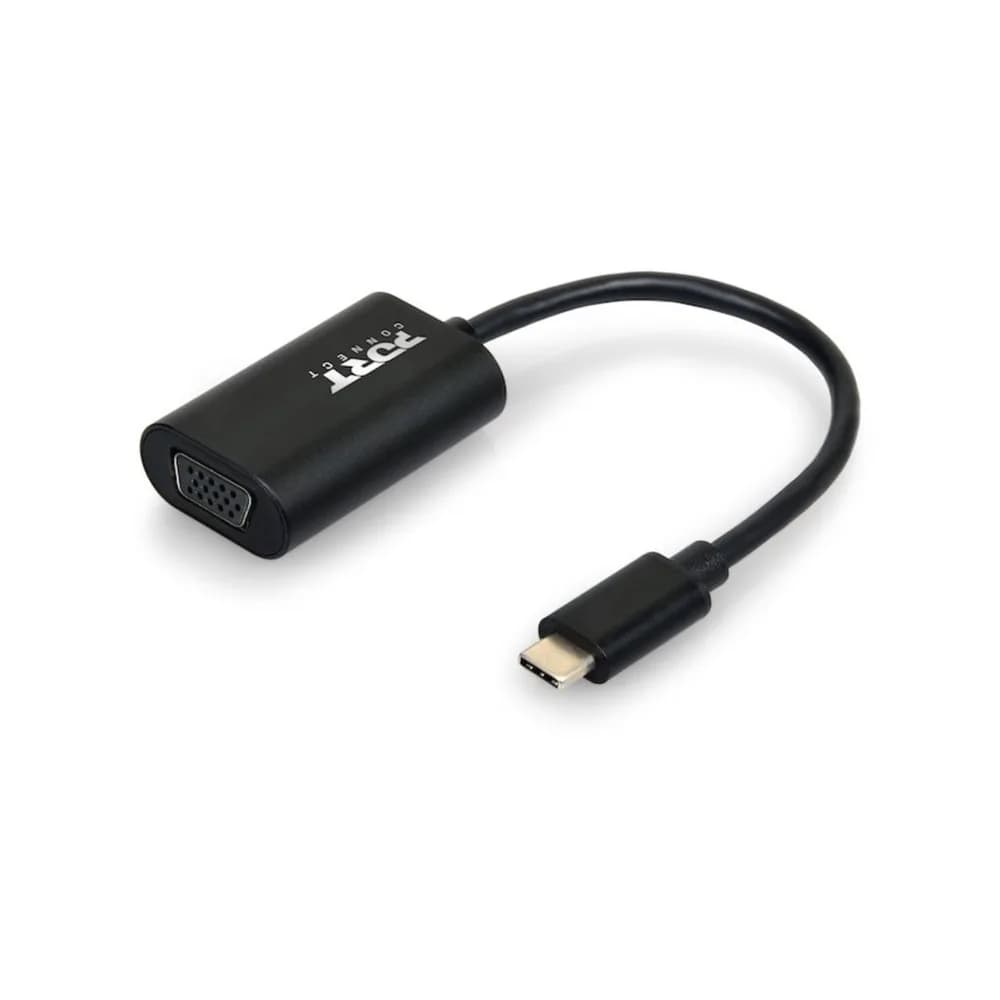
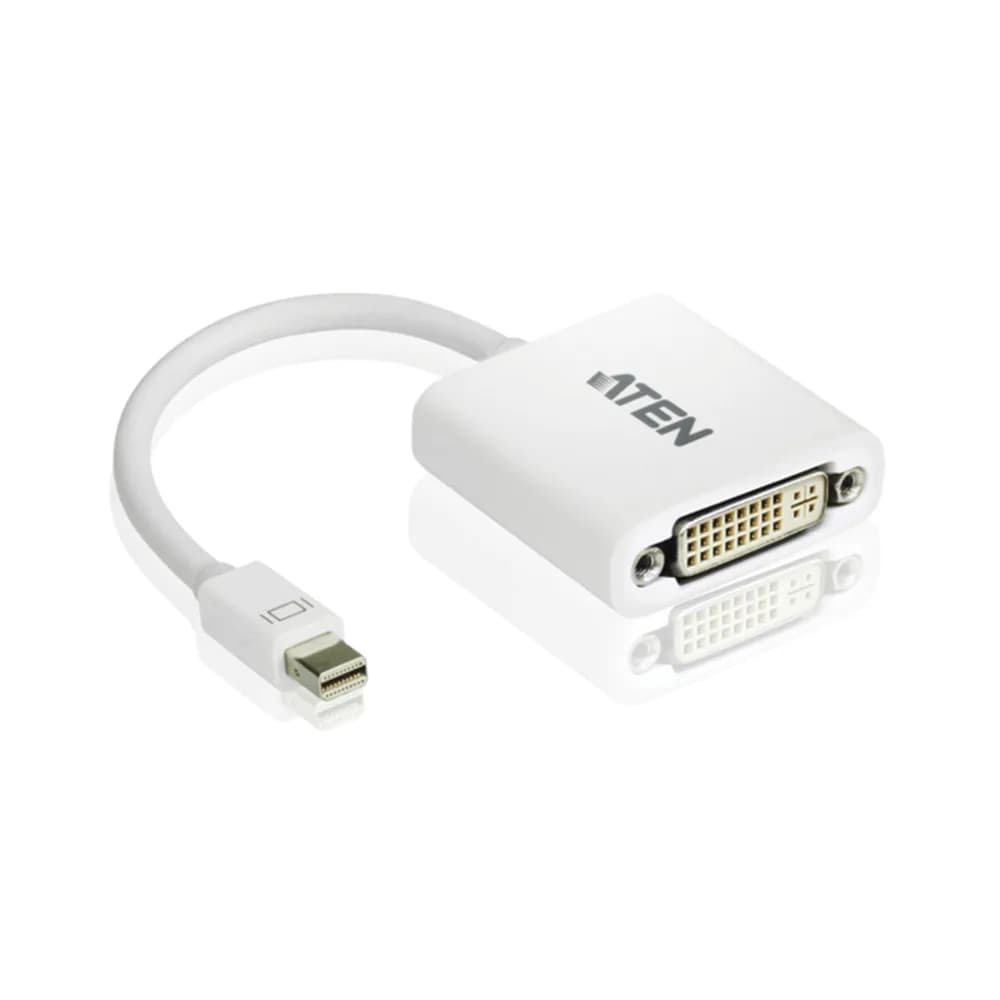
HDMI is the most common for monitors and TVs. DisplayPort is common on desktops and gaming monitors and supports high refresh rates. VGA is an older analogue connection. USB-C video works only if the laptop port supports video output. Check both ends of the connection before ordering.
Network cables
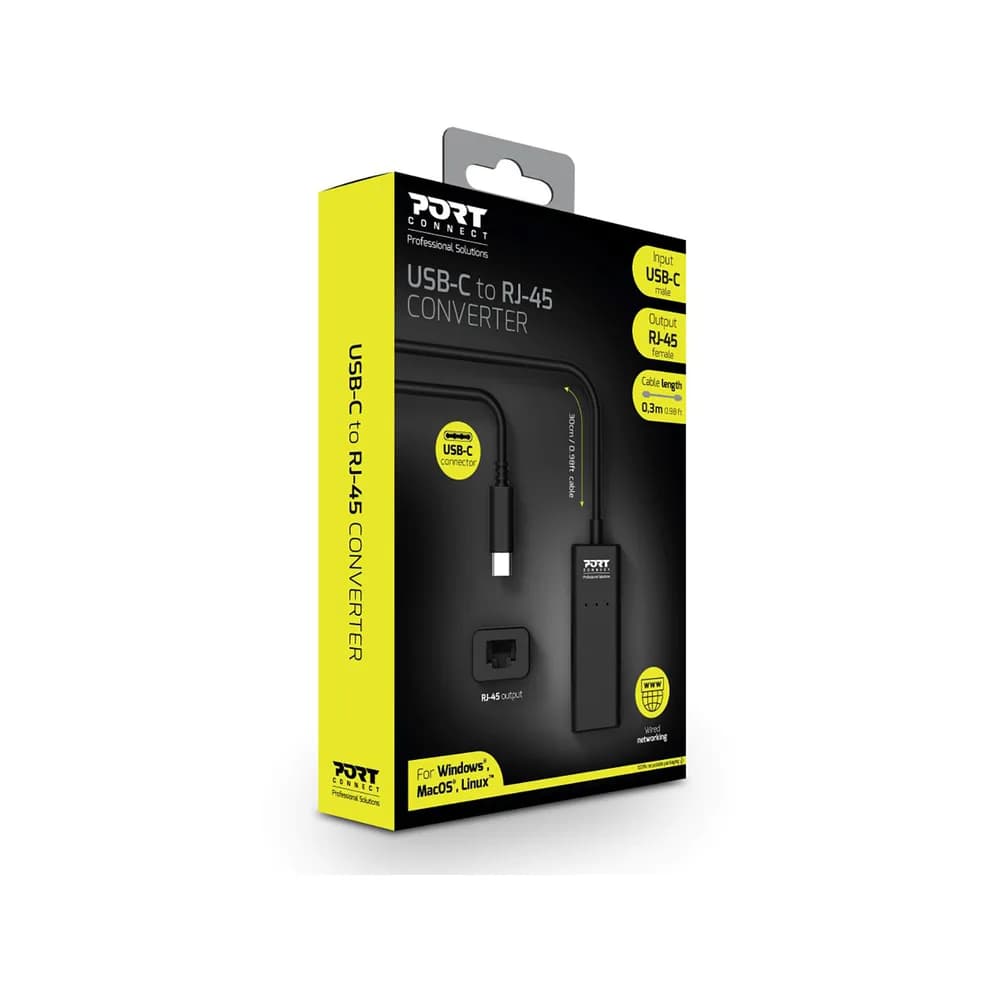
Cat5e supports Gigabit speeds, and Cat6 handles longer runs and higher speeds with less interference. Use a network cable instead of Wi-Fi for desktops, printers and CCTV recorders where possible.
USB and charging cables
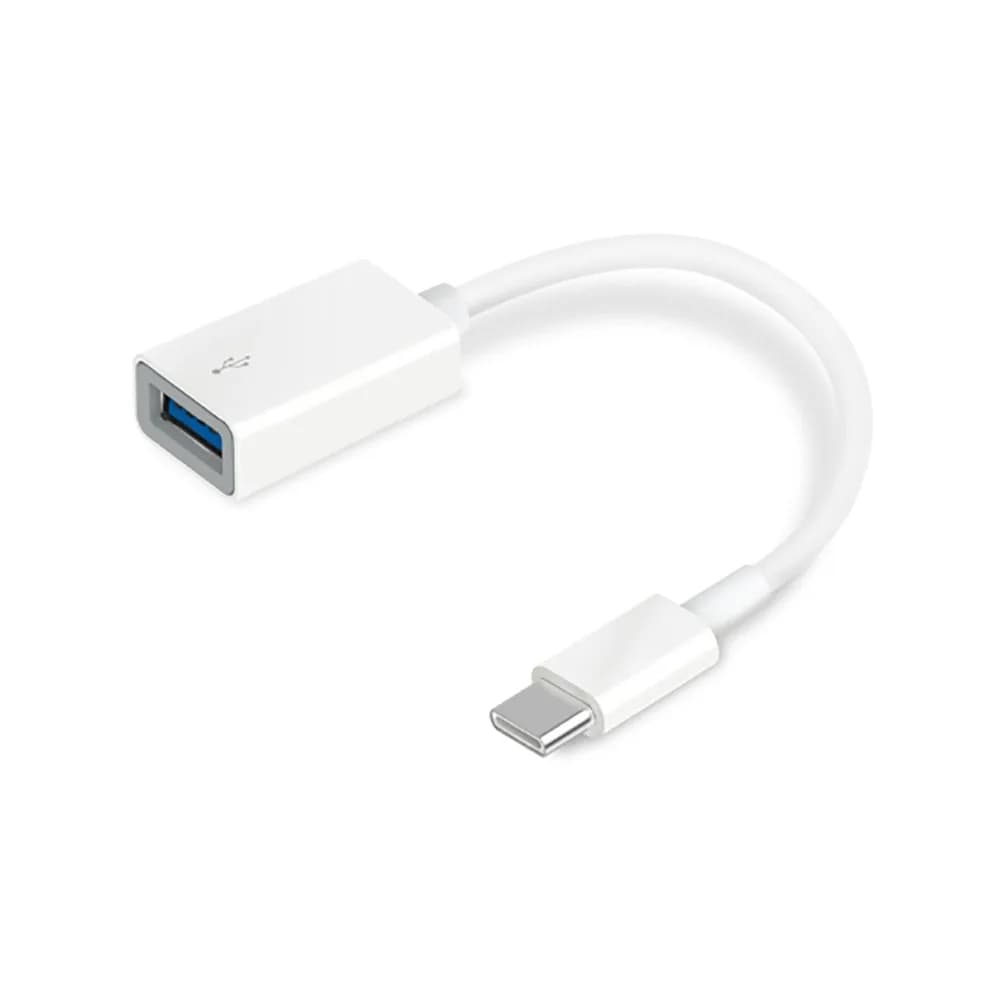
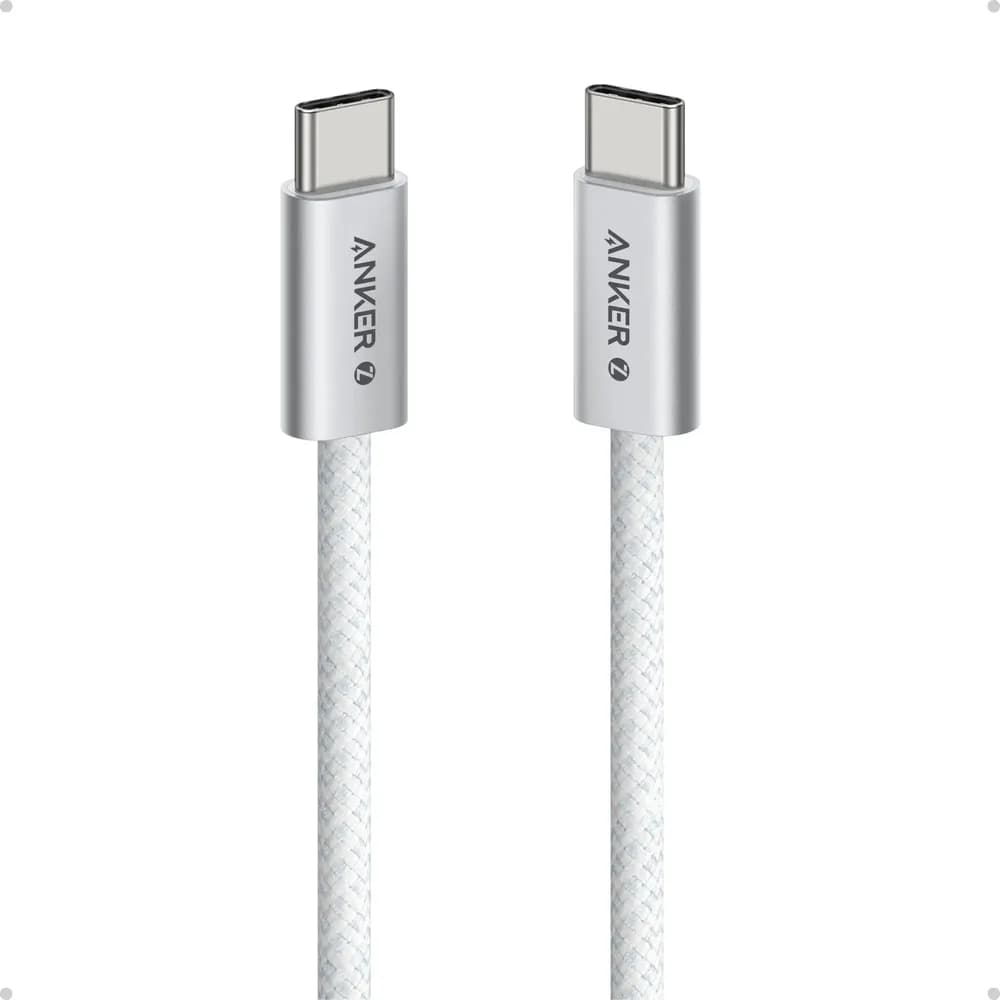
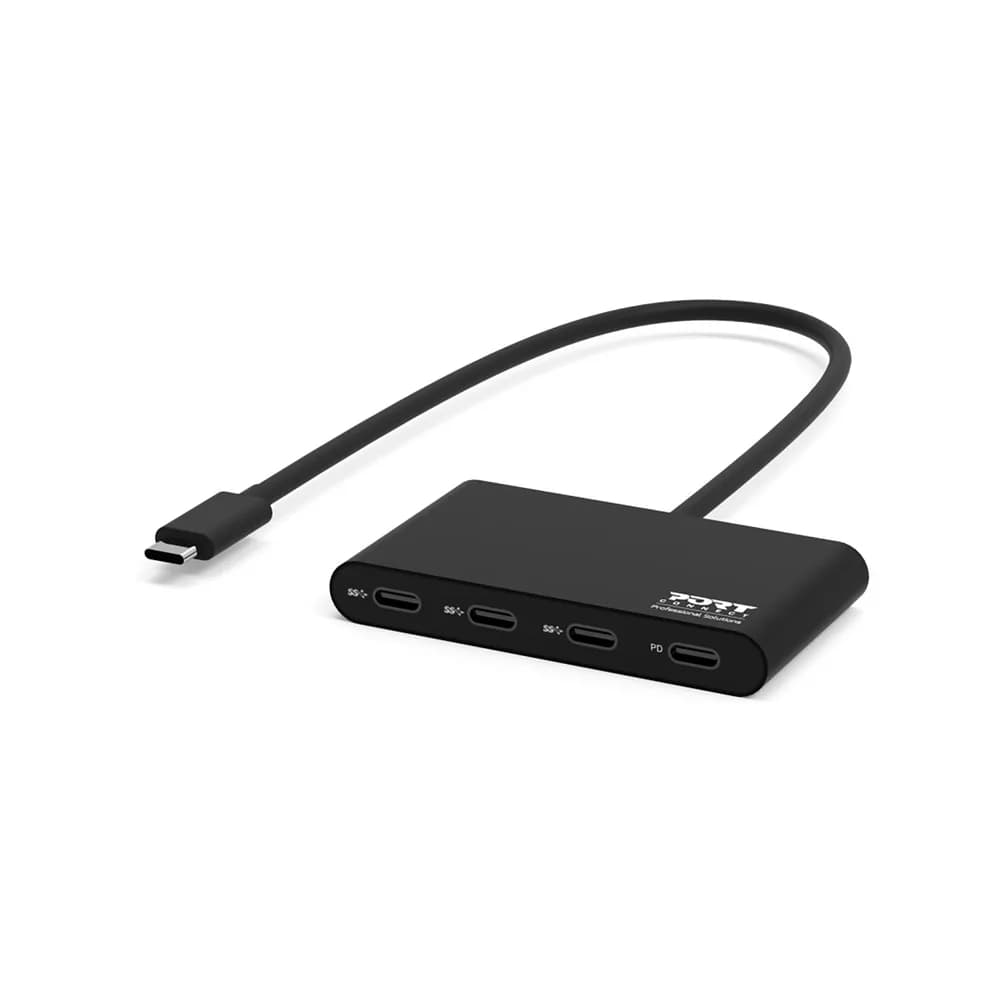
USB cables vary in speed and power. For charging a laptop over USB-C, use a cable rated for the wattage of your charger. A cheap cable can charge slowly or fail to carry enough power.
Length and quality
Long cables lose signal, especially HDMI and USB. Keep runs as short as practical, and buy certified cables for high-resolution video.
Frequently asked questions
- Why is my second screen not working with HDMI?
- Check the input is selected on the monitor, try another cable or port, and check the display settings on the computer.
- Does any USB-C cable charge a laptop?
- No. The cable must be rated for the power the charger delivers, and the laptop must support USB-C charging.
- Cat5e or Cat6?
- Cat5e is fine for home and office use at Gigabit speeds. Cat6 gives more headroom for longer runs and future upgrades.
- Can you help me find the right one?
- Yes. Tell us the devices on each end and we will suggest the right cable.
Related guides, parts and services
- → Monitors — screens and displays
- → Networking — switches and routers
- → Laptop chargers — power adapters
- → Peripherals — docks and adapters
Not sure what you need? Contact us with your laptop model number and we will help.