
Desktops & All-in-One
Desktop PCs, mini PCs and all-in-one computers.
19 products available
How to choose a desktop or all-in-one PC
Desktops give more performance and easier upgrades per rand than laptops, and all-in-one PCs save space by building the computer into the screen. They suit offices, reception desks, classrooms and home workstations that do not need to move around.
Desktop tower or all-in-one
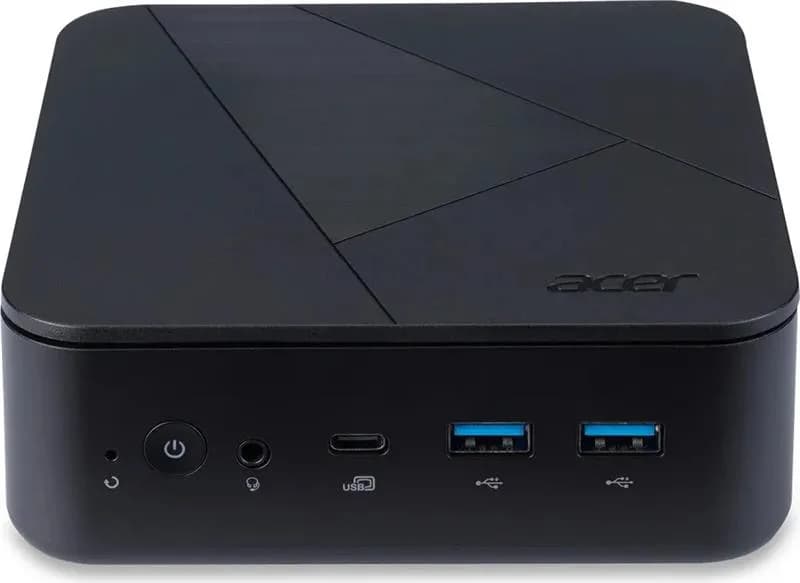
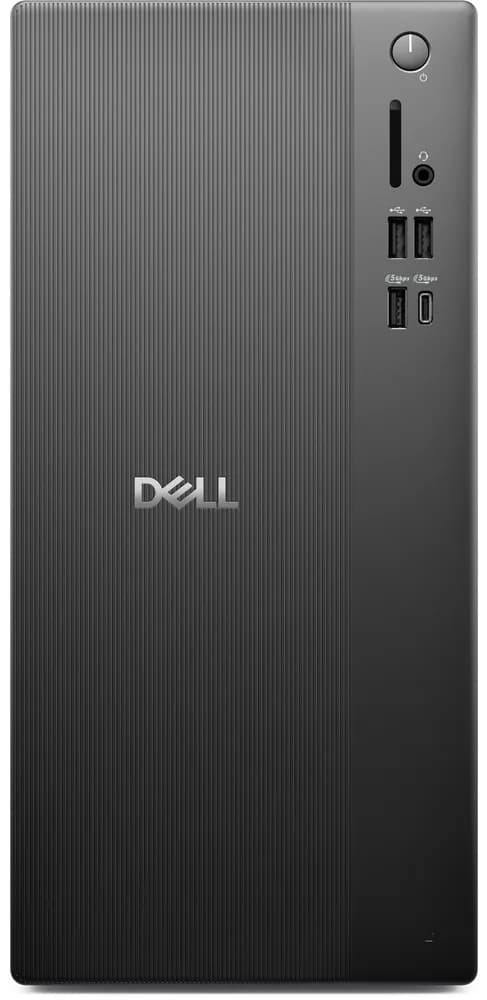
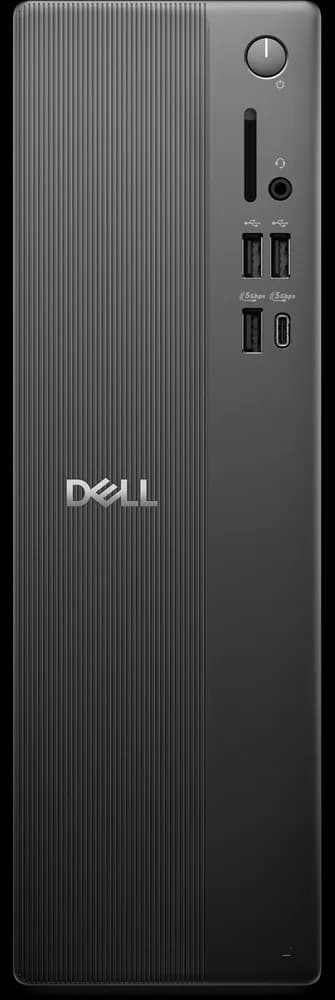
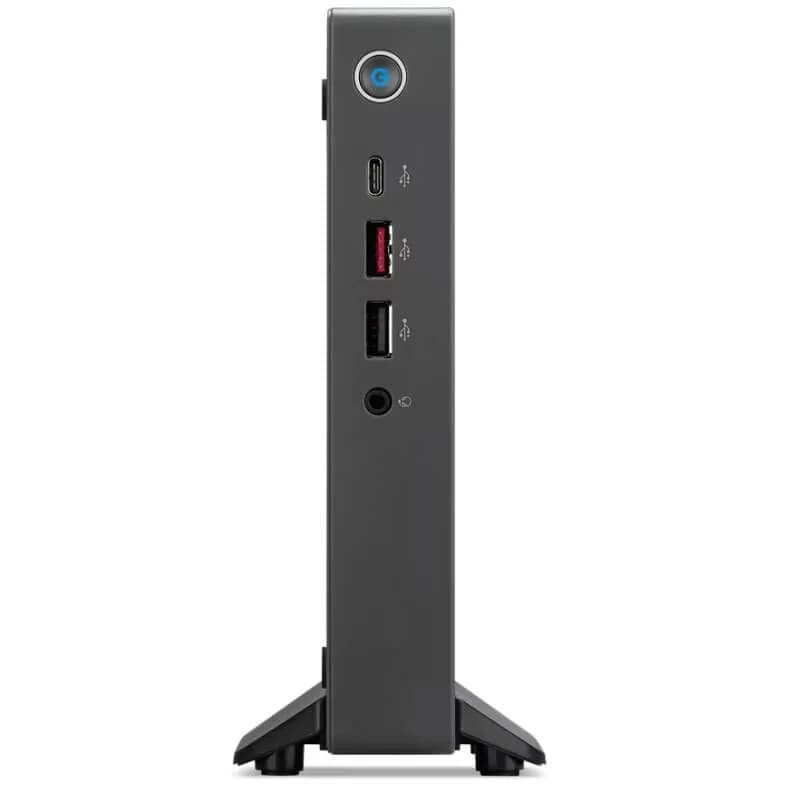
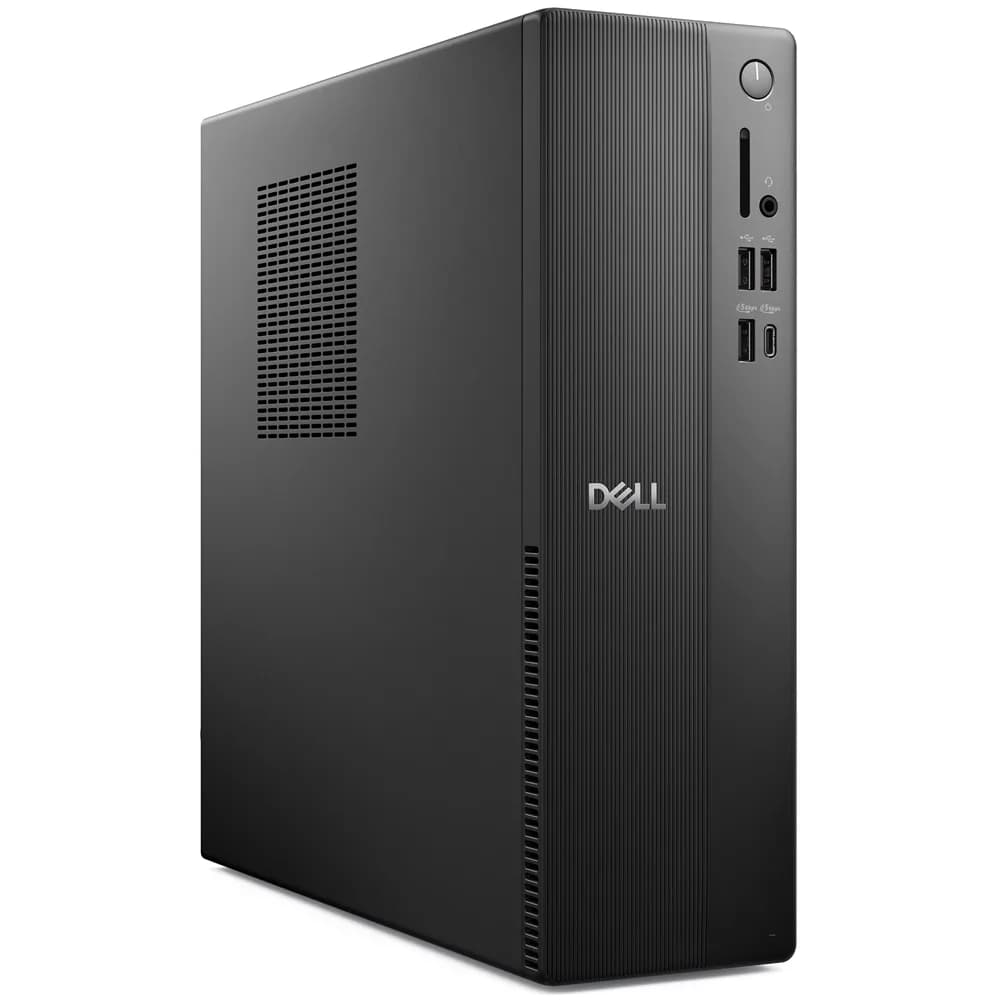
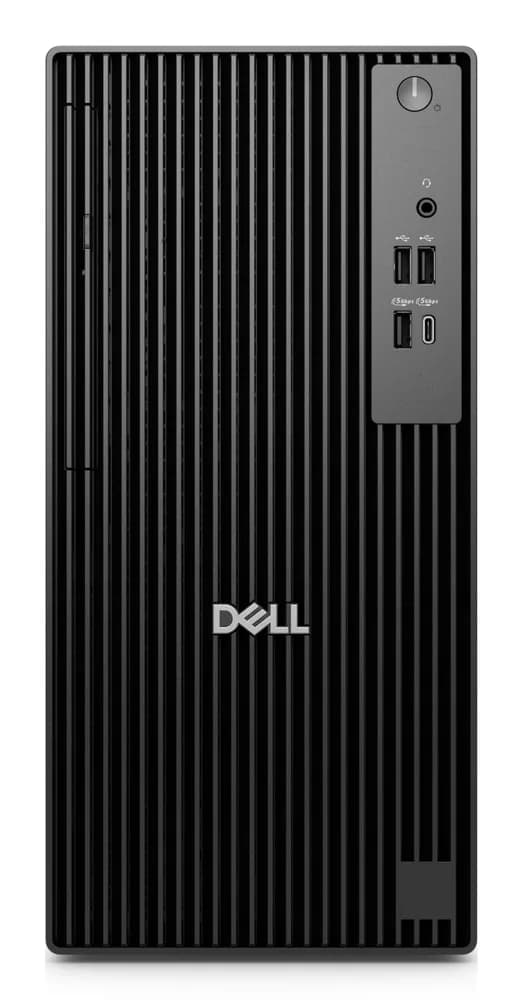
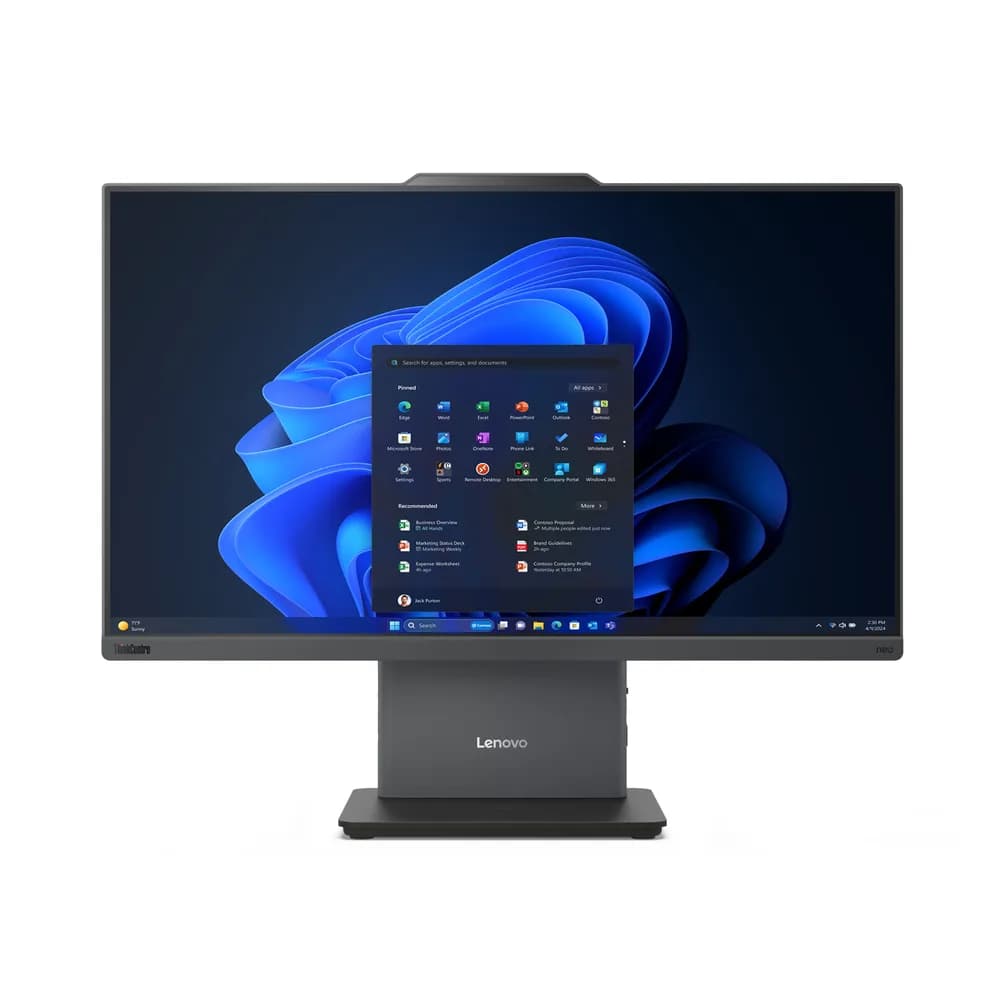
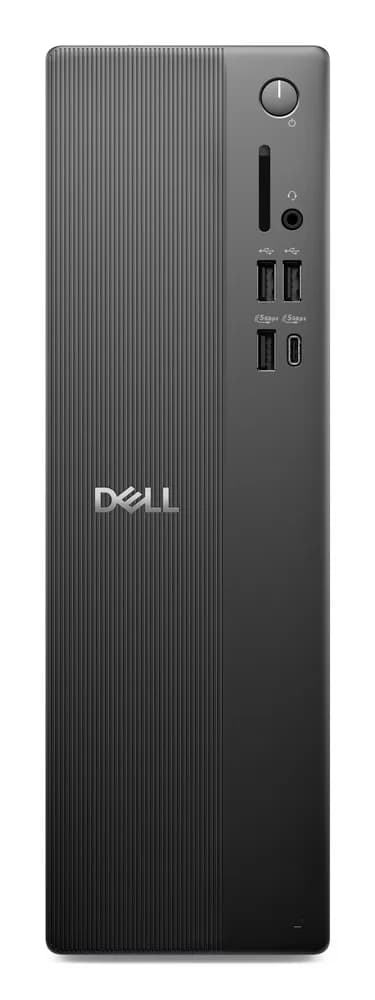
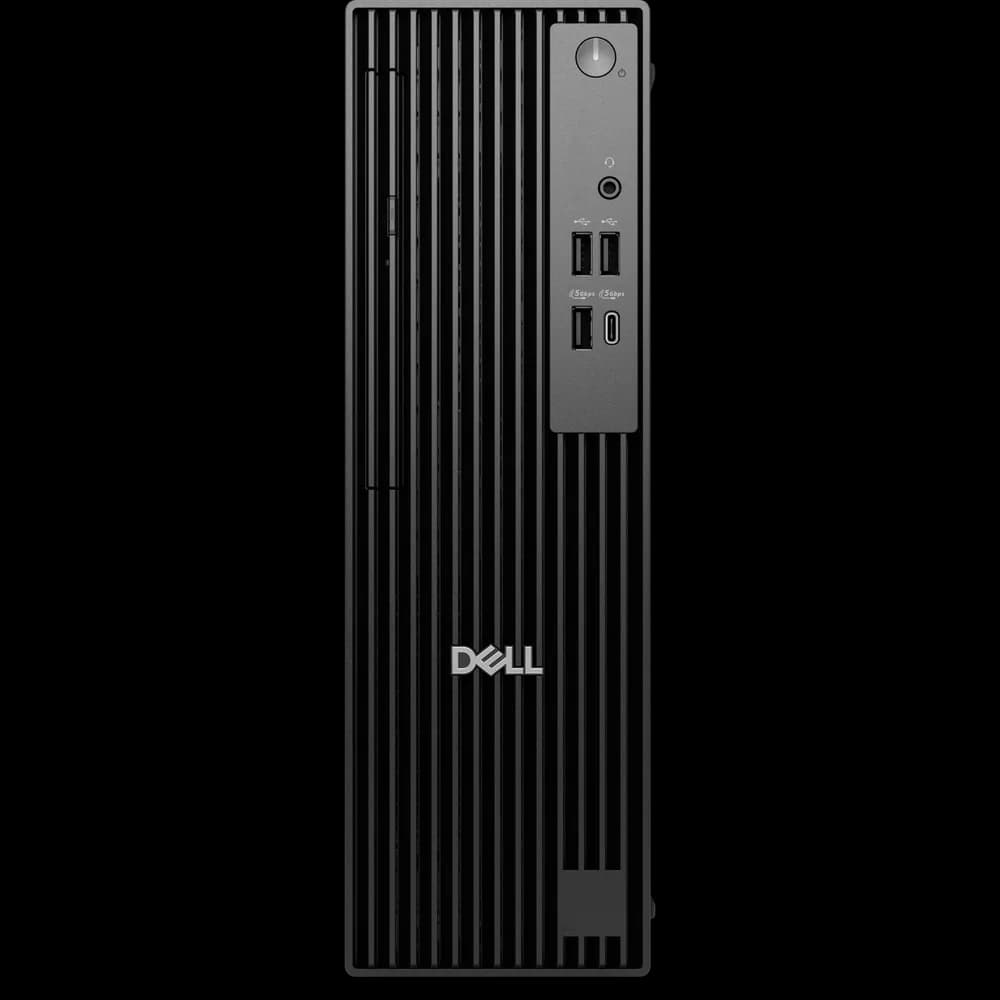
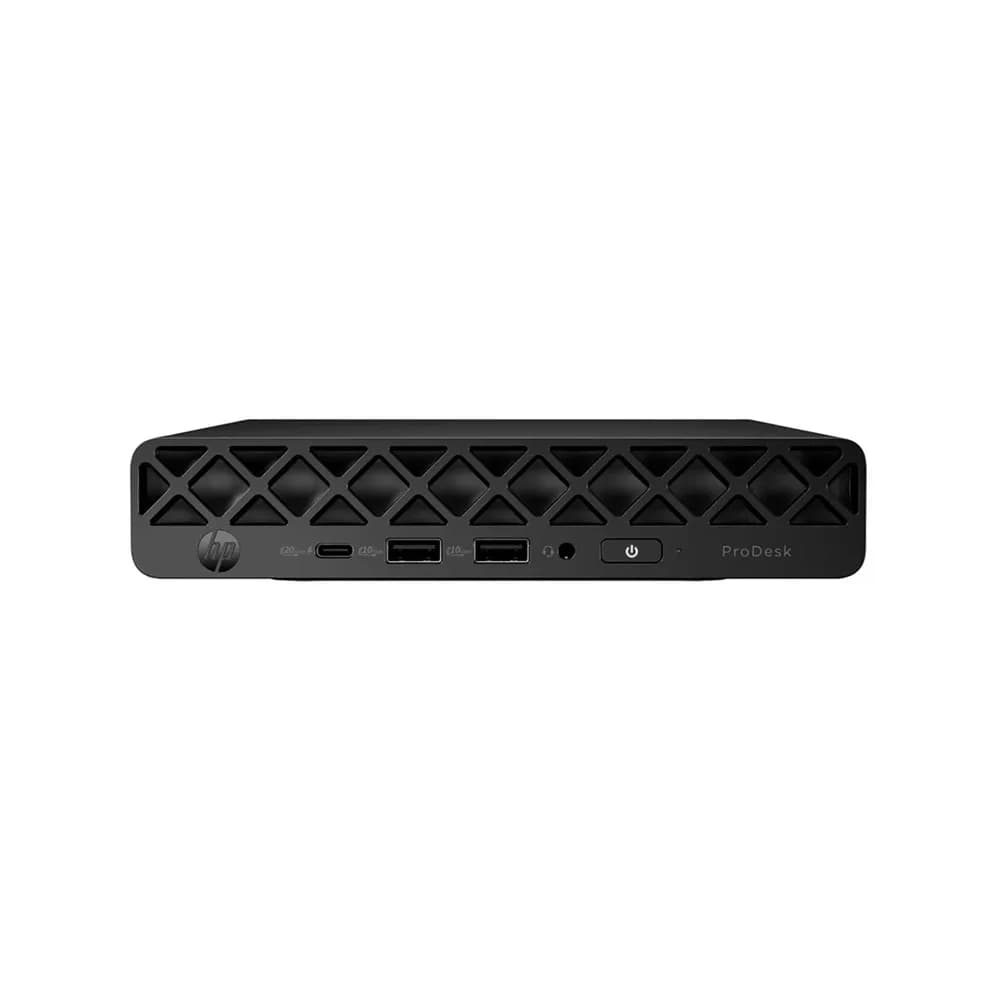
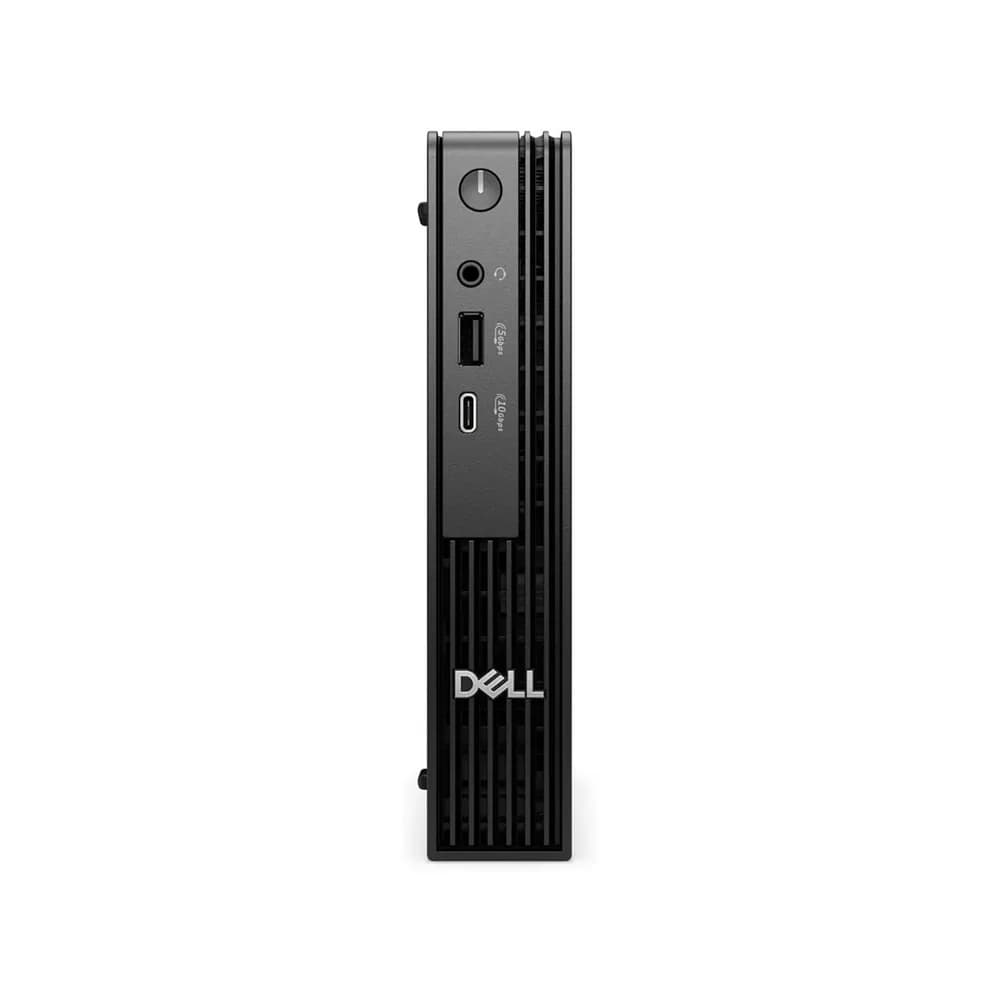
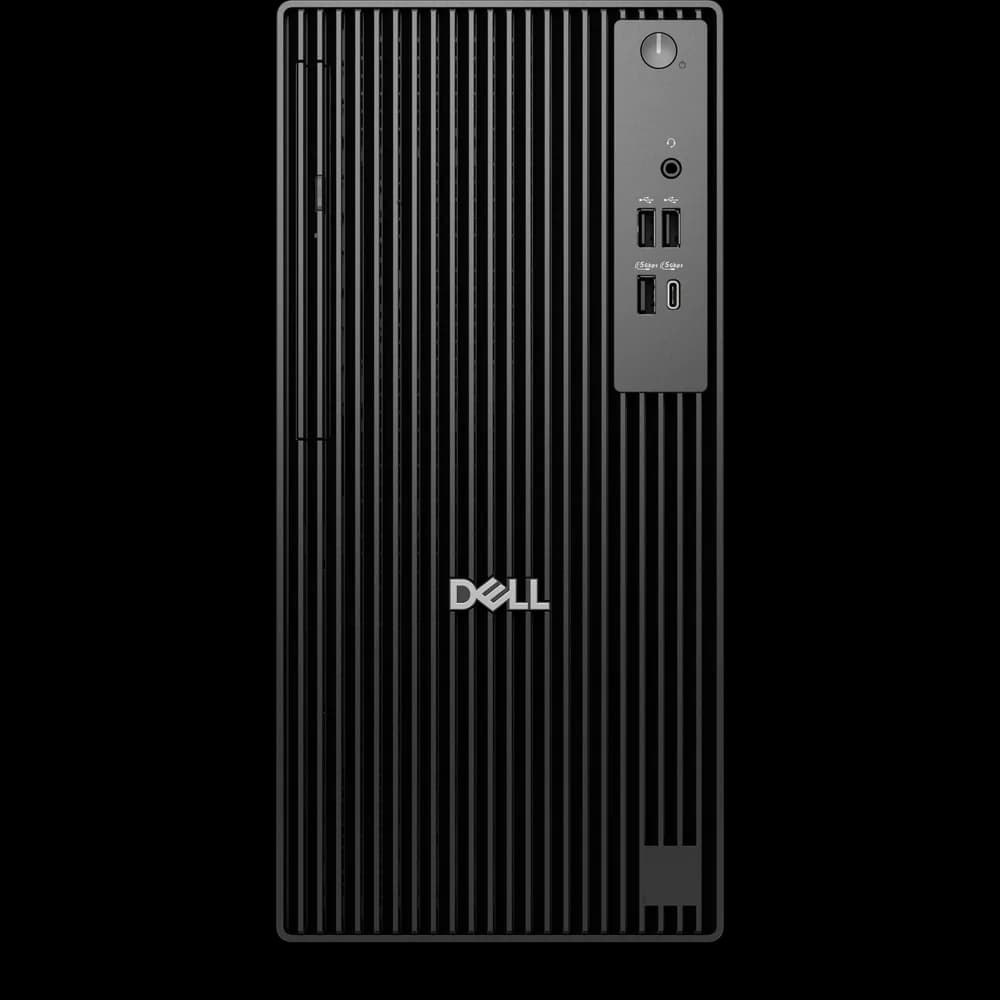
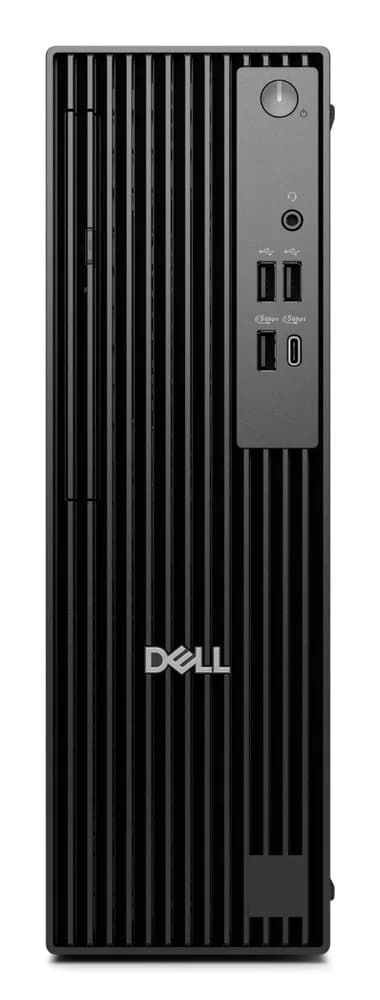
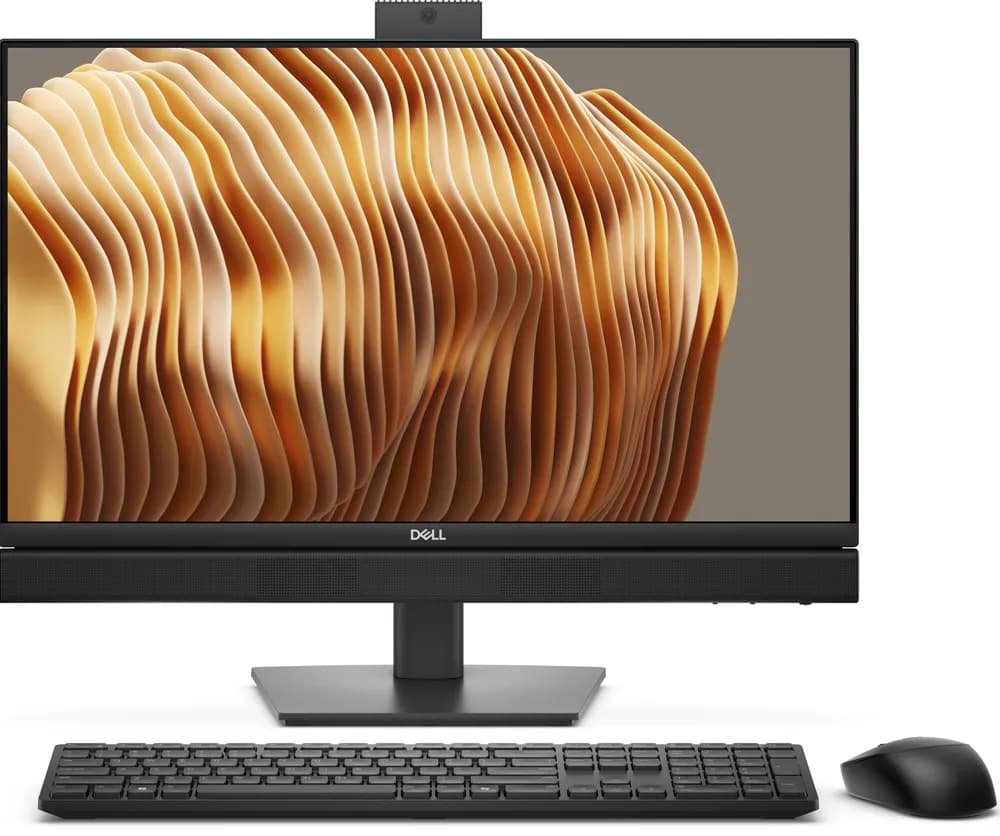
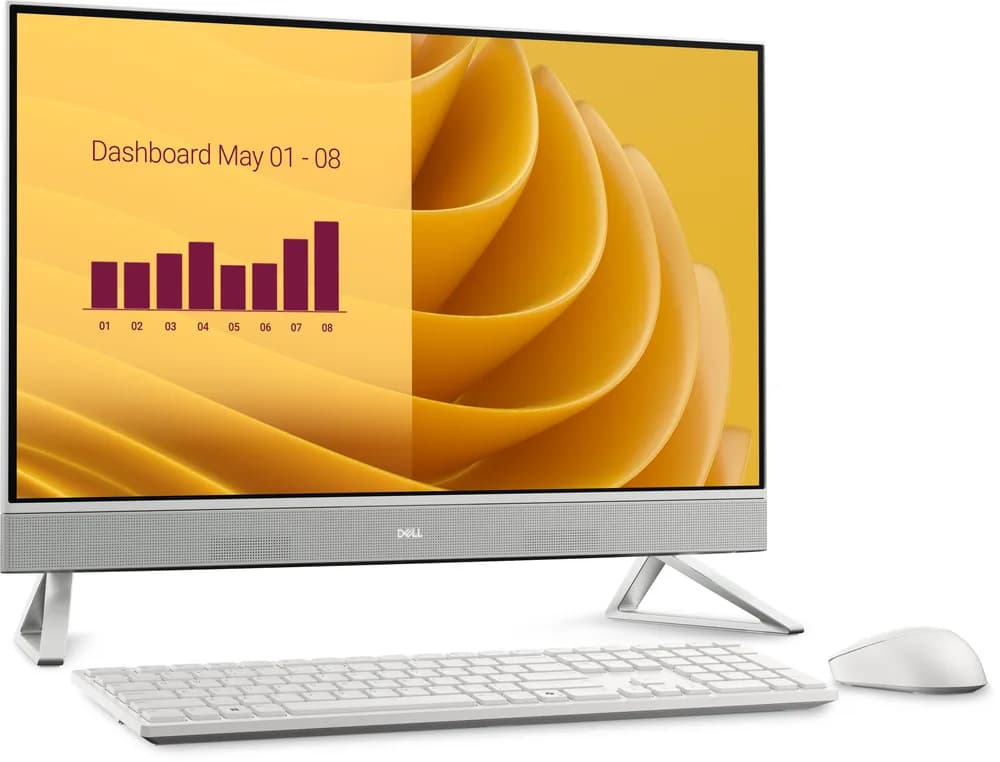
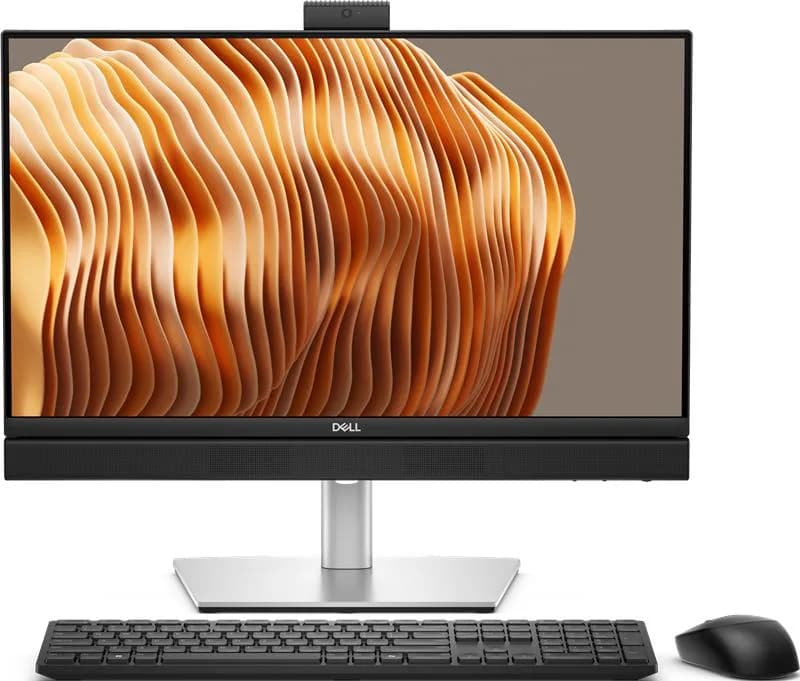
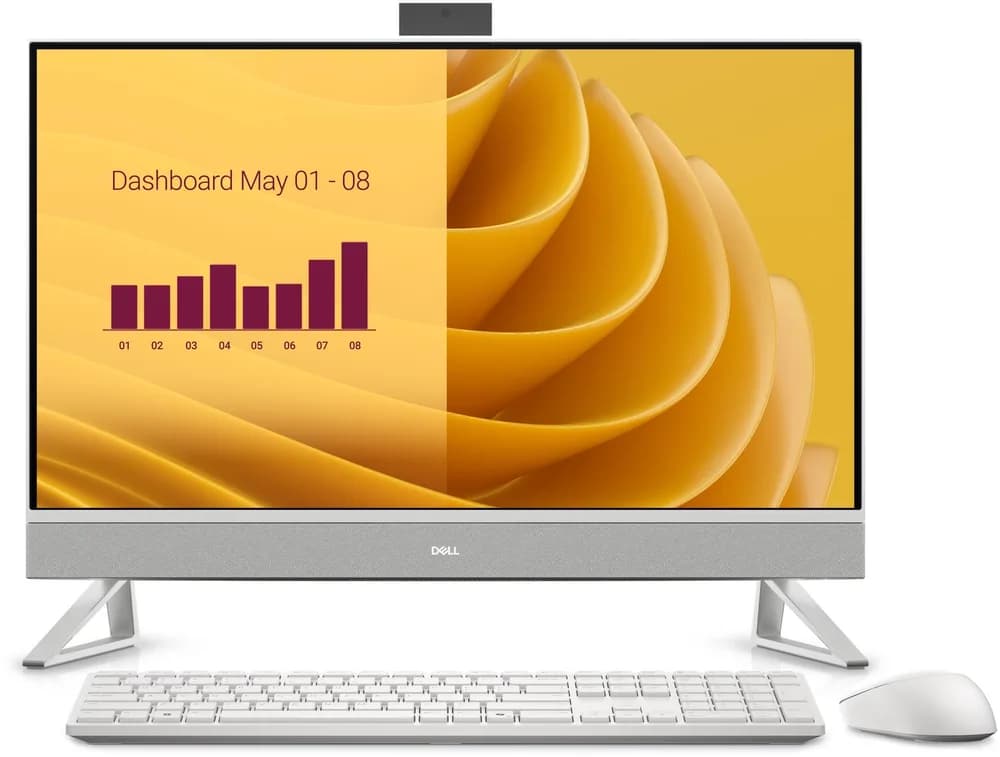
A tower desktop is the most upgradeable and easiest to repair, and you can choose your own monitor. An all-in-one has a tidy single-unit design and fewer cables, but its screen is fixed and it is harder to upgrade. Small form factor desktops give tower performance in a compact case.
Processor, memory and storage
For office work, a Core i3/i5 or Ryzen 3/5 with 8GB RAM and an SSD is plenty. For multitasking, design or accounting packages on large files, choose 16GB RAM and a Core i5/i7 or Ryzen 5/7. An SSD matters more for everyday speed than a faster processor.
What is included
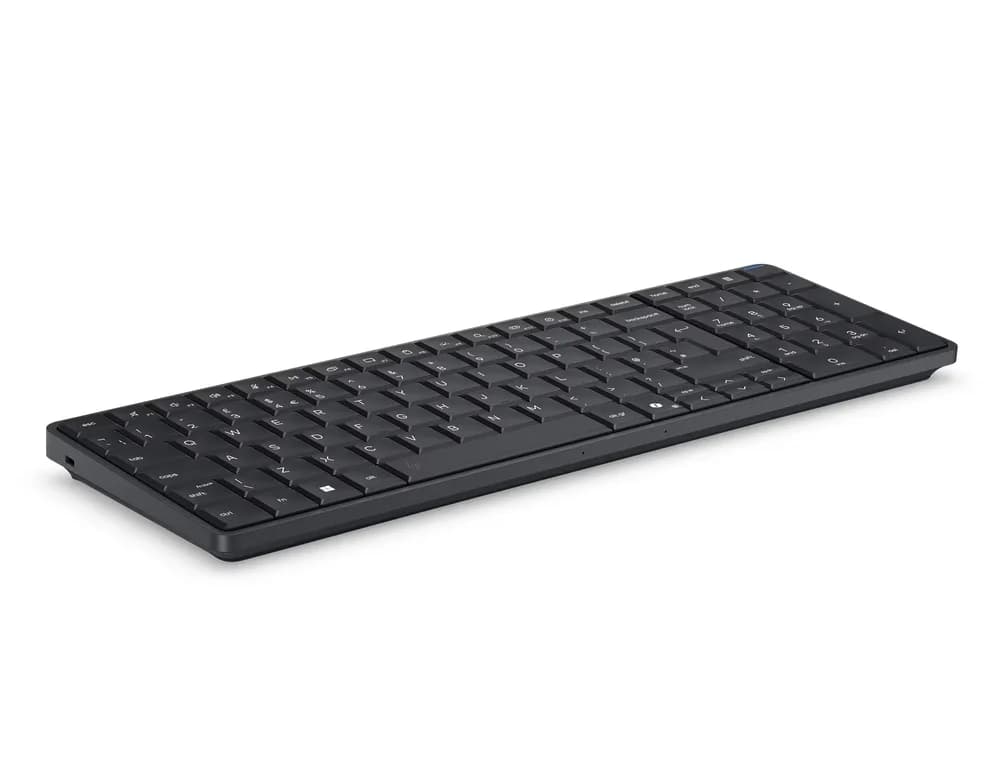
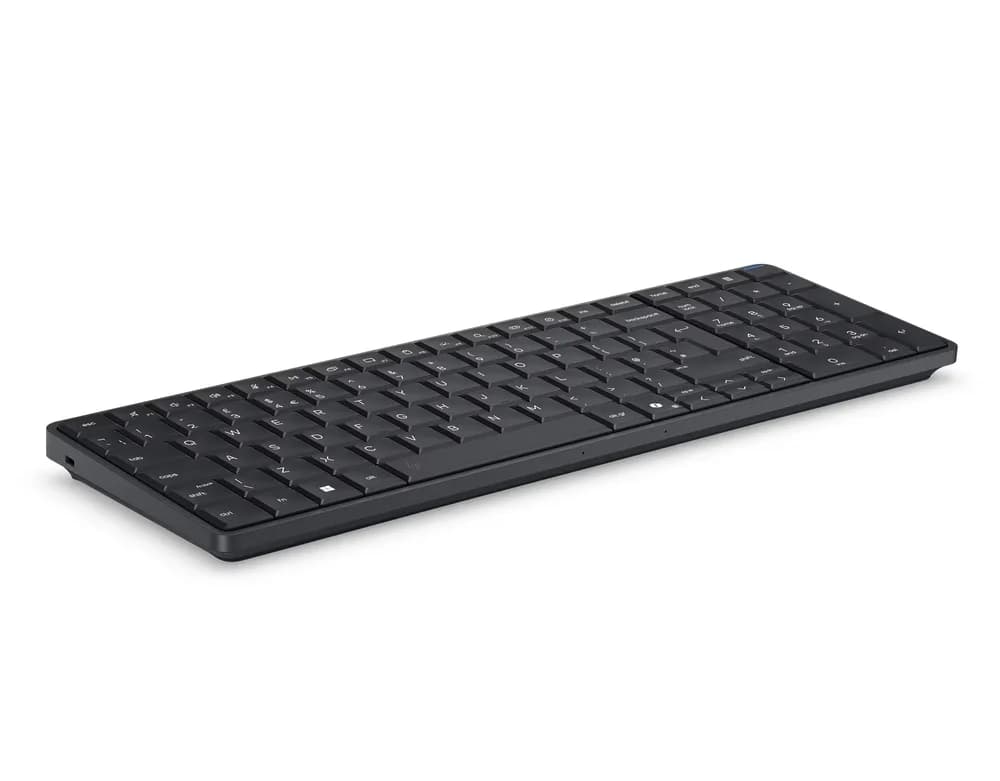
Check whether the price includes a monitor, keyboard, mouse and Windows licence. Towers are usually sold as the computer only. Refurbished business desktops are a cost-effective option for offices that need several identical machines.
Power cuts
Desktops have no built-in battery, so a power cut switches them off instantly and can lose unsaved work. A UPS keeps the computer running long enough to save and shut down safely.
Frequently asked questions
- Is a desktop better value than a laptop?
- Usually, yes, if you do not need to move it. A desktop gives more performance and easier upgrades for the same money.
- Do all-in-one PCs come with a screen?
- Yes. The screen and computer are one unit, so you only need to add a keyboard and mouse if they are not included.
- Can I buy several desktops for an office?
- Yes. Request a quote and we will price a set for your team, including new or refurbished options.
- Can desktops be upgraded later?
- Towers are easy to upgrade with more memory, storage or a graphics card. All-in-one PCs are more limited.
Related guides, parts and services
- → Monitors — screens for your desktop
- → UPS units — protect against power cuts
- → Peripherals — keyboards, mice and more
- → Request a quote — pricing for several machines
- → SSD vs HDD upgrade guide — speed up an older PC
Not sure what you need? Contact us with your laptop model number and we will help.