
UPS
Uninterruptible power supplies and battery backup units
15 products available
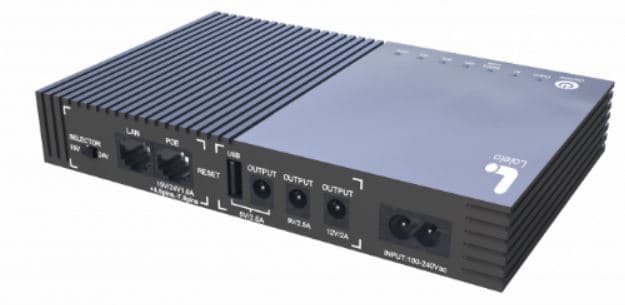
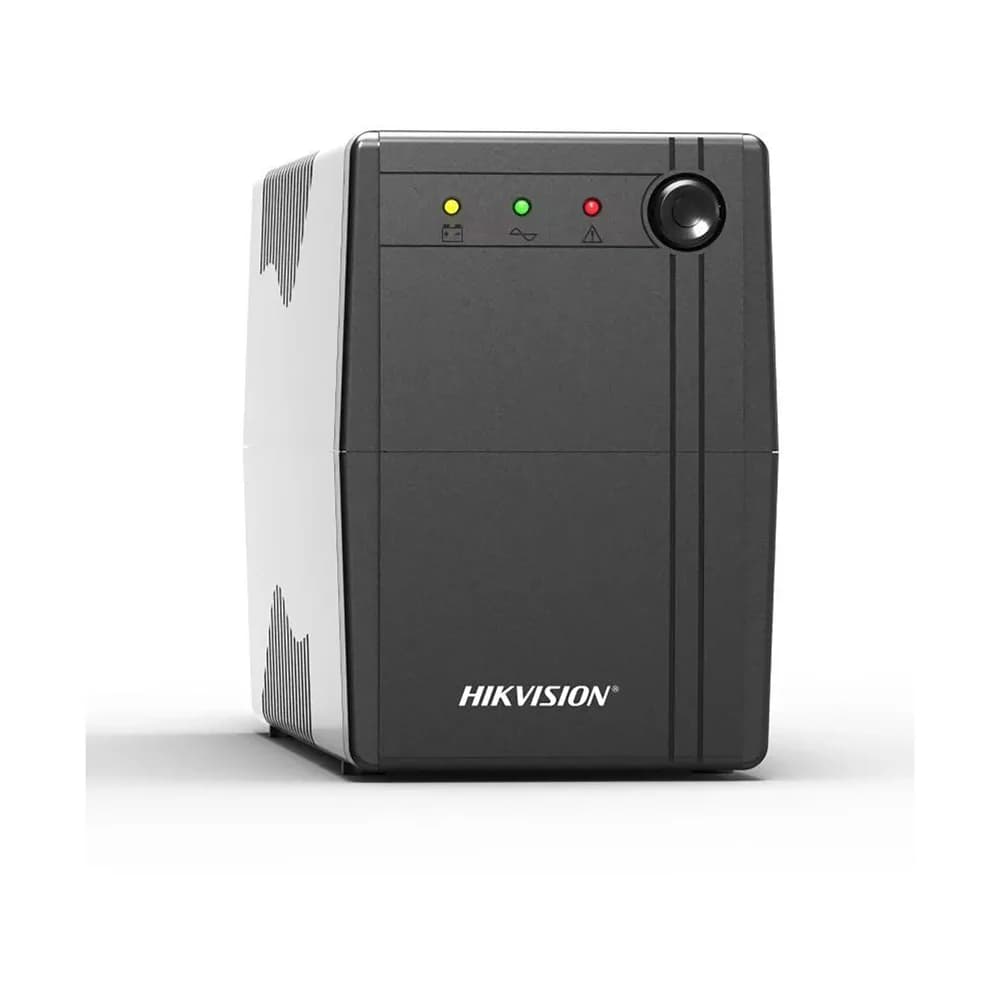
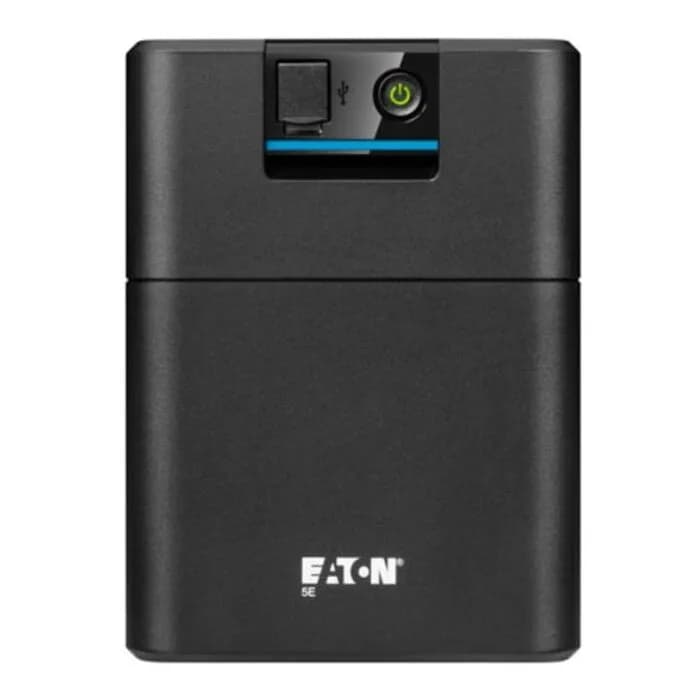
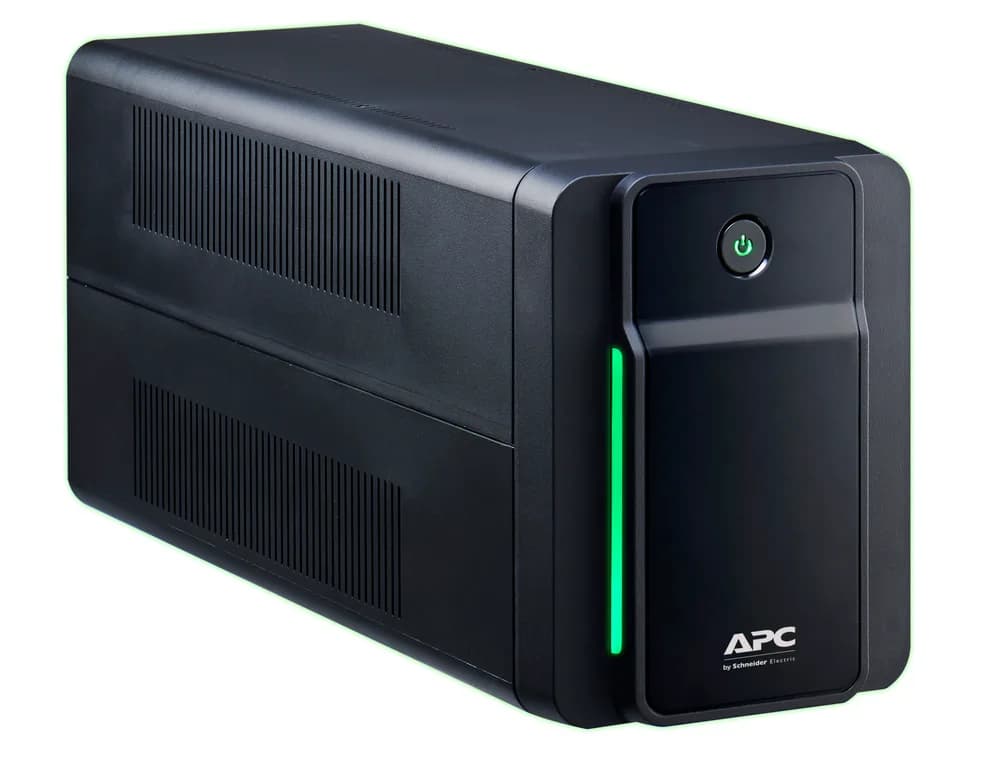
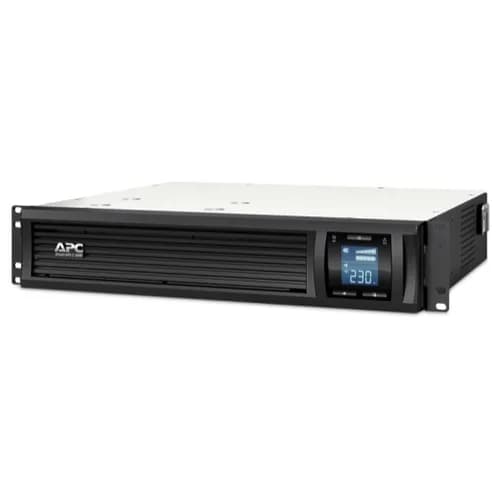
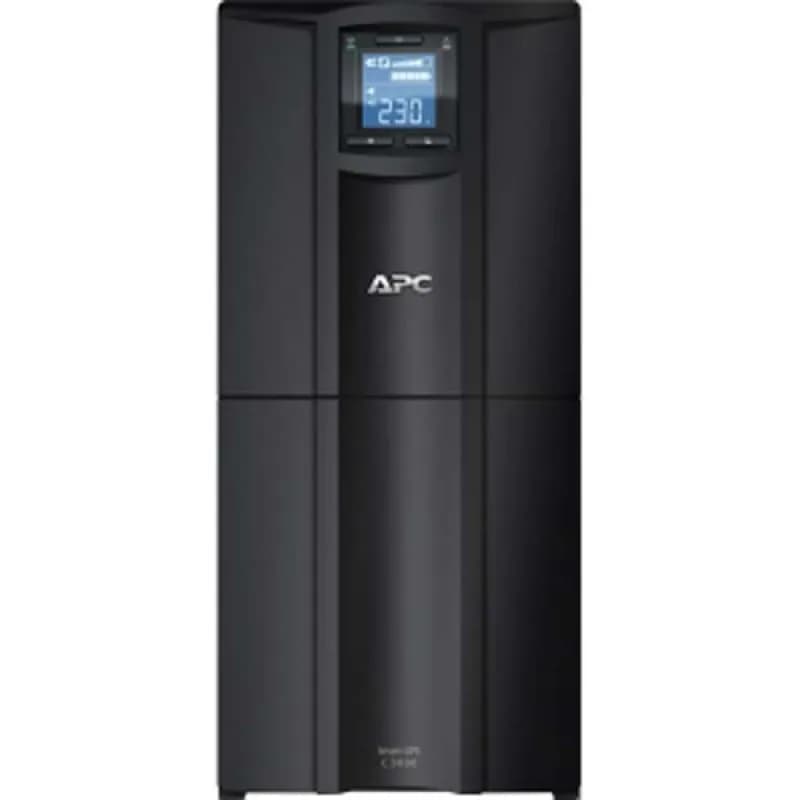
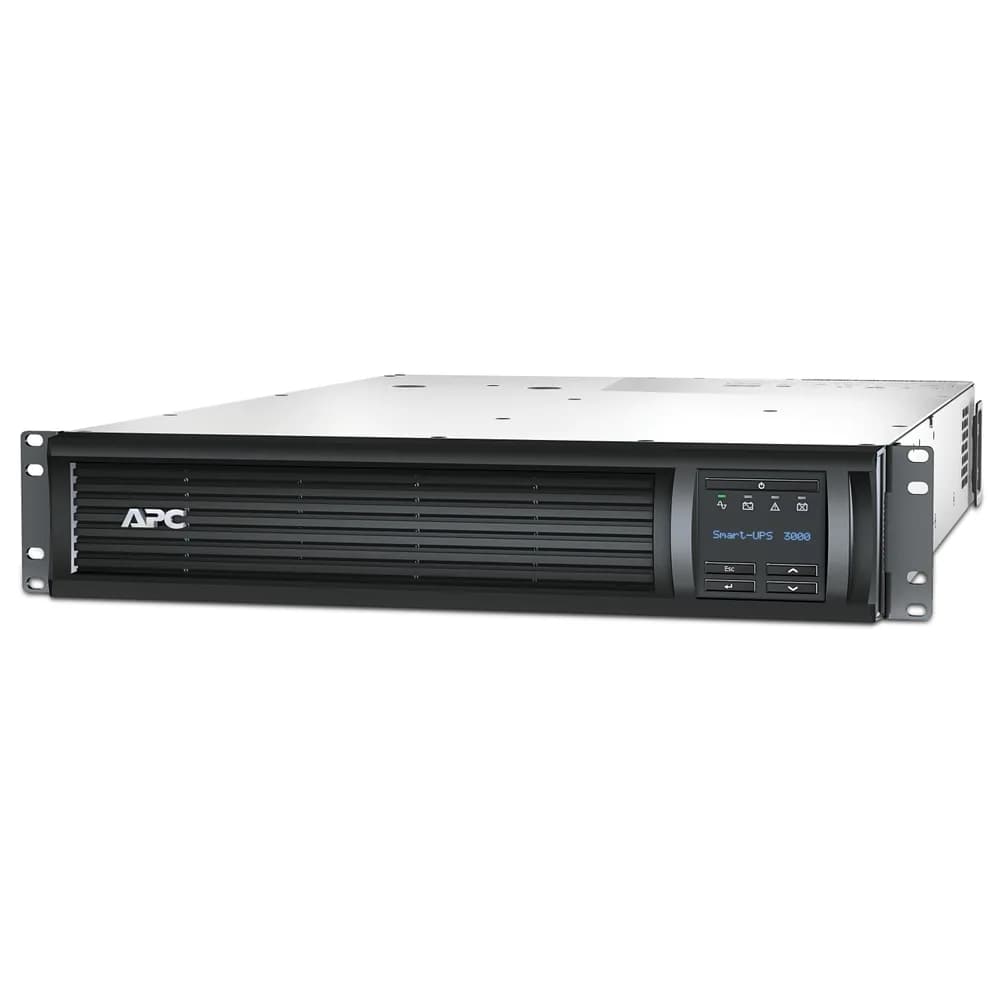
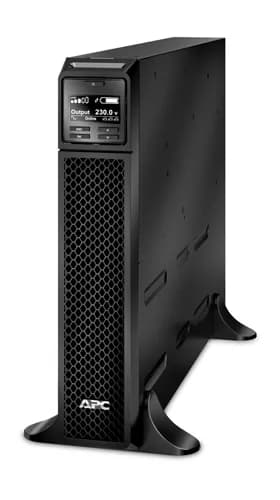
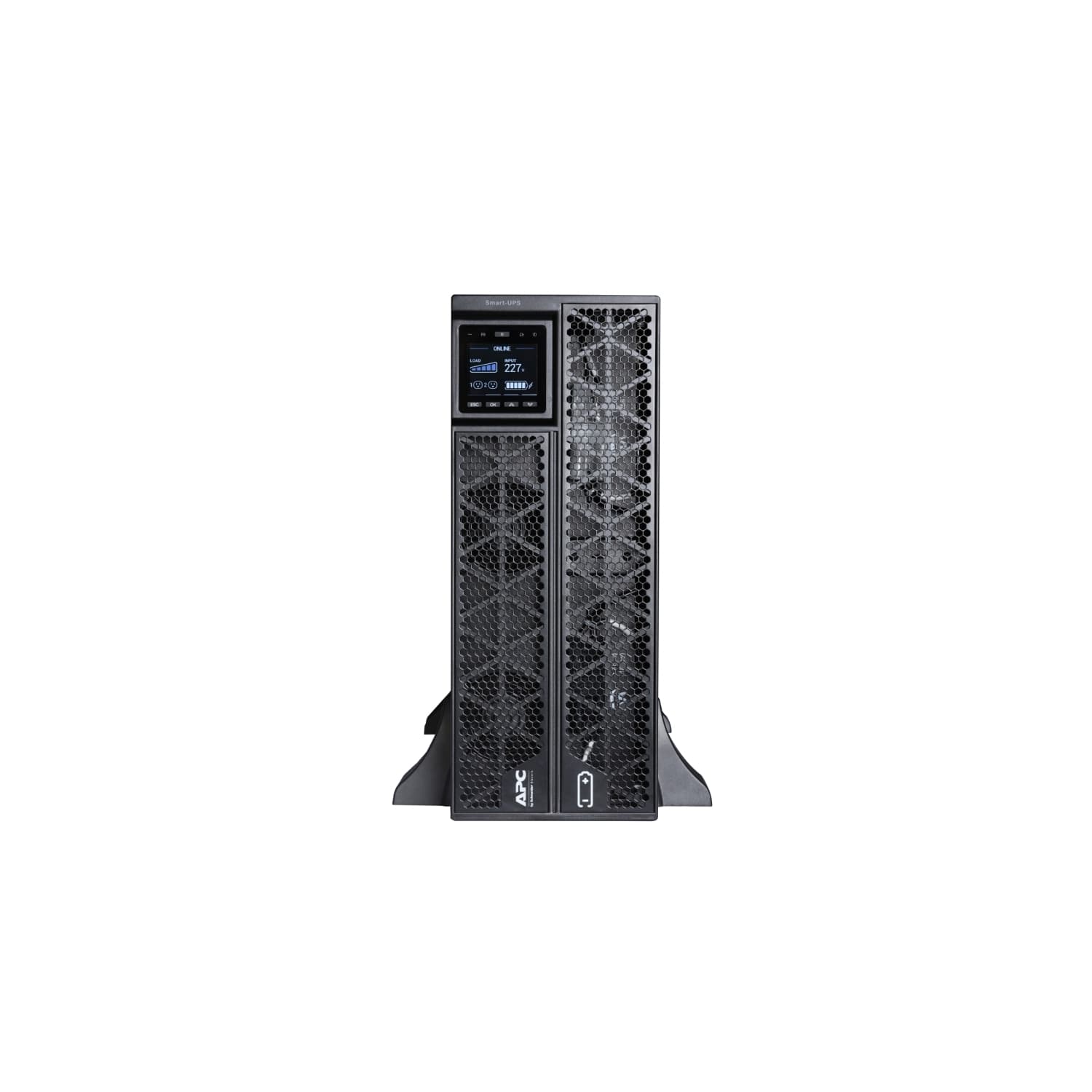
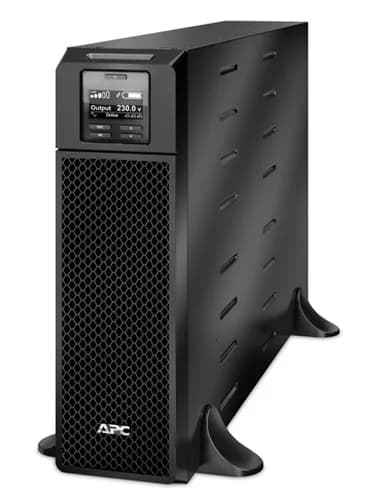
How to choose a UPS
A UPS (uninterruptible power supply) keeps equipment running for a short time when the power cuts out, and protects it from surges. It is one of the most useful purchases for anyone dealing with load-shedding.
What a UPS is for
A UPS gives you minutes to hours of battery power, enough to save your work and shut down properly, or to keep a router, a fibre box or a point-of-sale system online. It is not designed to run heavy appliances such as geysers, stoves or kettles.
Work out the size you need
Add up the wattage of everything you want to connect, then choose a UPS with more capacity than that total. UPS sizes are listed in VA, and the usable watts are typically 60 to 70% of the VA rating. A router and a few small devices need only a small unit, while desktops and monitors need more.
Runtime
Runtime depends on the battery size and the load. A small UPS holds a computer for a few minutes, enough to shut down safely. For hours of runtime, you need a larger UPS with extra batteries, or an inverter system.
Battery replacement
The battery inside a UPS wears out, typically after a few years. Replacing it is much cheaper than buying a new unit, so check that replacement batteries are available for the model you choose.
Frequently asked questions
- Can a UPS run my router during load-shedding?
- Yes. Routers and fibre boxes use very little power, so even a small UPS can keep them online for a long time.
- UPS or inverter: which should I buy?
- A UPS suits short outages and protecting sensitive equipment. An inverter with batteries is better for longer outages and for powering more devices.
- How long does a UPS battery last?
- Usually three to five years, depending on use and temperature. The unit will give a warning when the battery needs replacing.
- Can I plug a heater into a UPS?
- No. Heaters, kettles and geysers use too much power for a UPS.
Related guides, parts and services
- → Inverters — longer backup power
- → Laptops for load-shedding — work through outages
- → Networking — routers and switches
- → Desktops — protect a PC from power cuts
Not sure what you need? Contact us with your laptop model number and we will help.