
POS
Point-of-sale devices and accessories
12 products available
How to choose point-of-sale equipment
A reliable point-of-sale (POS) setup speeds up checkout and keeps your records accurate. The right hardware depends on whether you run a shop, a restaurant or a service business.
The core hardware
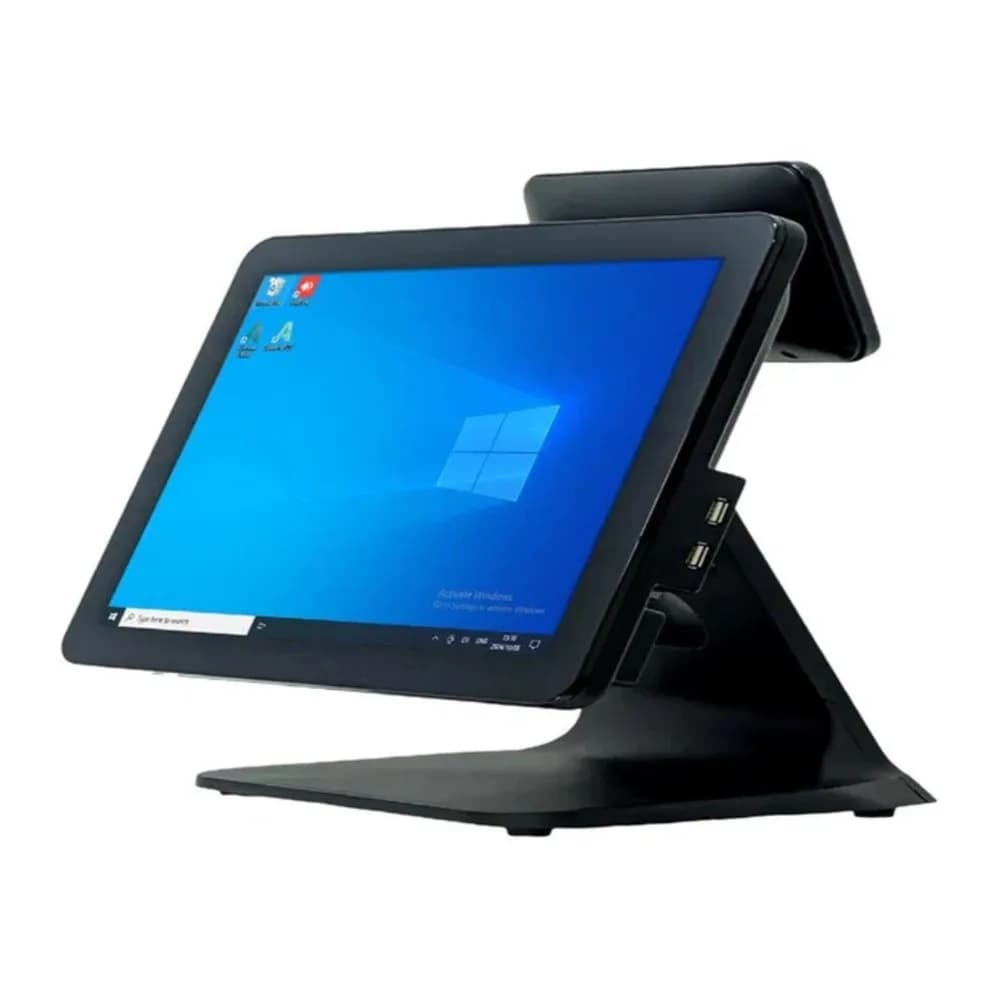
A typical POS has a terminal or computer, a receipt printer, a barcode scanner and a cash drawer. Touchscreen terminals suit busy counters, while a laptop or tablet can work for smaller businesses.
Receipt printers
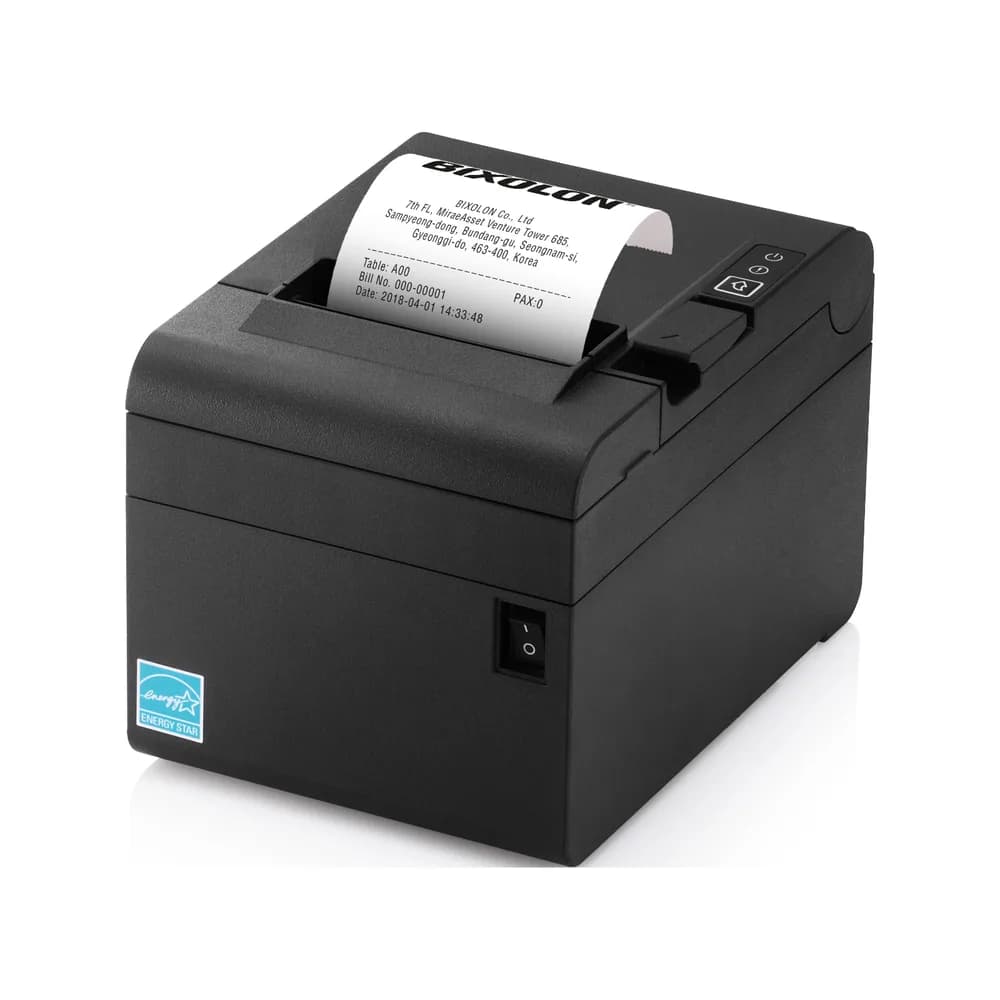
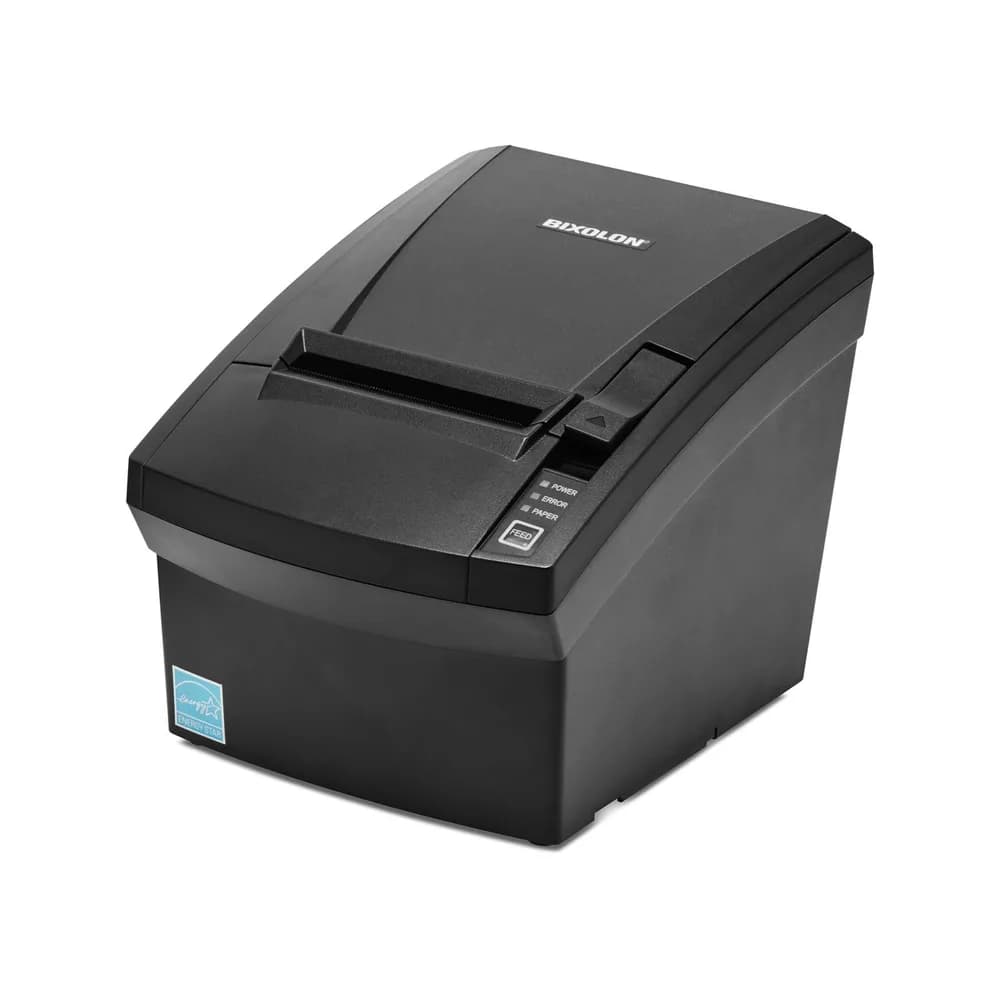
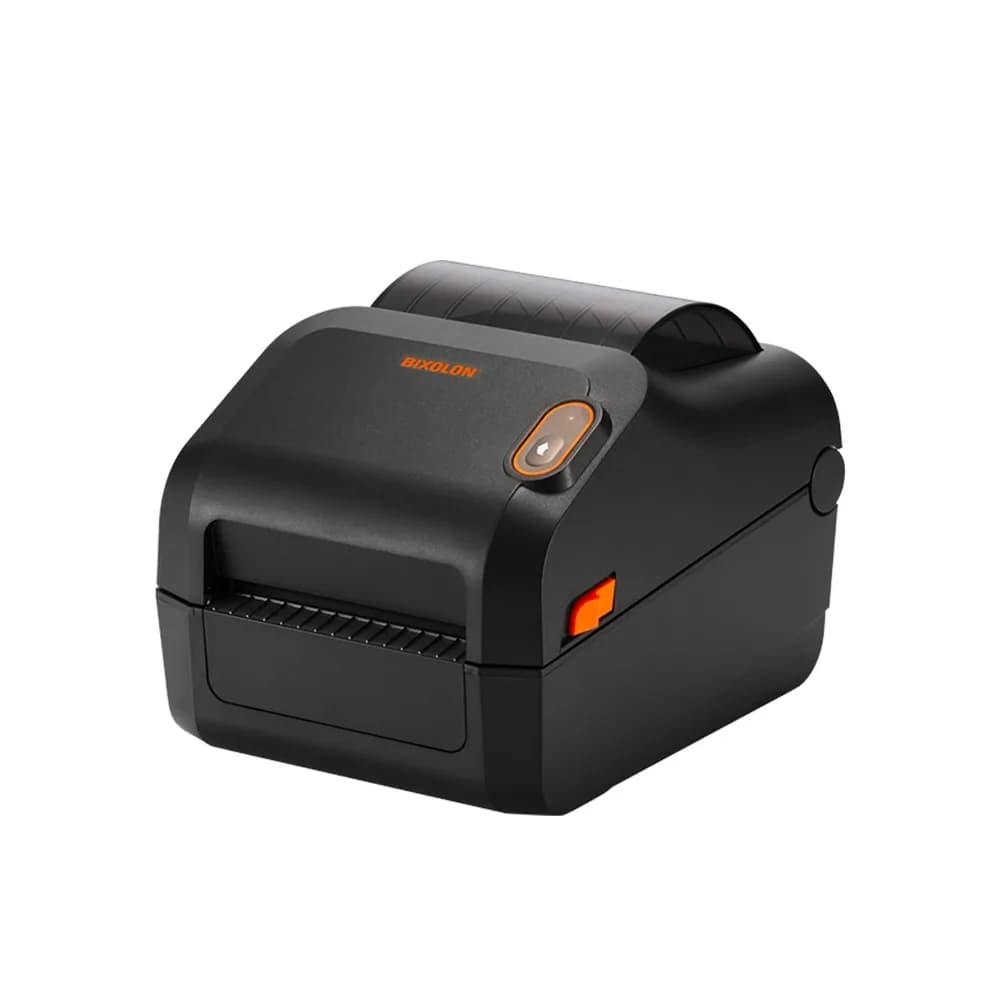
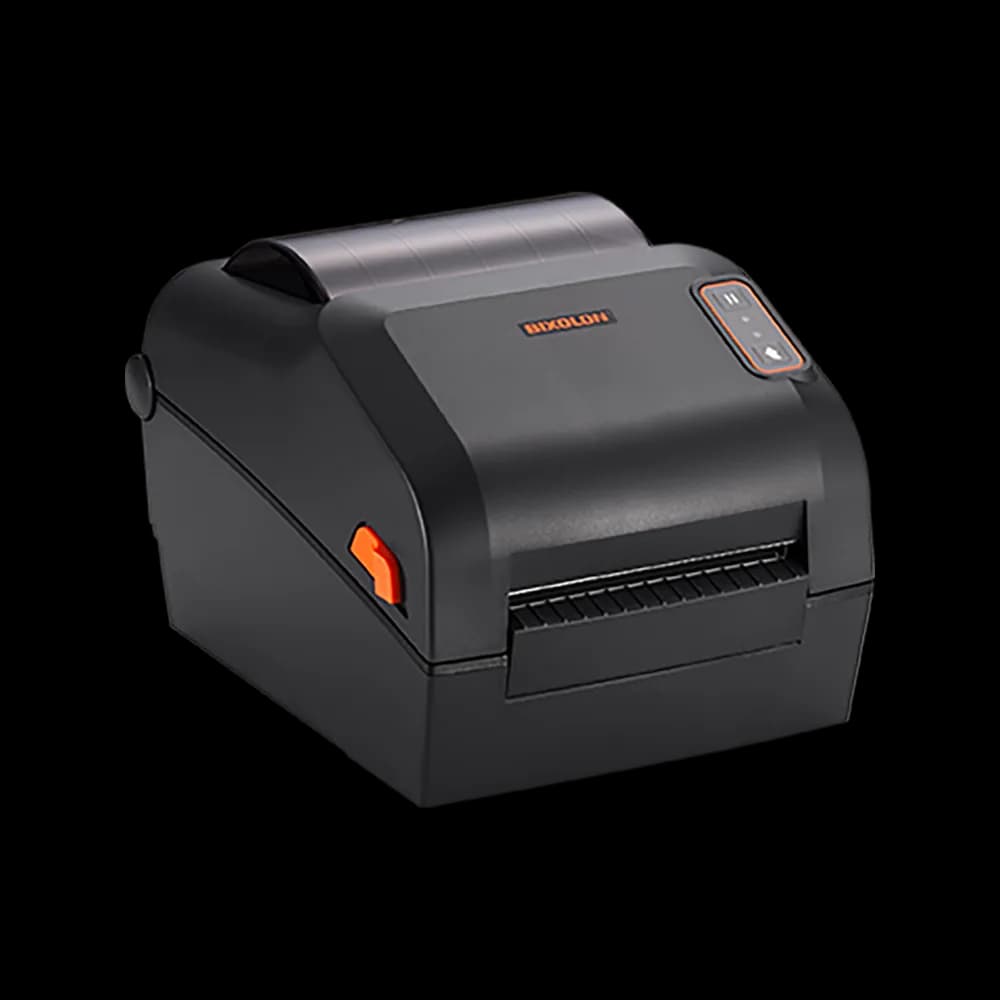
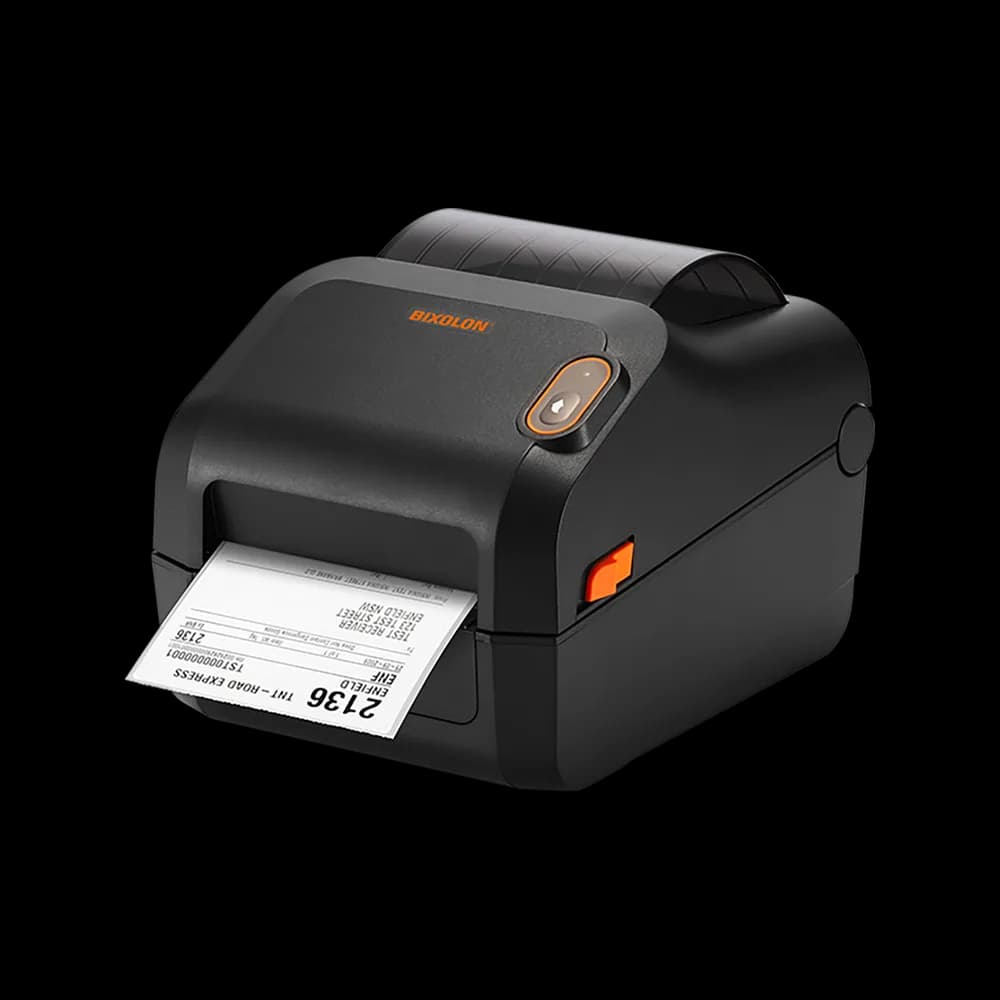
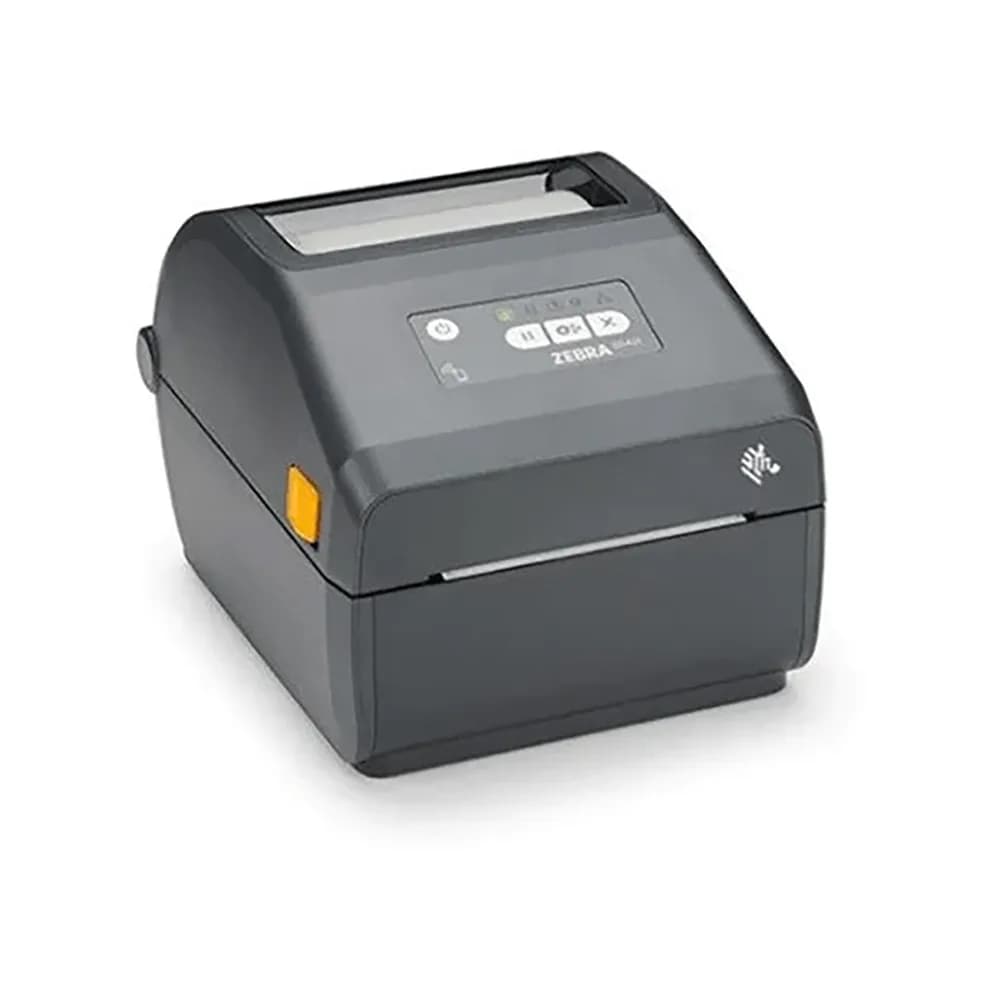
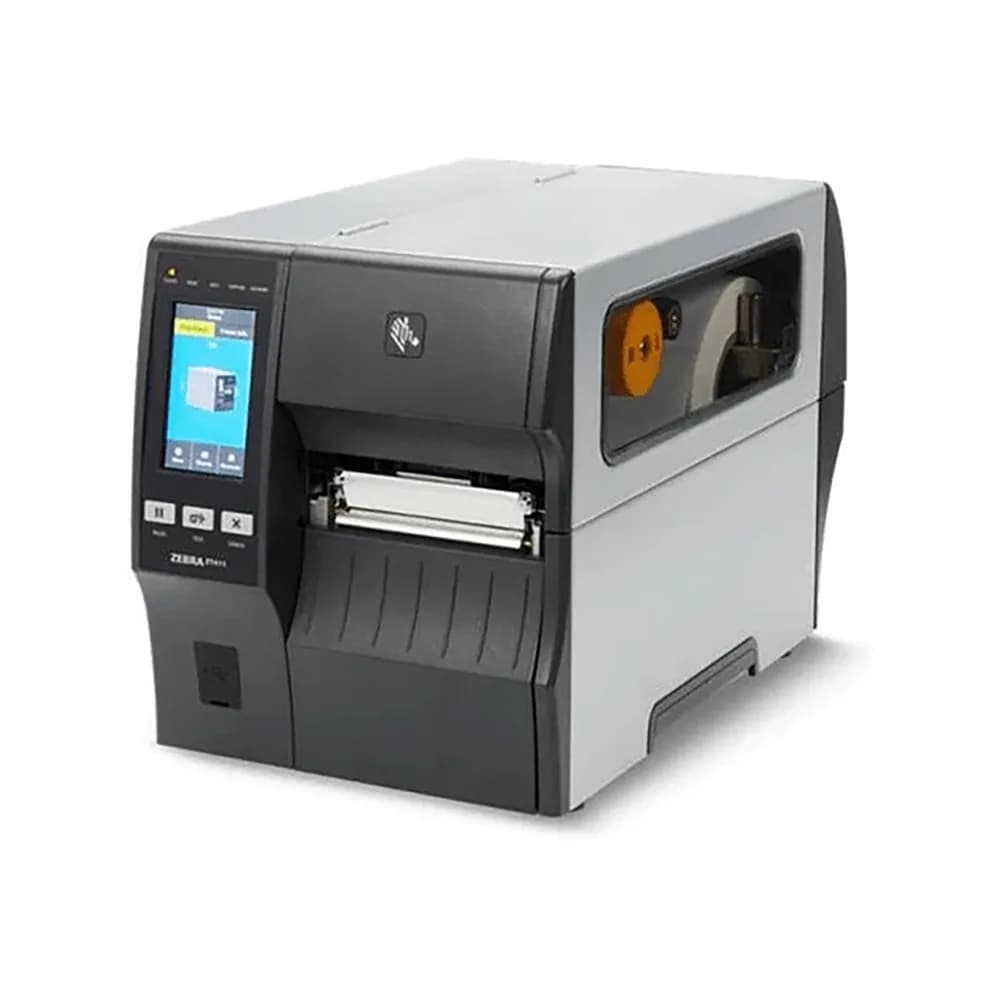
Thermal receipt printers need no ink and are fast and quiet. Check the connection type (USB, network or Bluetooth) and that it is compatible with your POS software. 80mm paper is the standard for most shops.
Barcode scanners
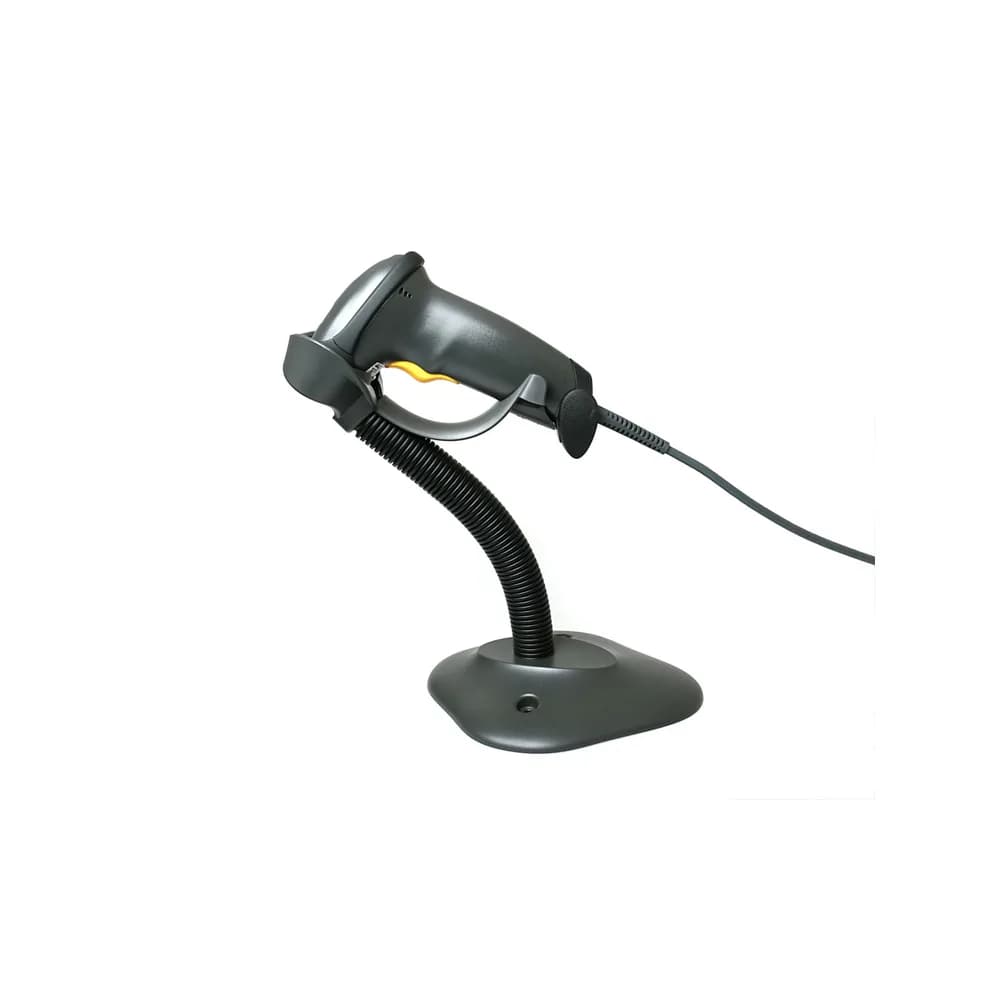
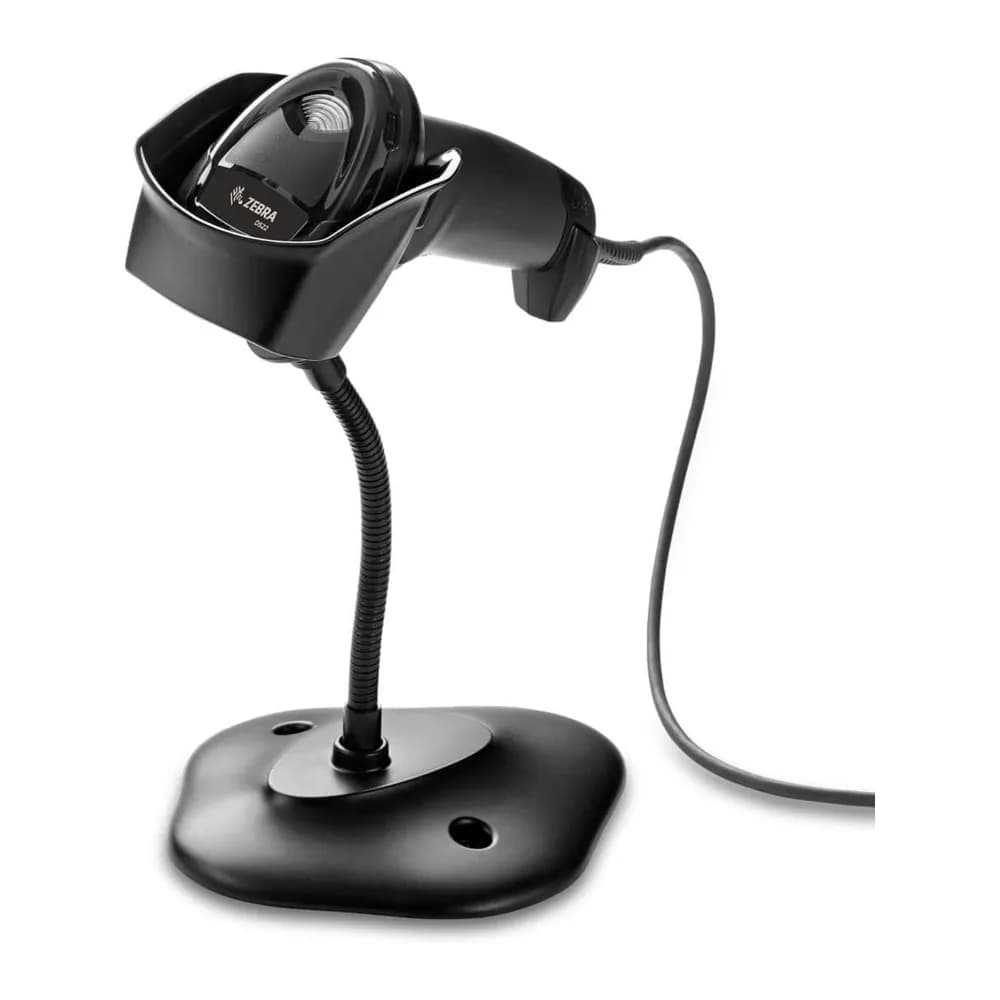
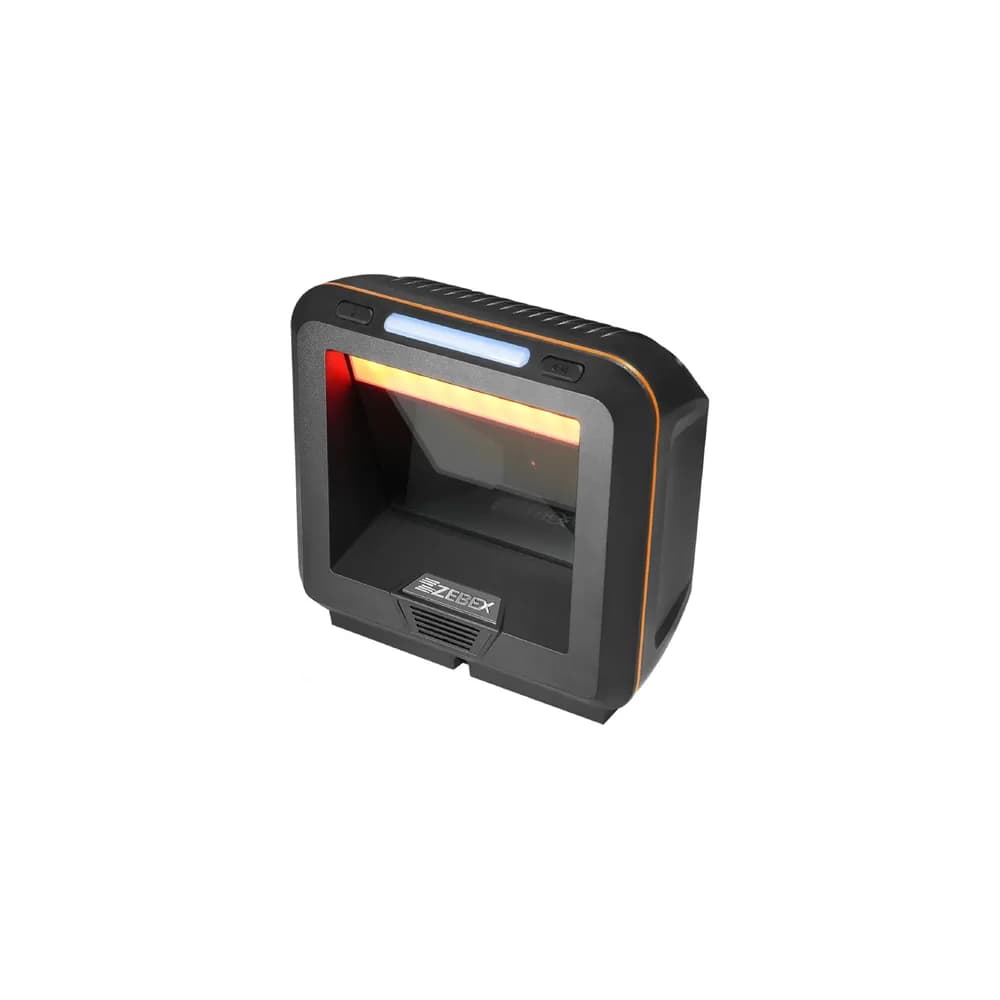
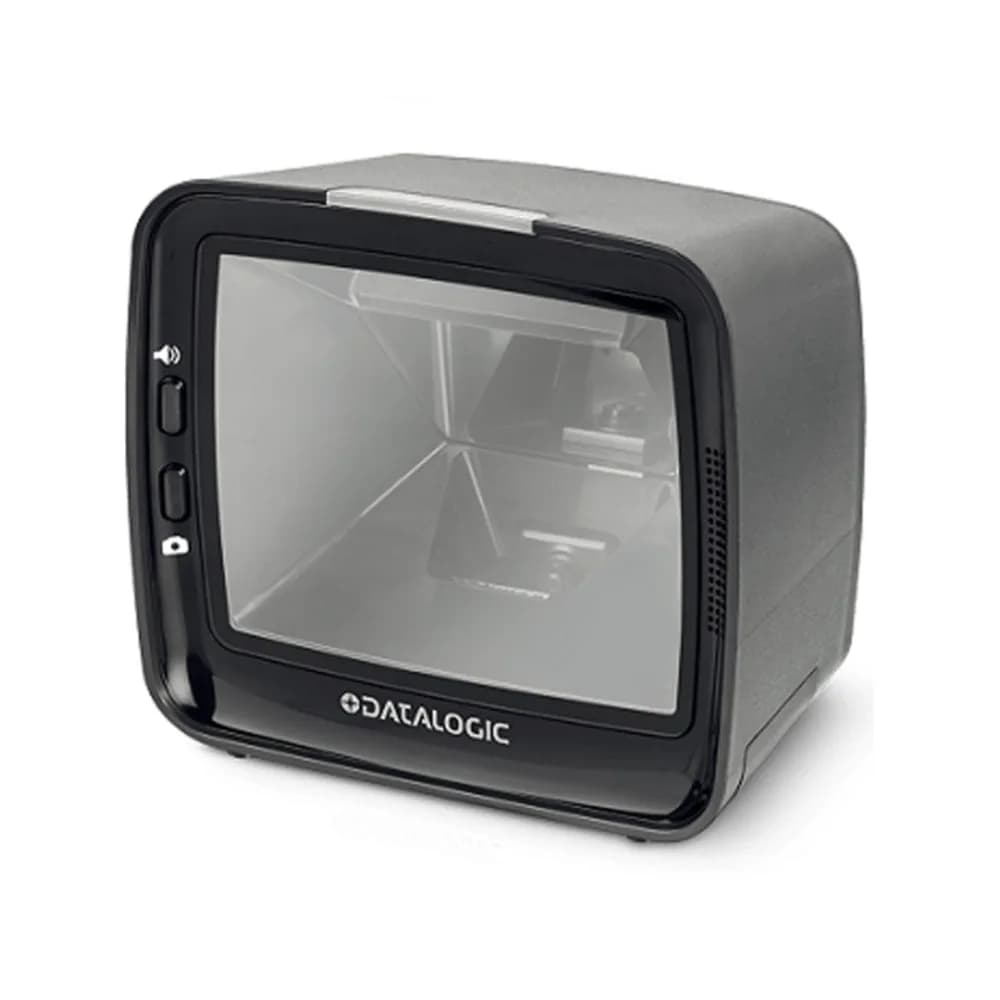
Handheld scanners are the most common. 2D scanners read both ordinary barcodes and QR codes, including codes on phone screens. Wireless scanners help in larger shops.
Software compatibility and power cuts
Confirm your POS software supports the printer and scanner you choose. A UPS keeps the terminal, router and card machine running during load-shedding so sales do not stop.
Frequently asked questions
- Do I need a special printer for receipts?
- Thermal receipt printers are the usual choice. They are fast, quiet and use no ink.
- Will it work with my POS software?
- Check the software’s supported hardware list, or contact us with the software name and we will advise.
- Can I get a complete setup quoted?
- Yes. Request a quote and we will price the terminal, printer, scanner and drawer together.
- How do I keep trading during load-shedding?
- Put the terminal, router and card machine on a UPS or inverter.
Related guides, parts and services
- → UPS units — keep trading during power cuts
- → Printers — office and receipt printing
- → Request a quote — a full setup for your business
- → Desktops and all-in-one PCs — POS terminals
Not sure what you need? Contact us with your laptop model number and we will help.