
Networking
Routers, access points, switches and wireless networking gear.
77 products available
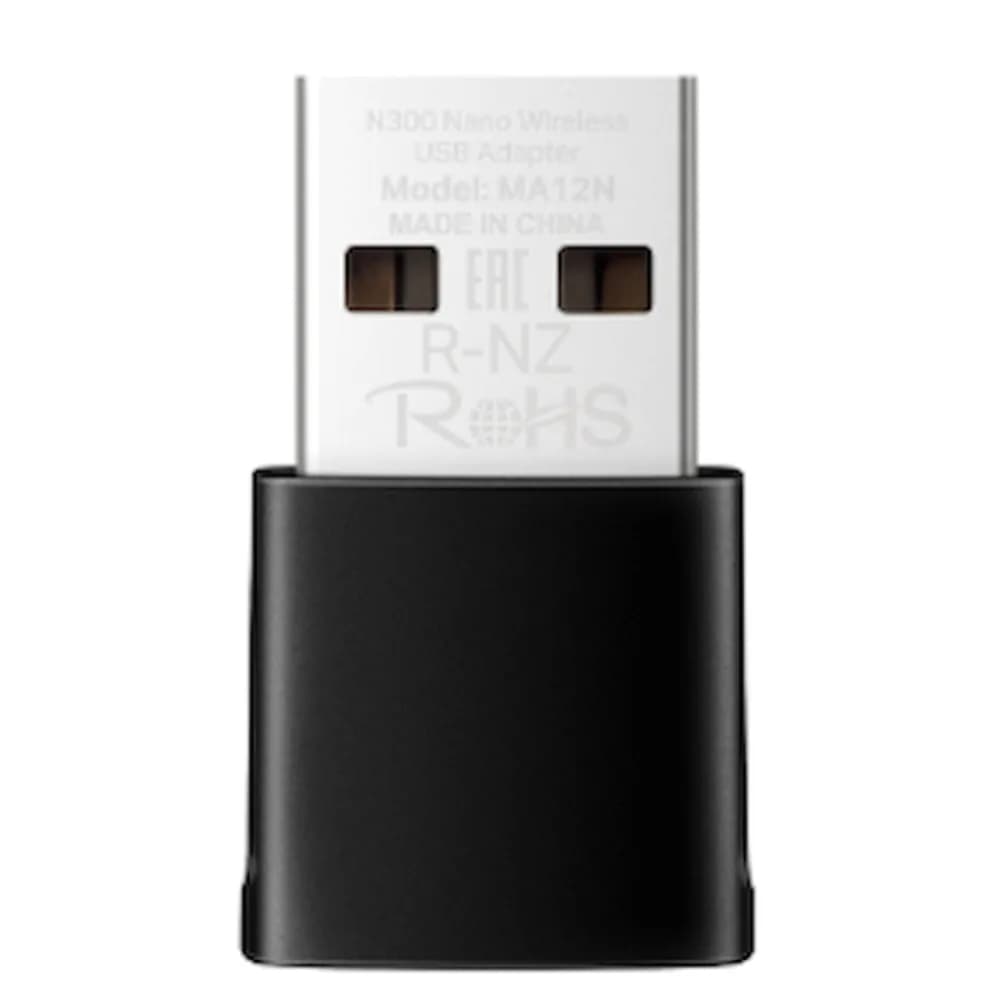
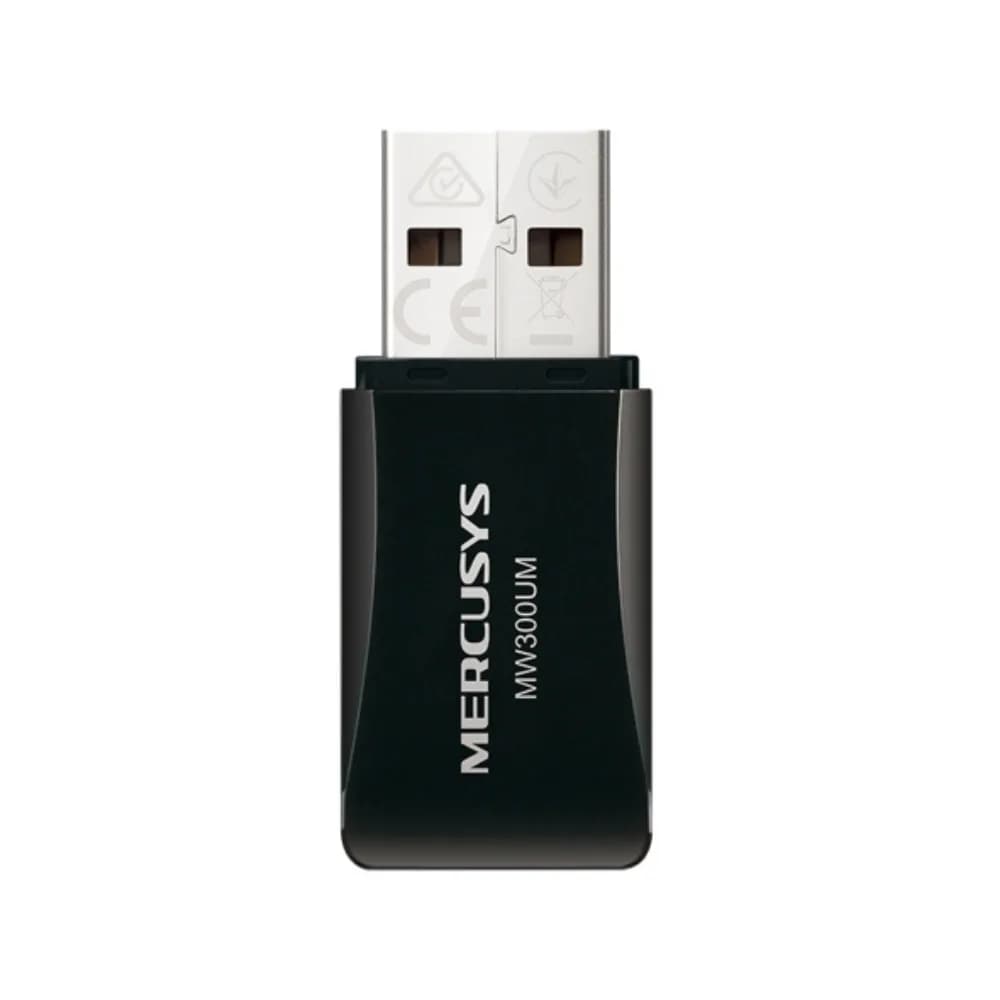
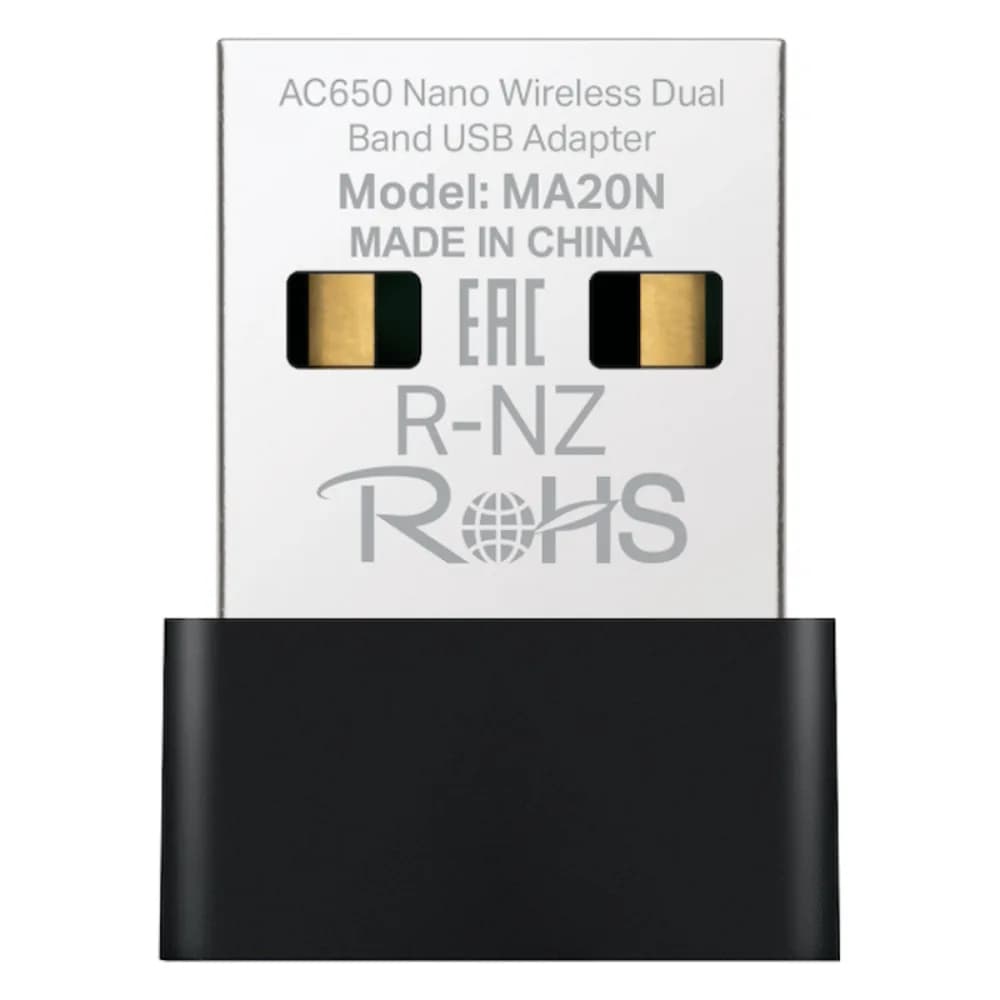
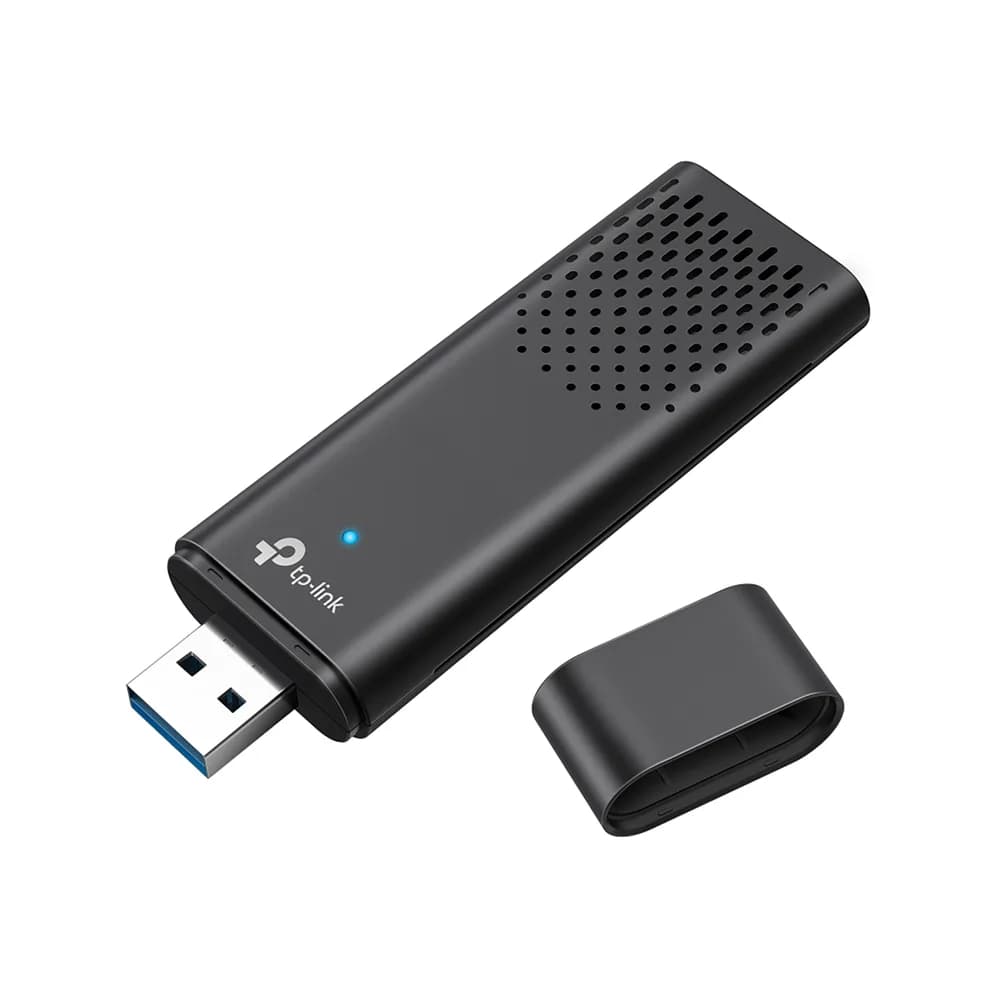
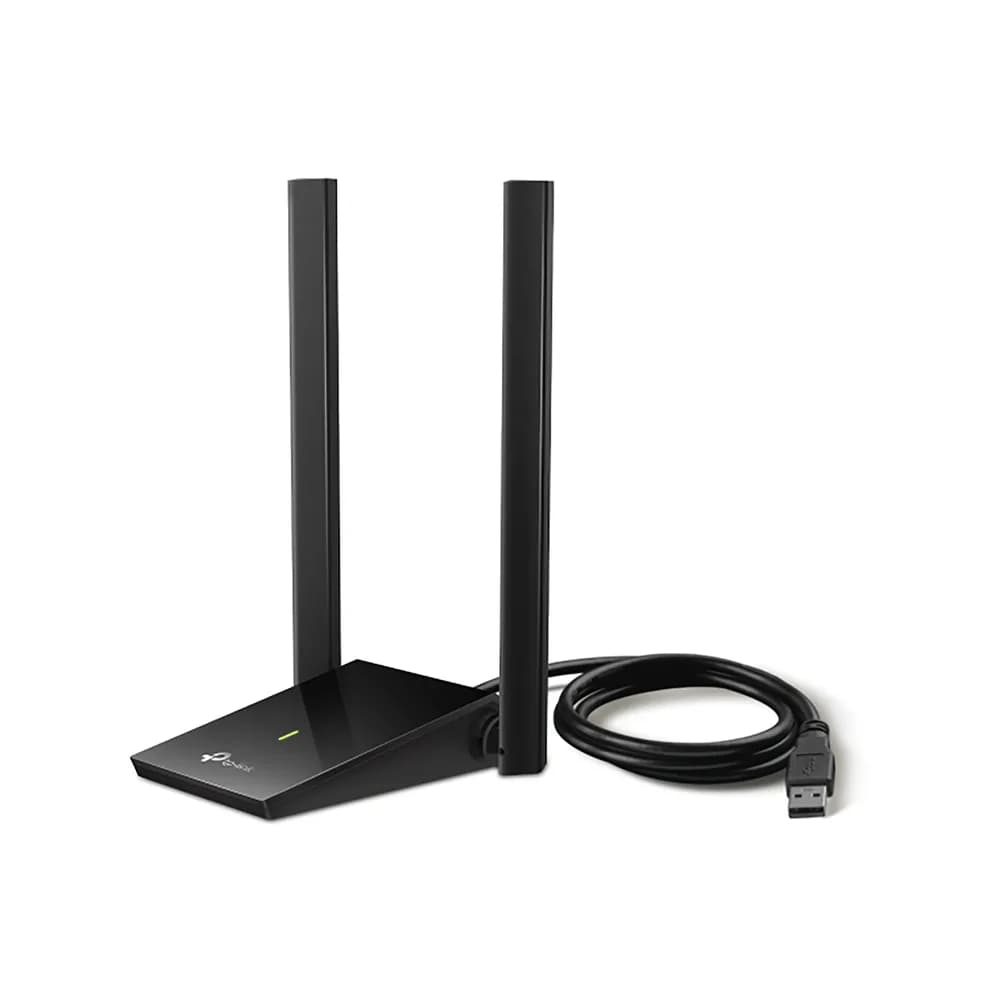
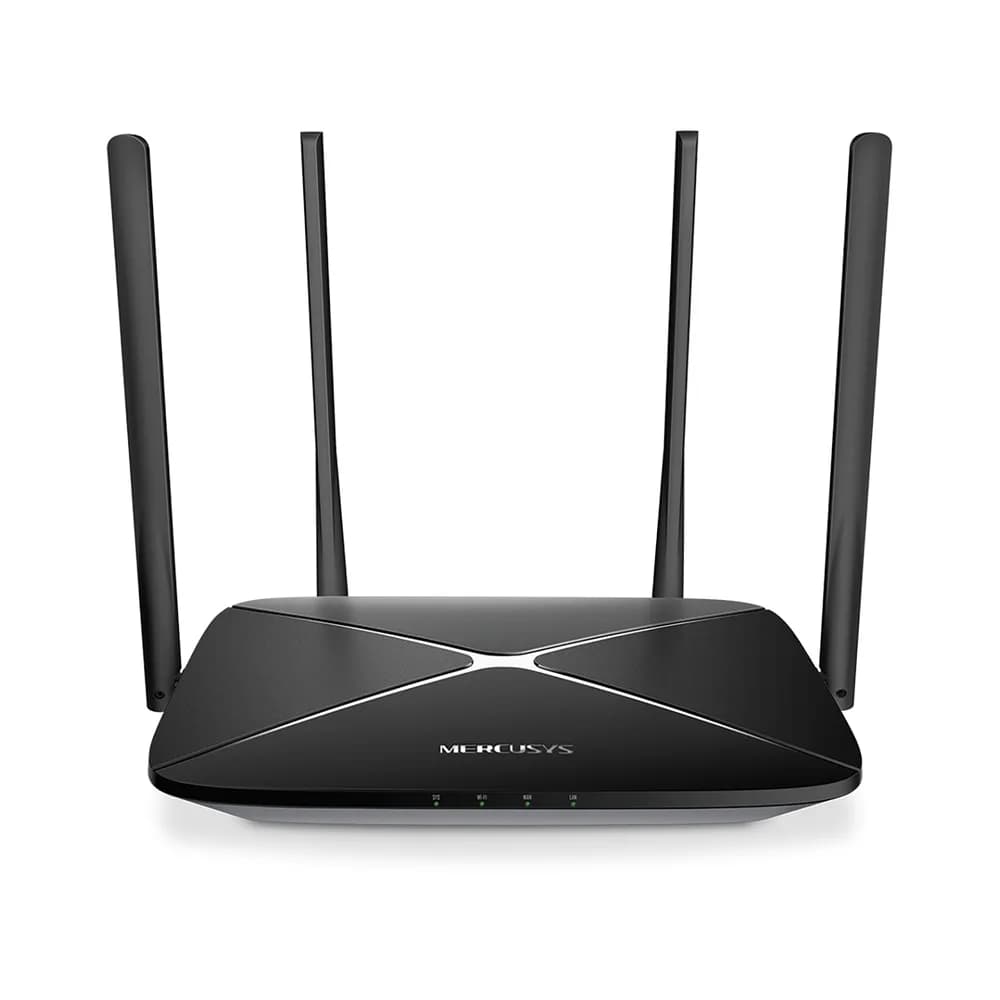
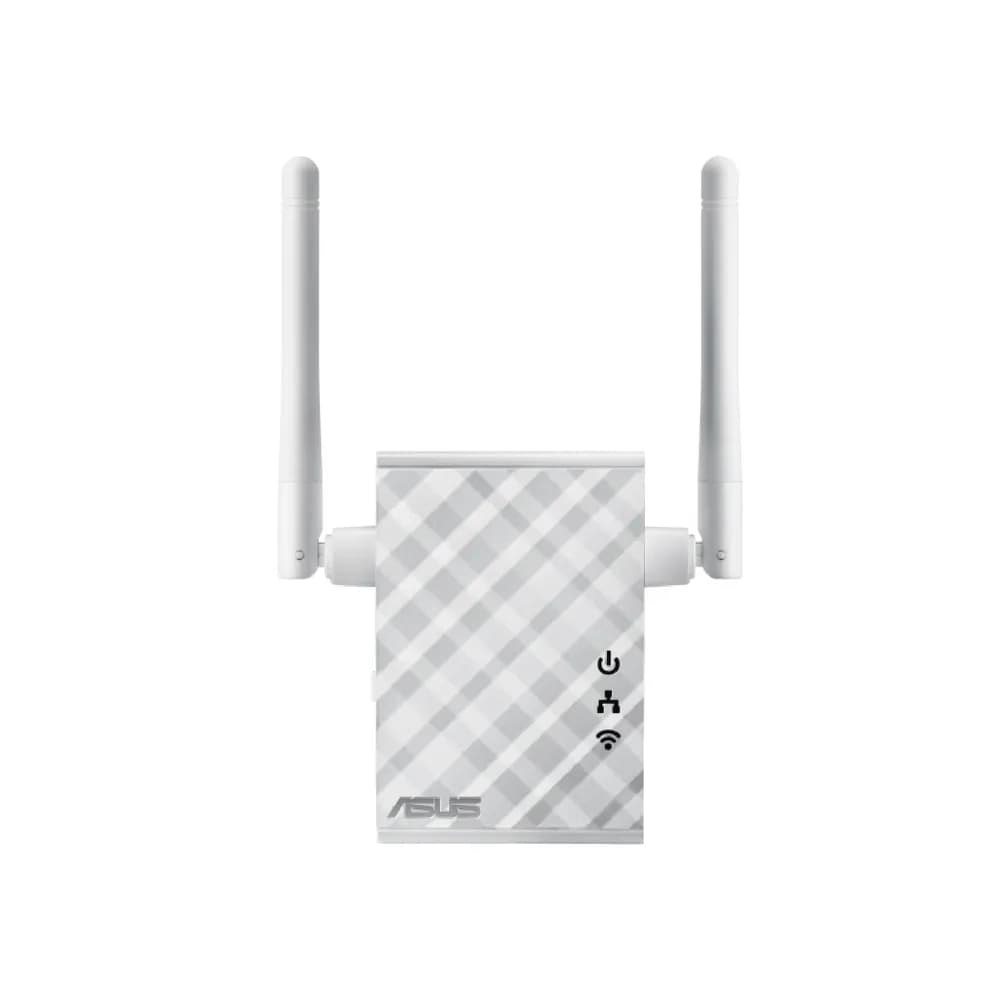

How to choose networking equipment
Reliable networking keeps an office or home online and connected. Whether you are replacing a router, extending Wi-Fi coverage or wiring a small office, these are the things to check.
Routers and Wi-Fi standards
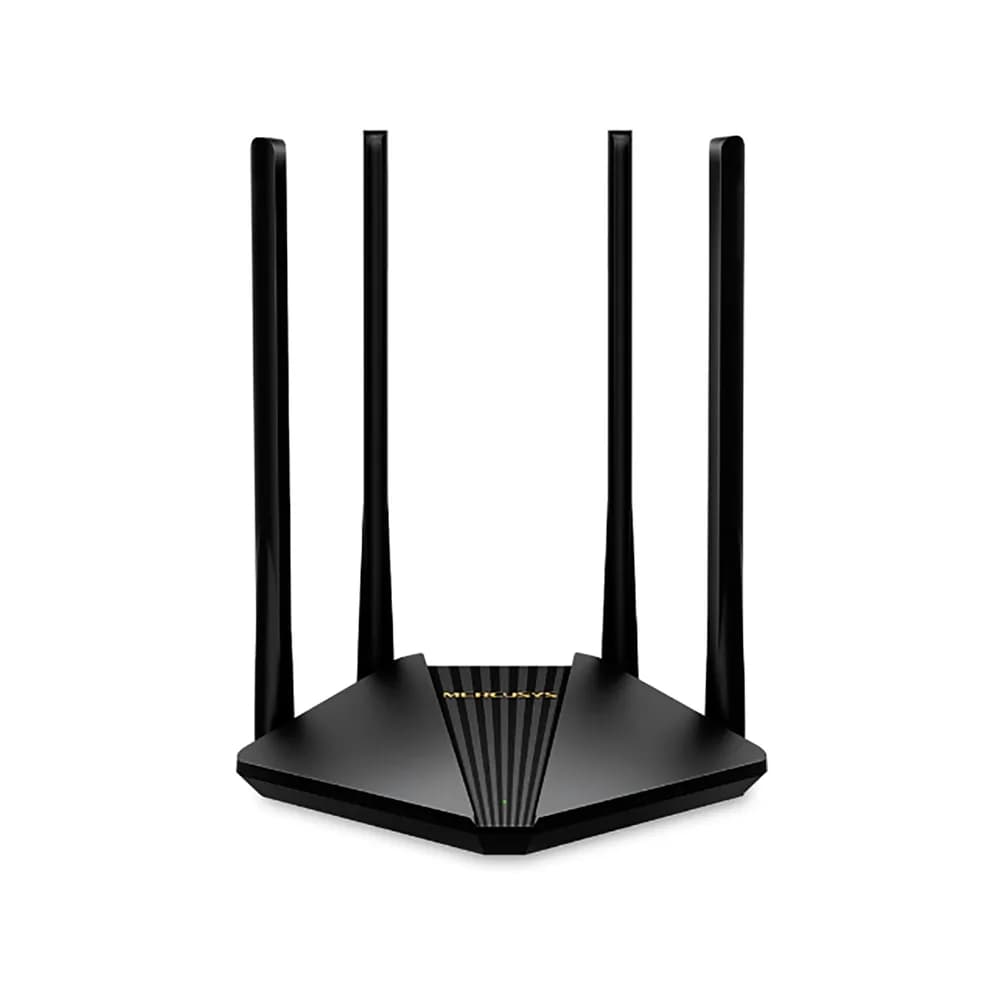
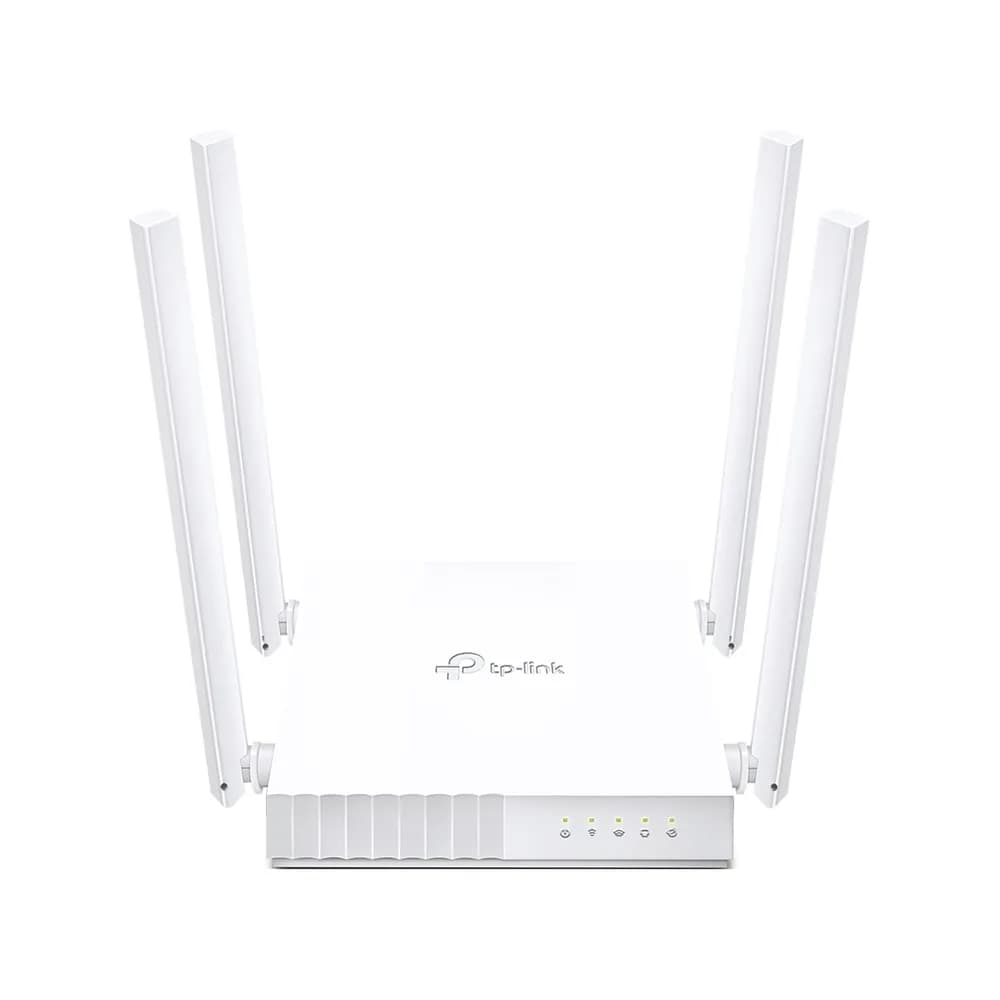
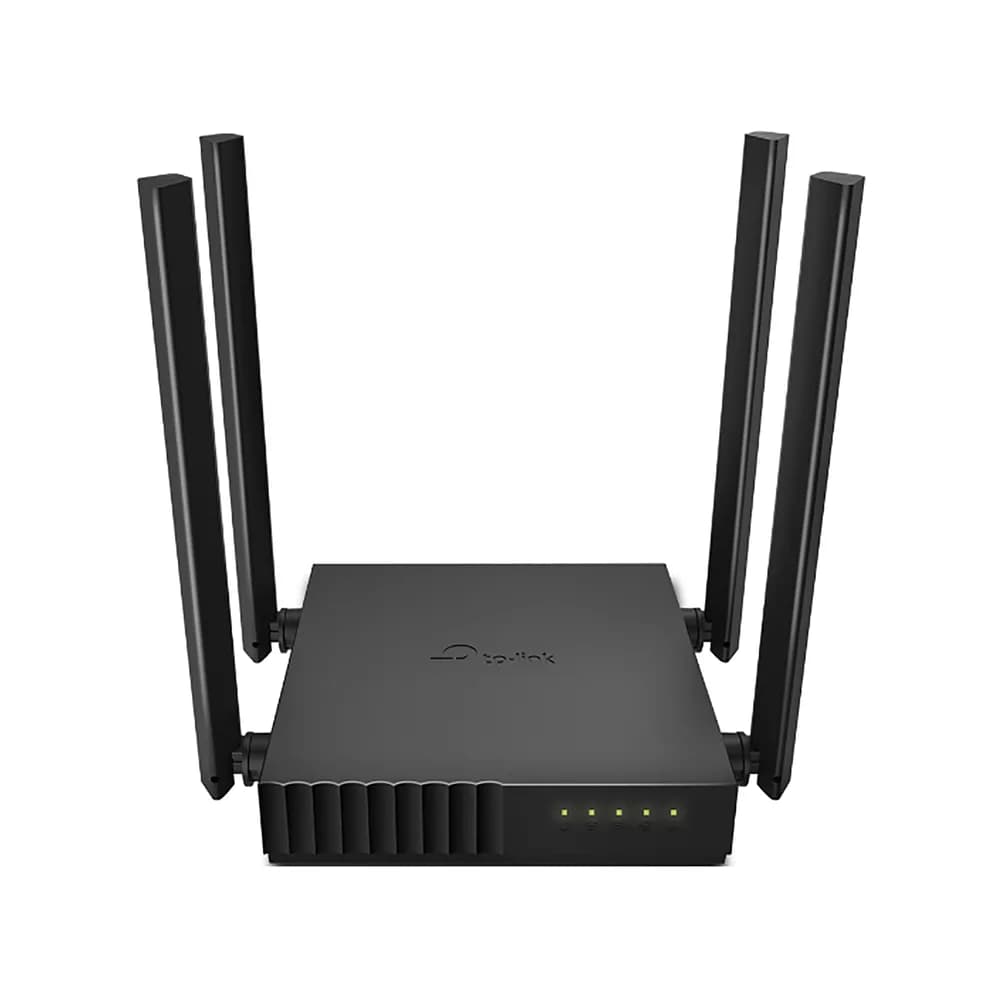
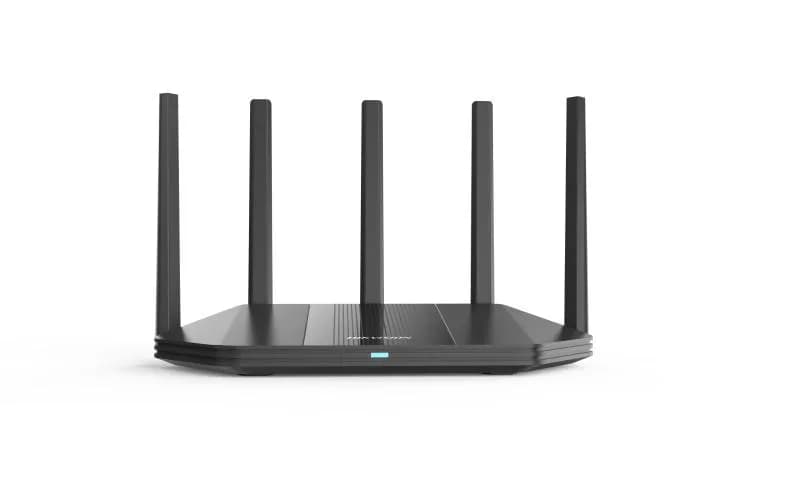
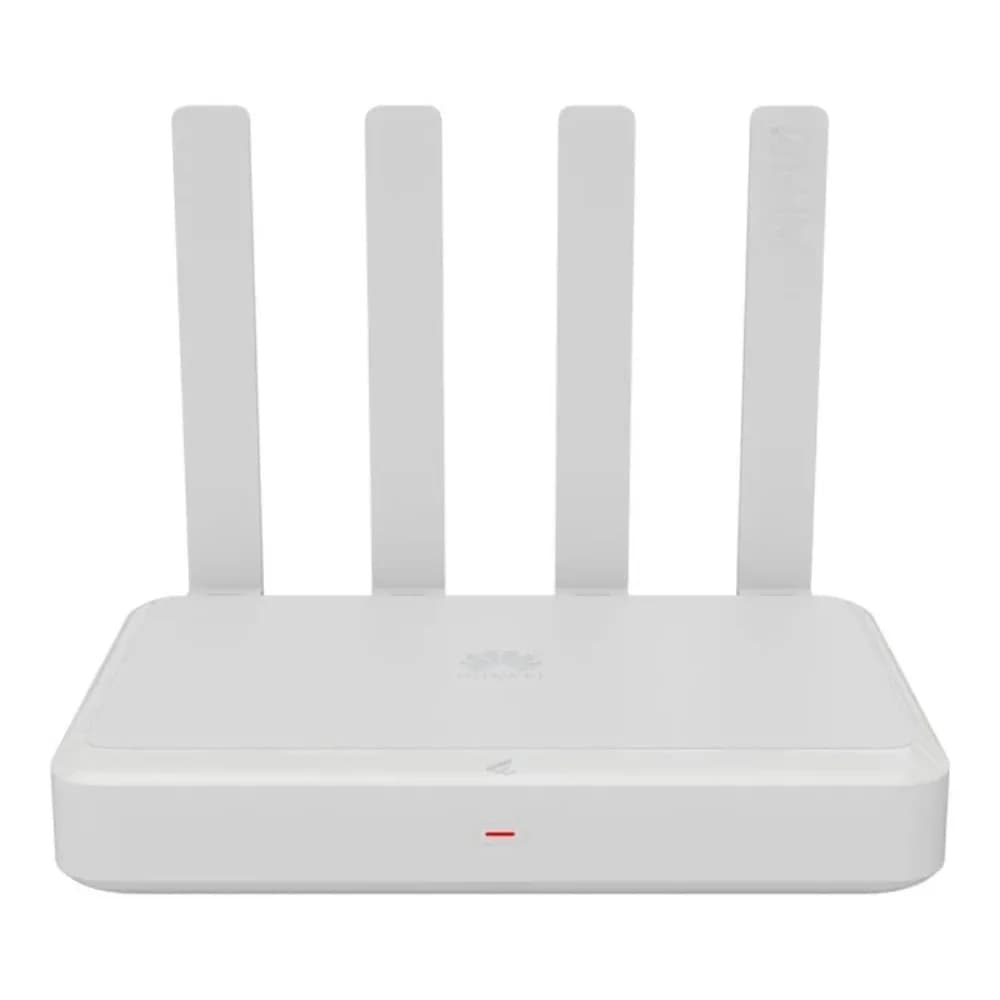
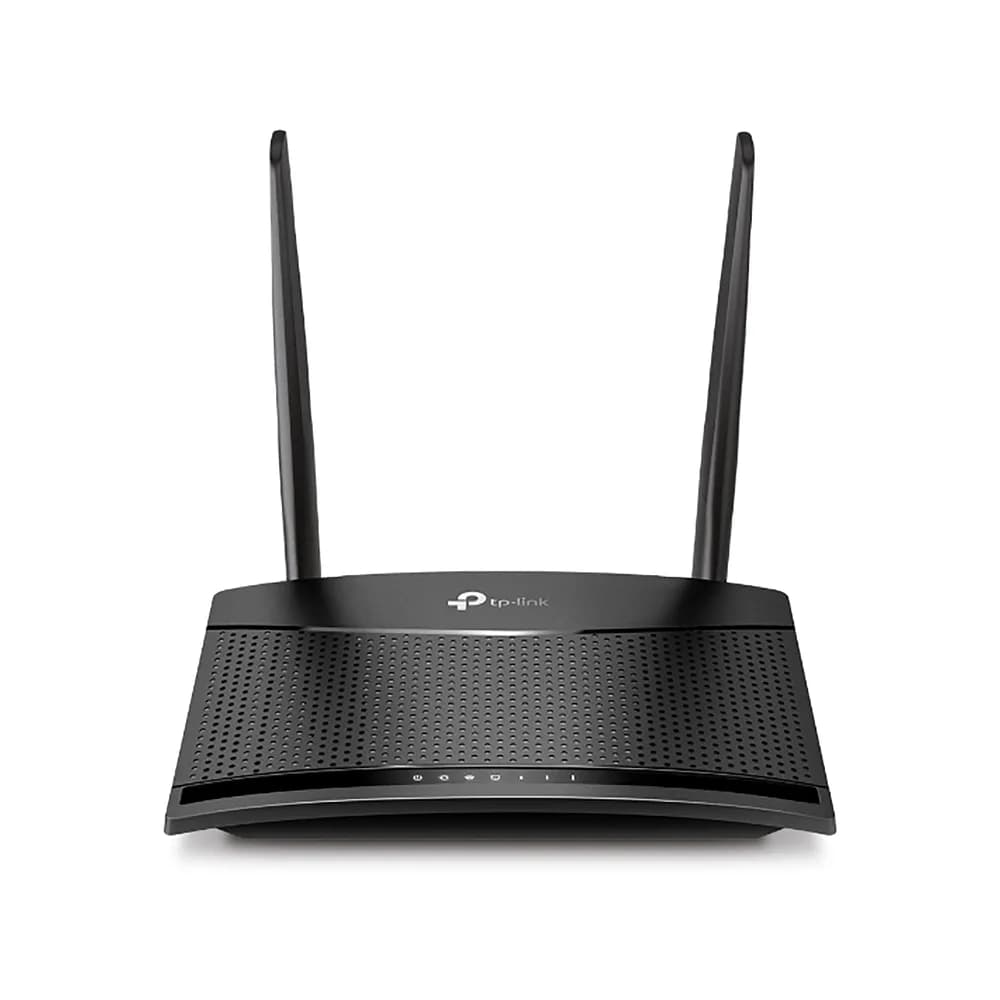
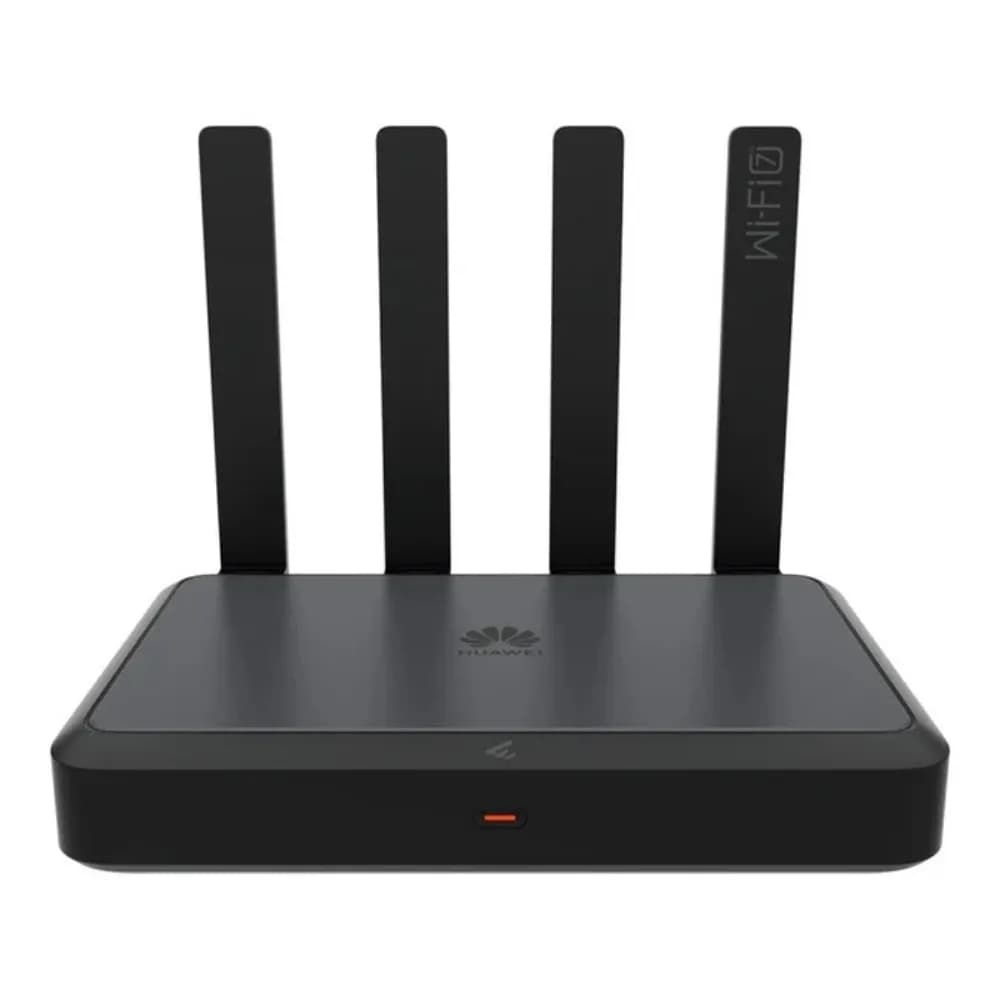
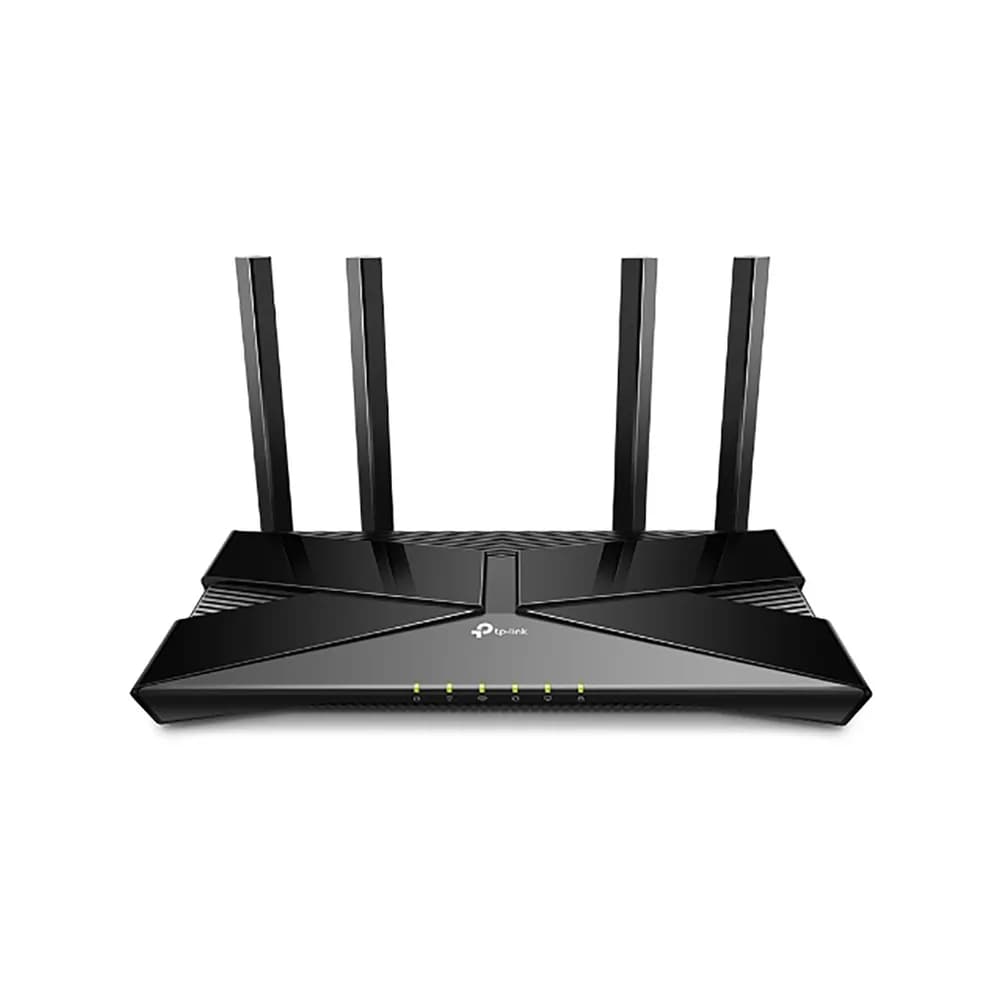
Wi-Fi 5 (802.11ac) is fine for most homes. Wi-Fi 6 (802.11ax) handles many devices at once better and suits busy homes and offices. Check that the router matches your fibre or ISP connection speed, and that it supports the services your provider uses.
Coverage: access points, extenders and mesh
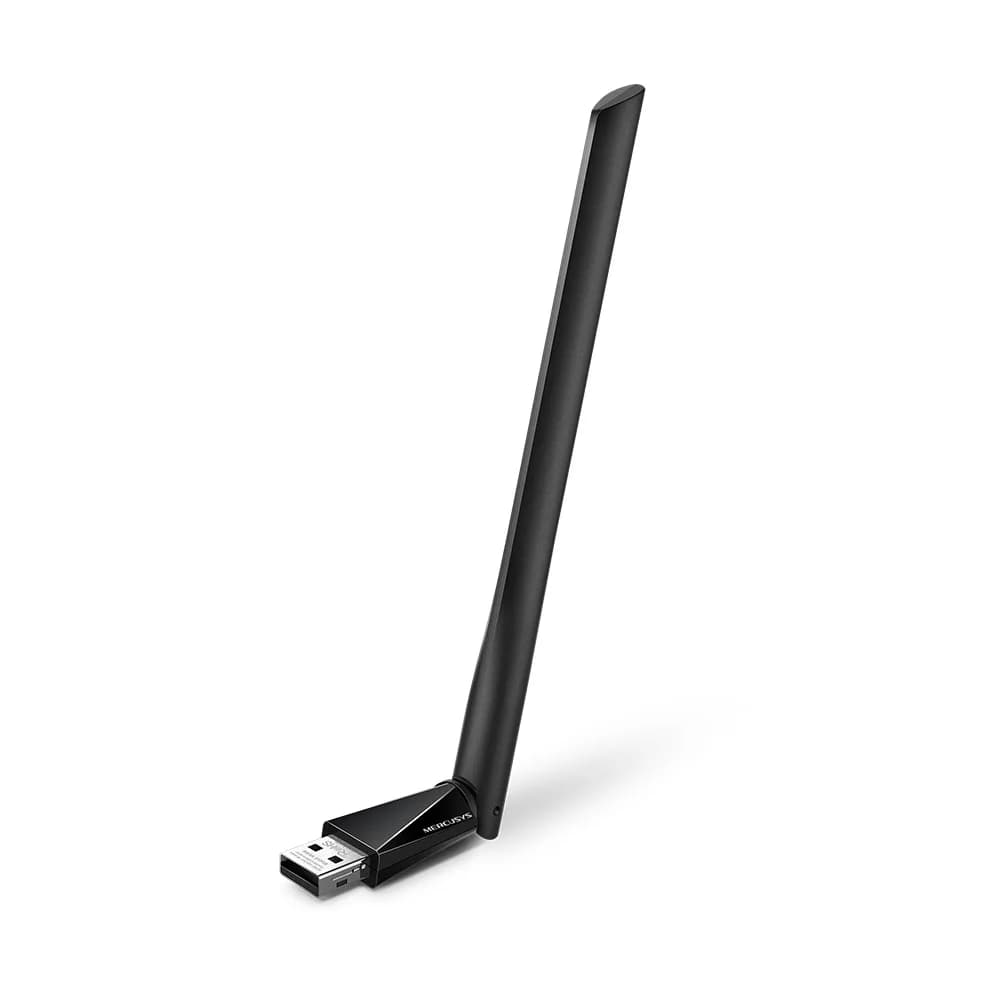
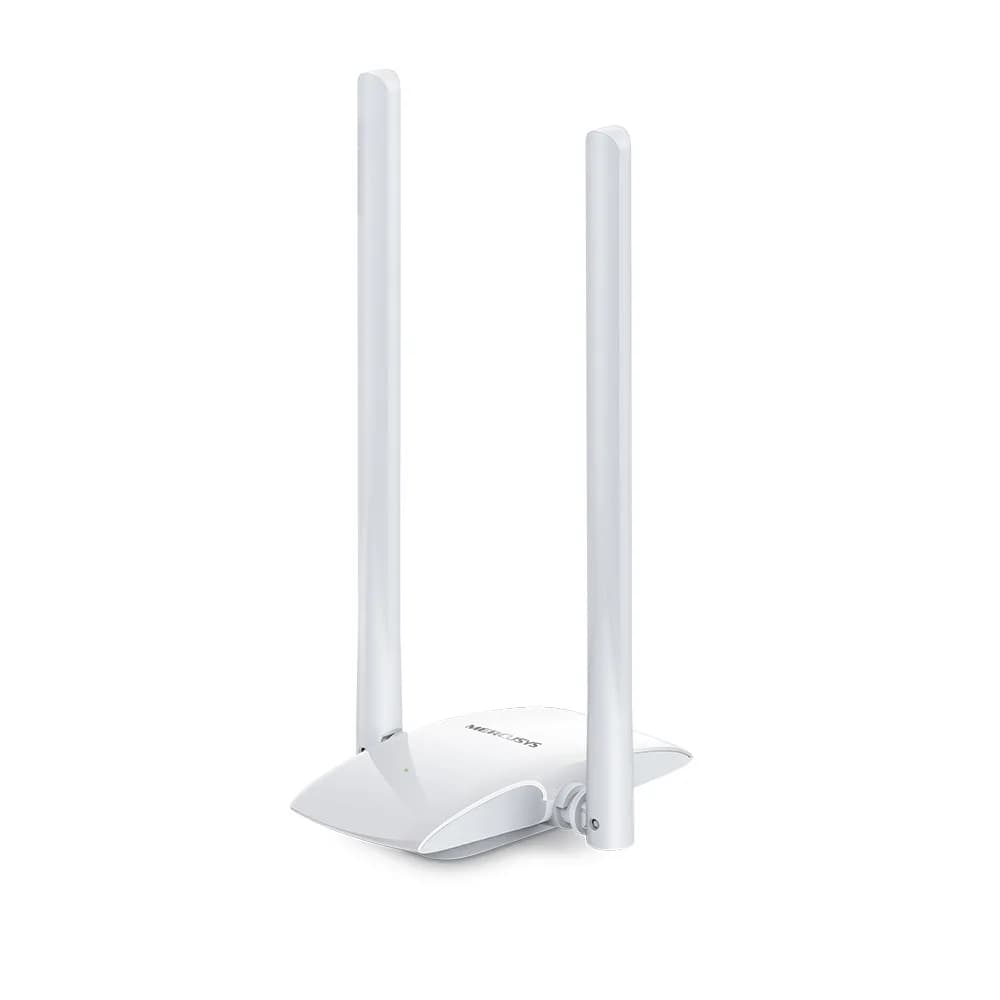
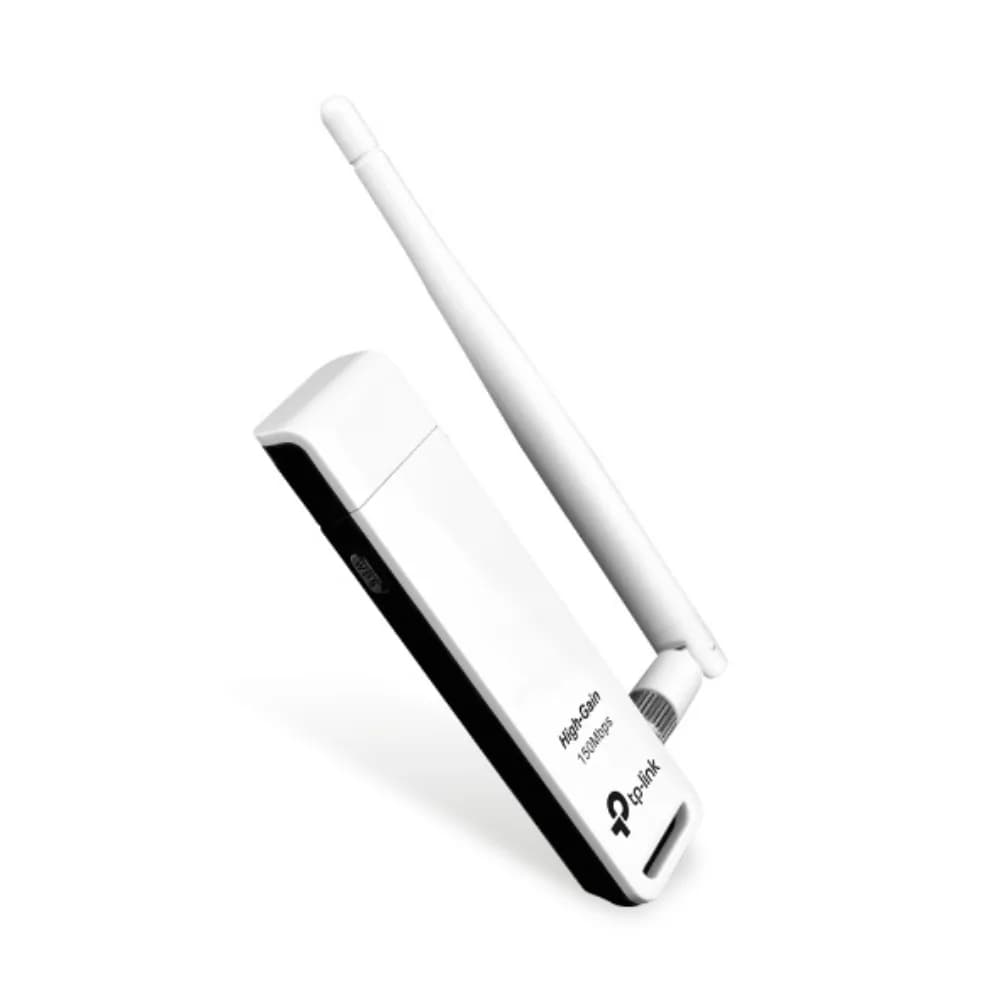
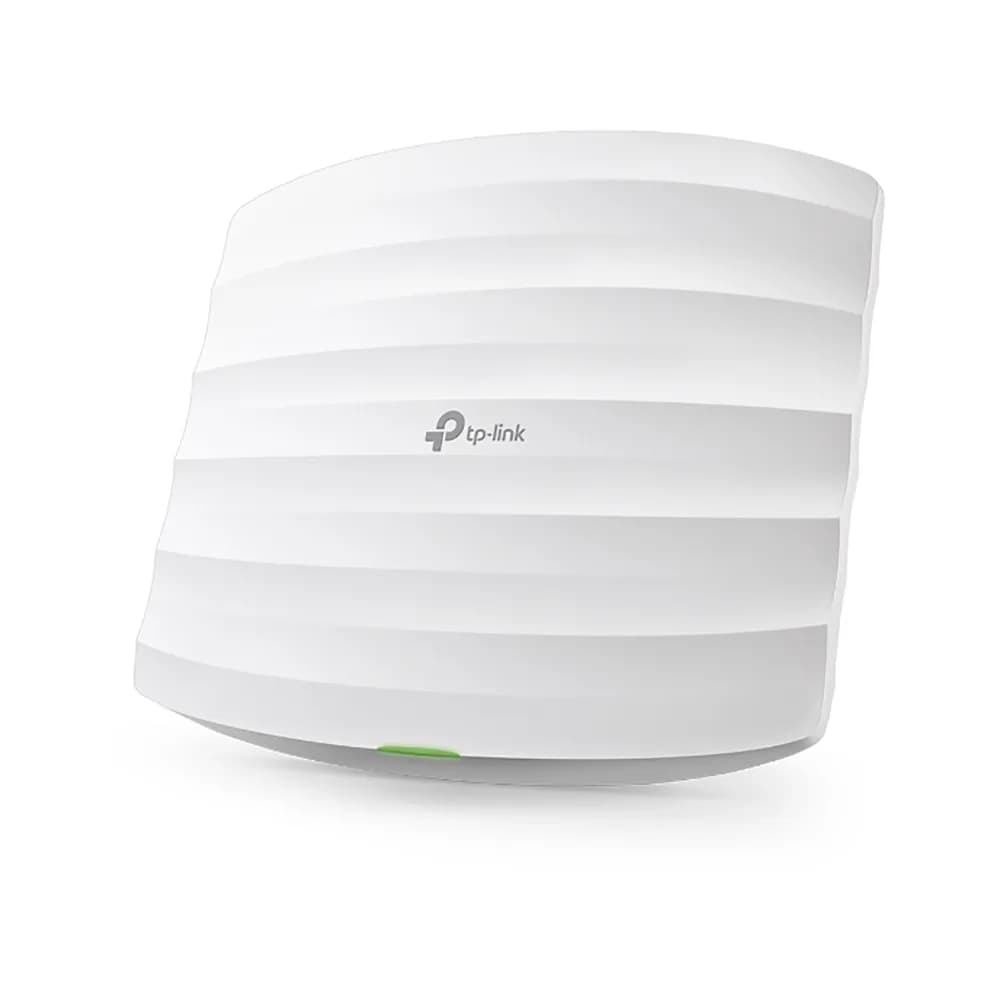
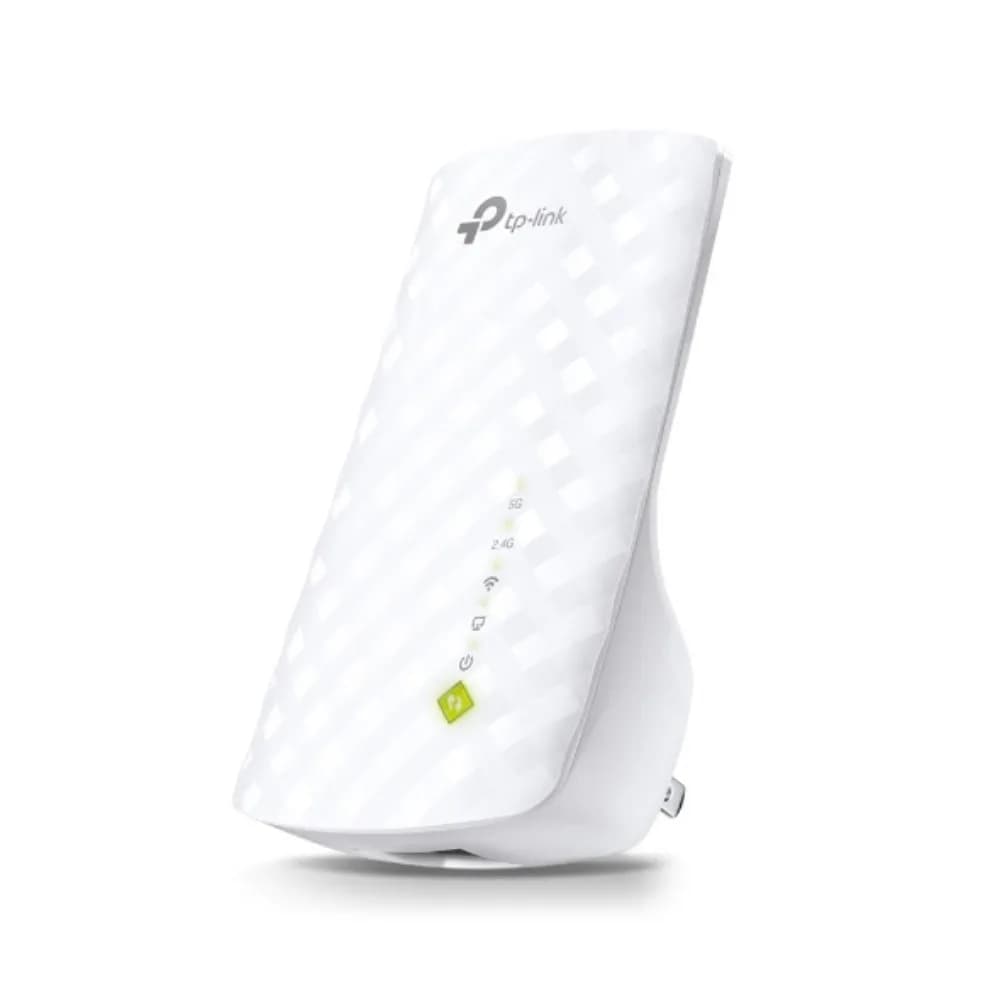
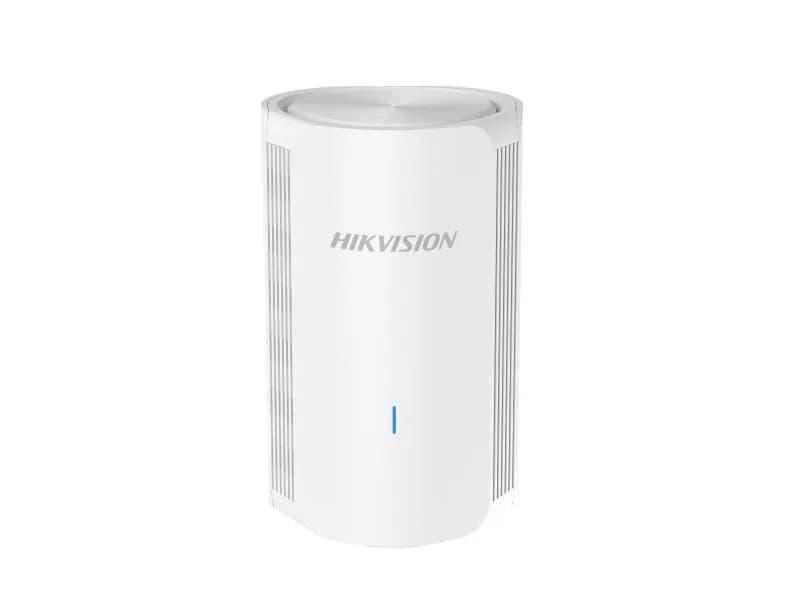
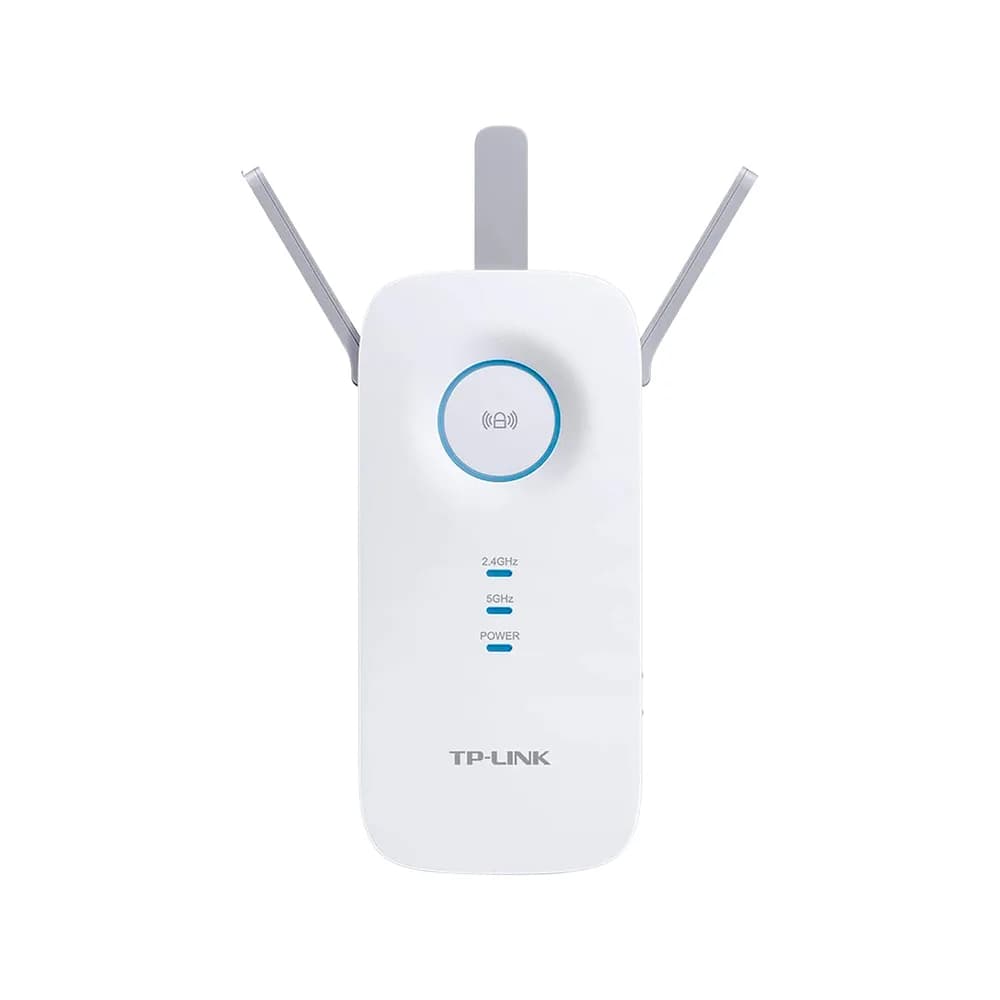
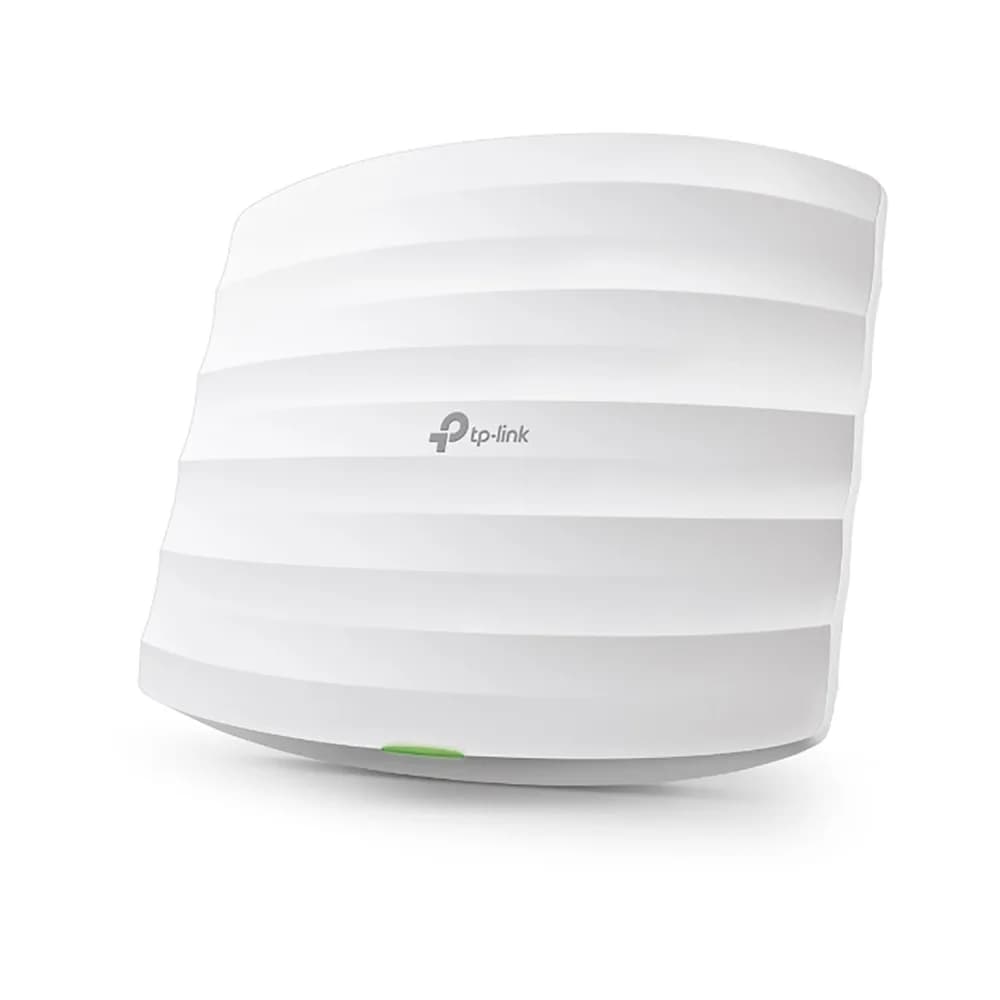
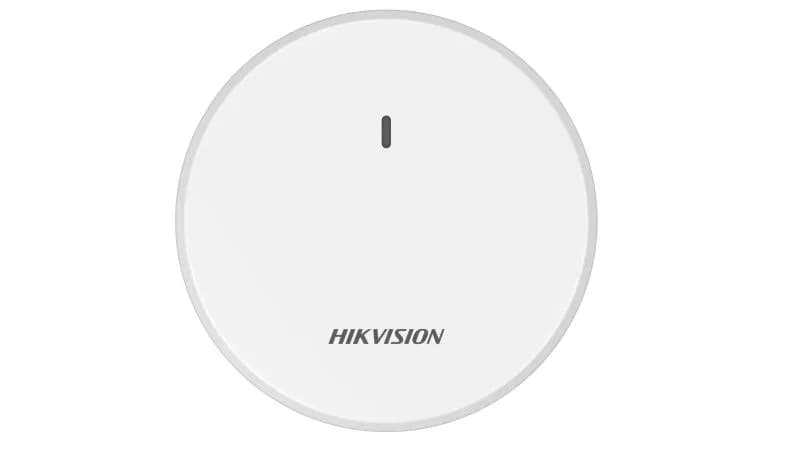
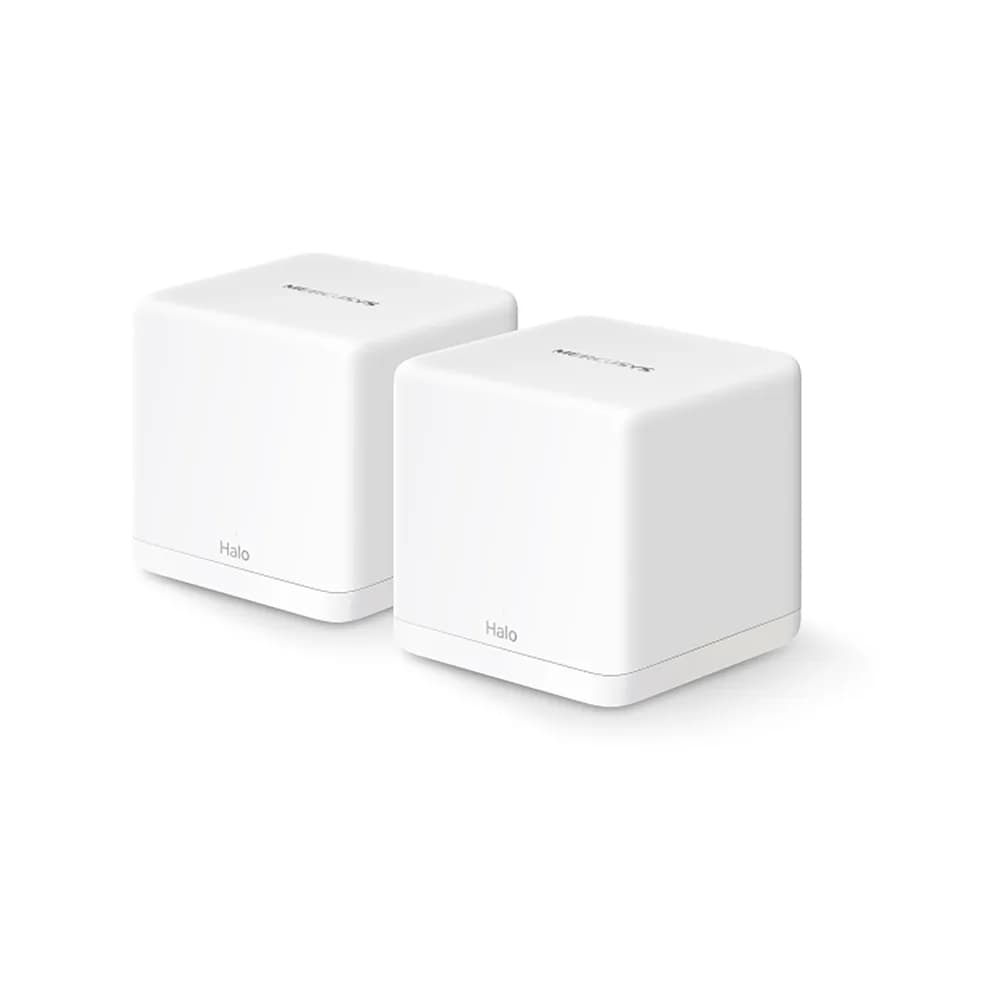
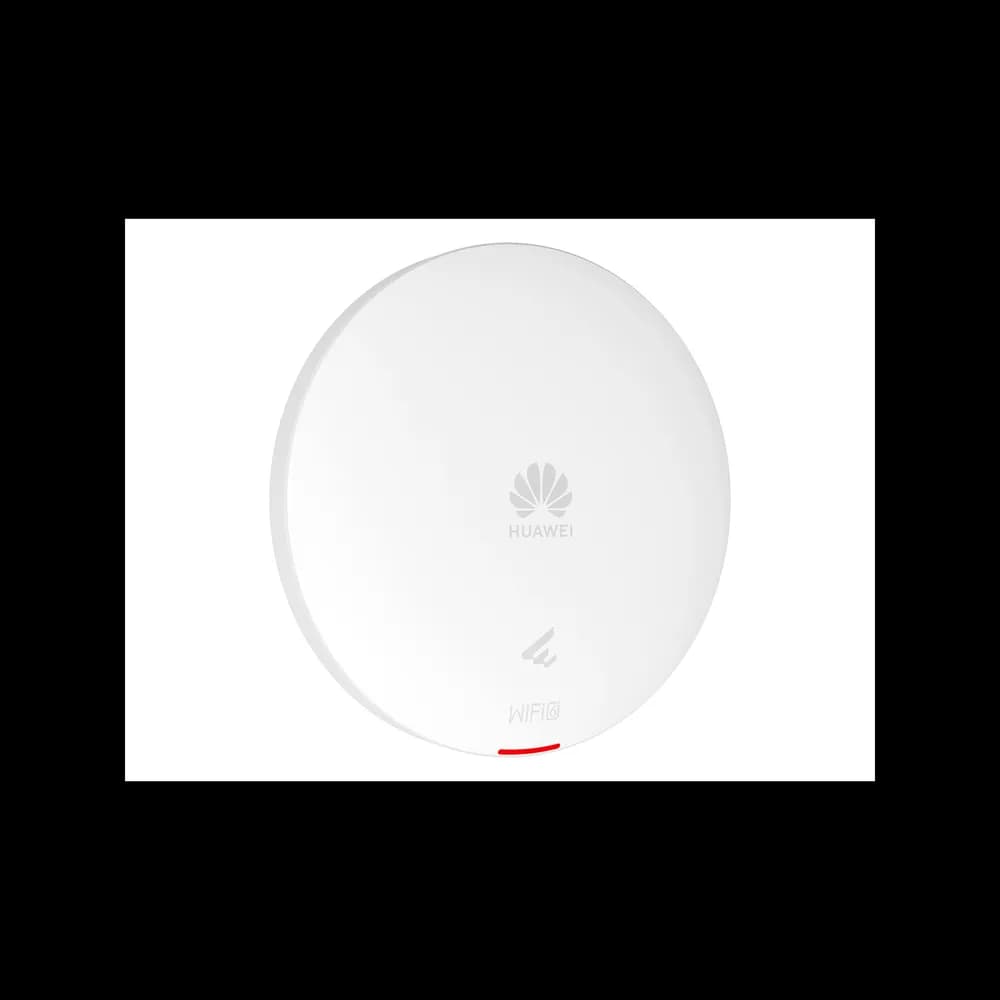
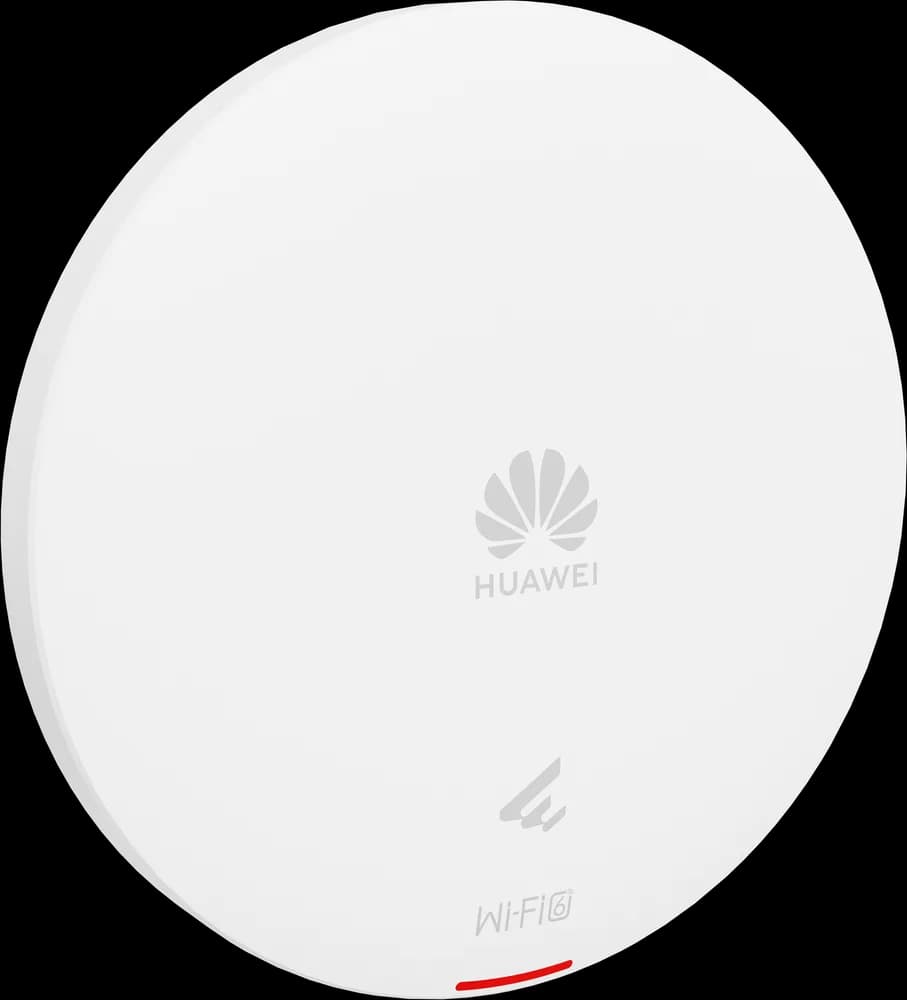
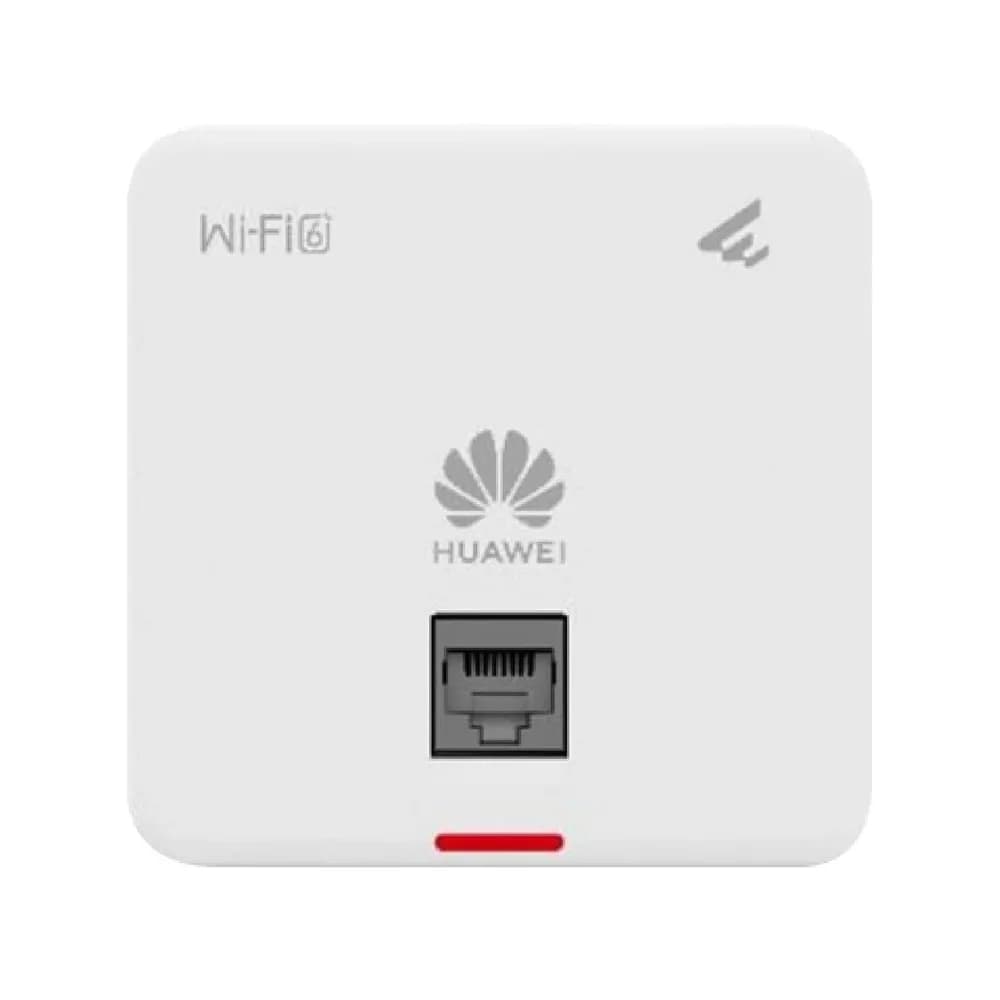
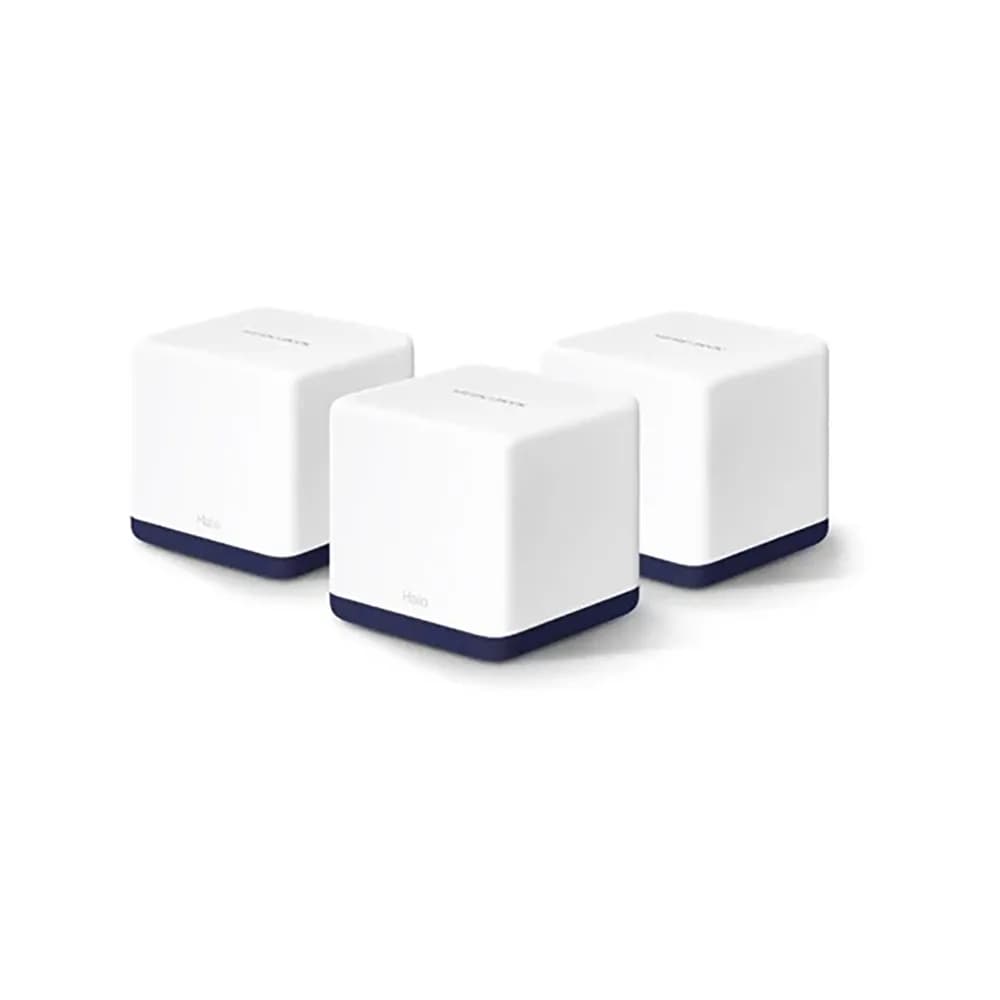
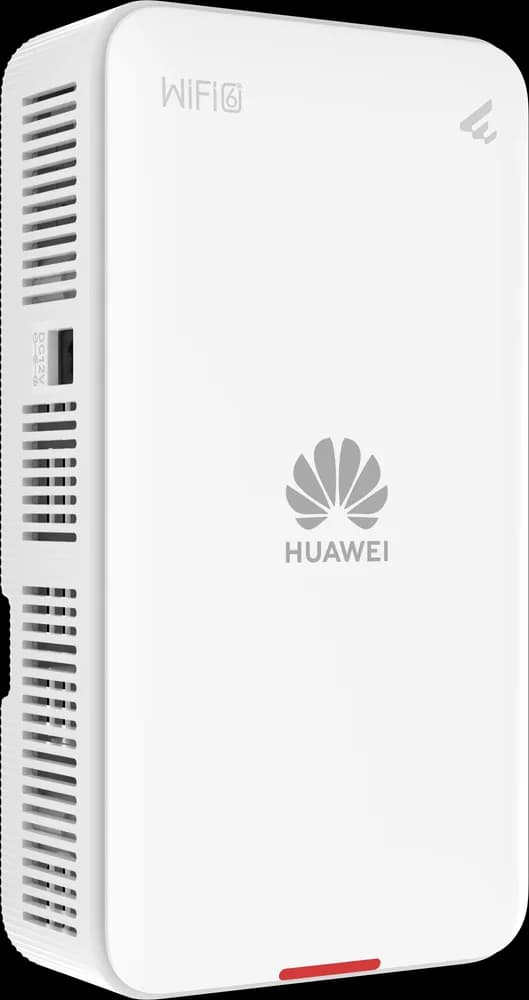
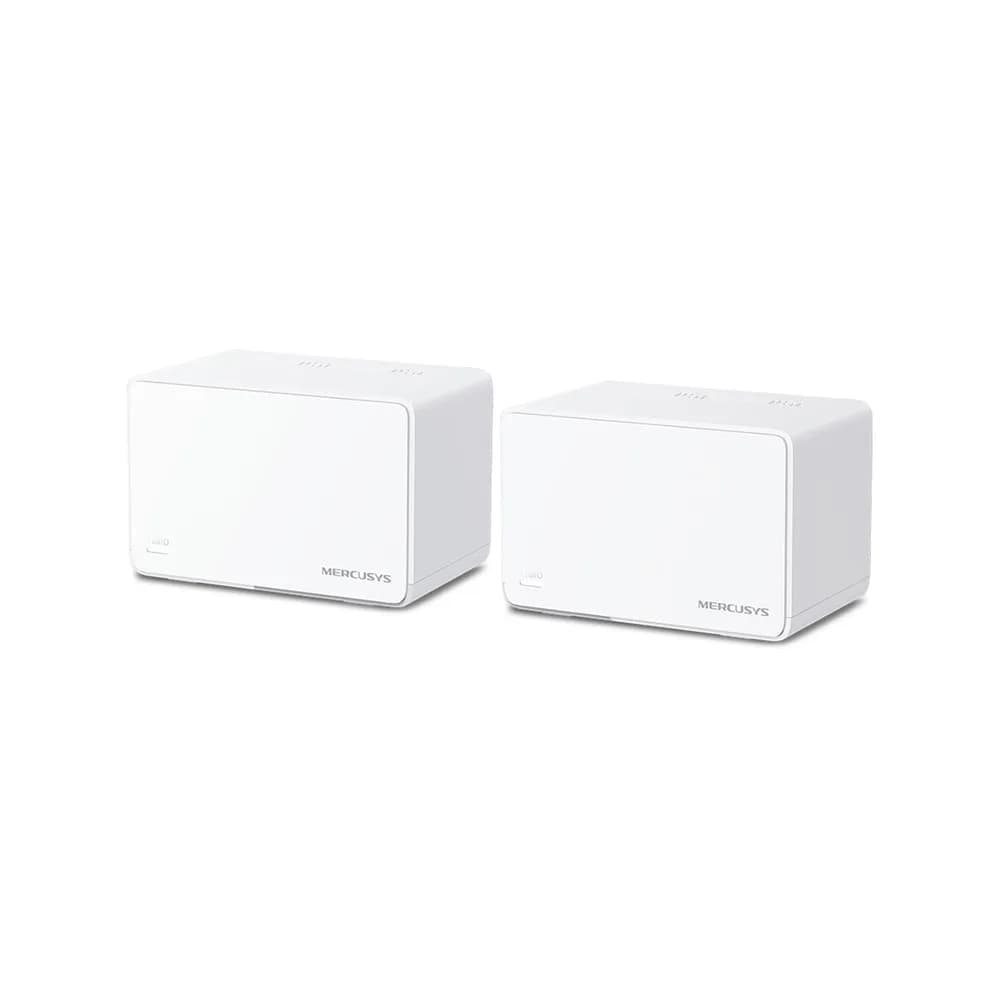
A single router often cannot cover a large house or office. Access points wired back to the router give the best coverage. Mesh systems are simple to install, while basic range extenders are the cheapest fix but halve the available speed.
Switches and cabling
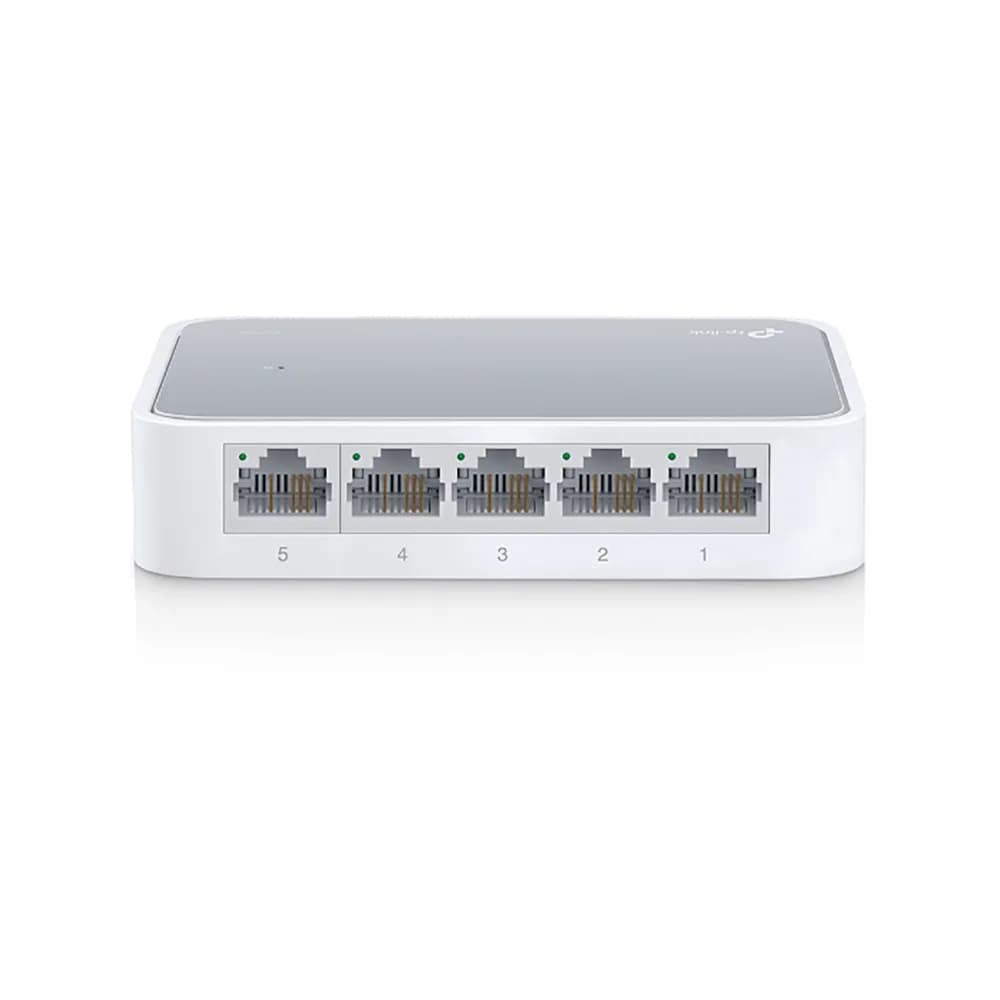
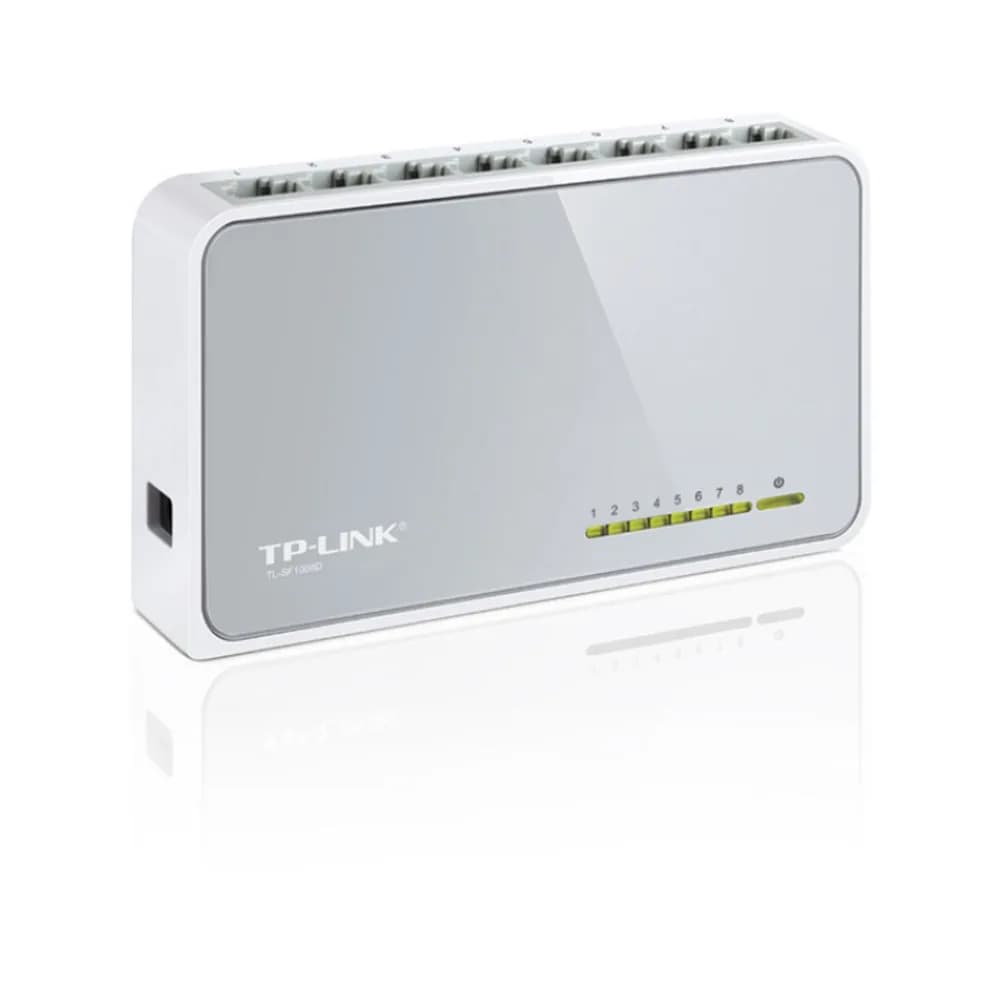
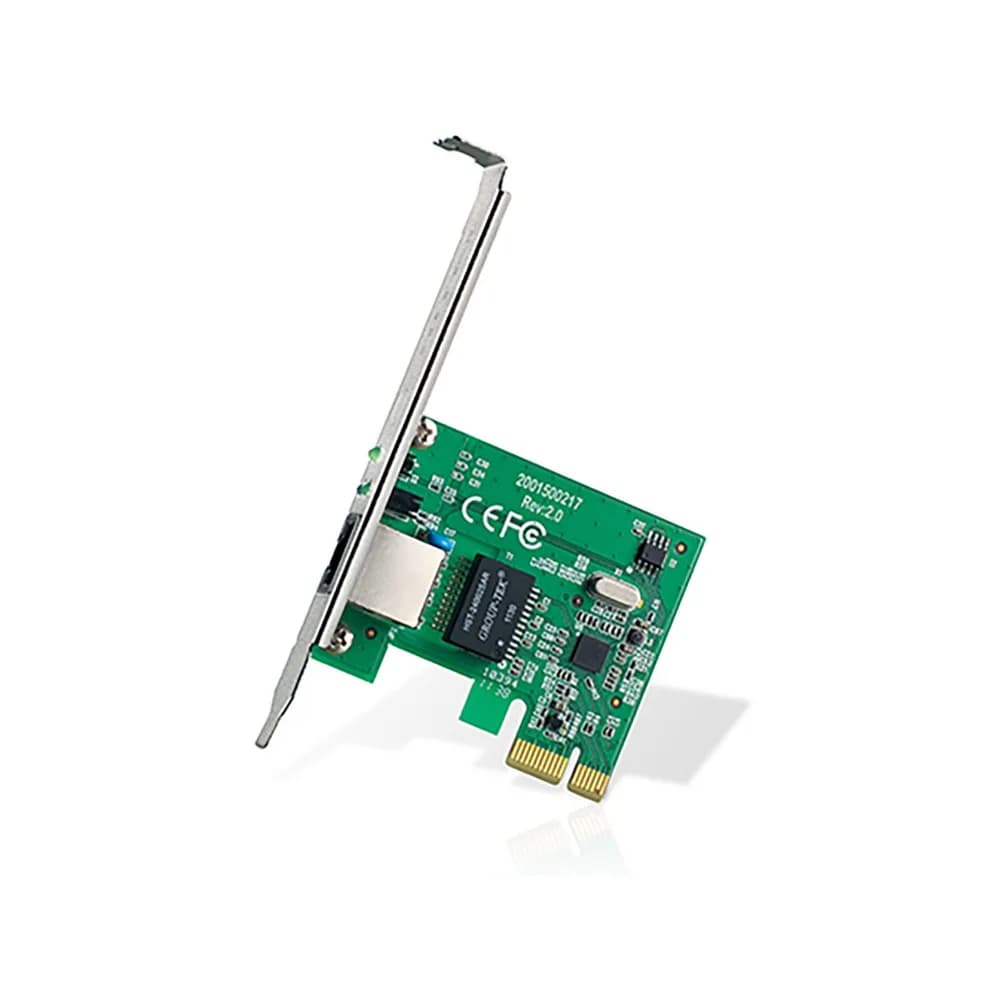
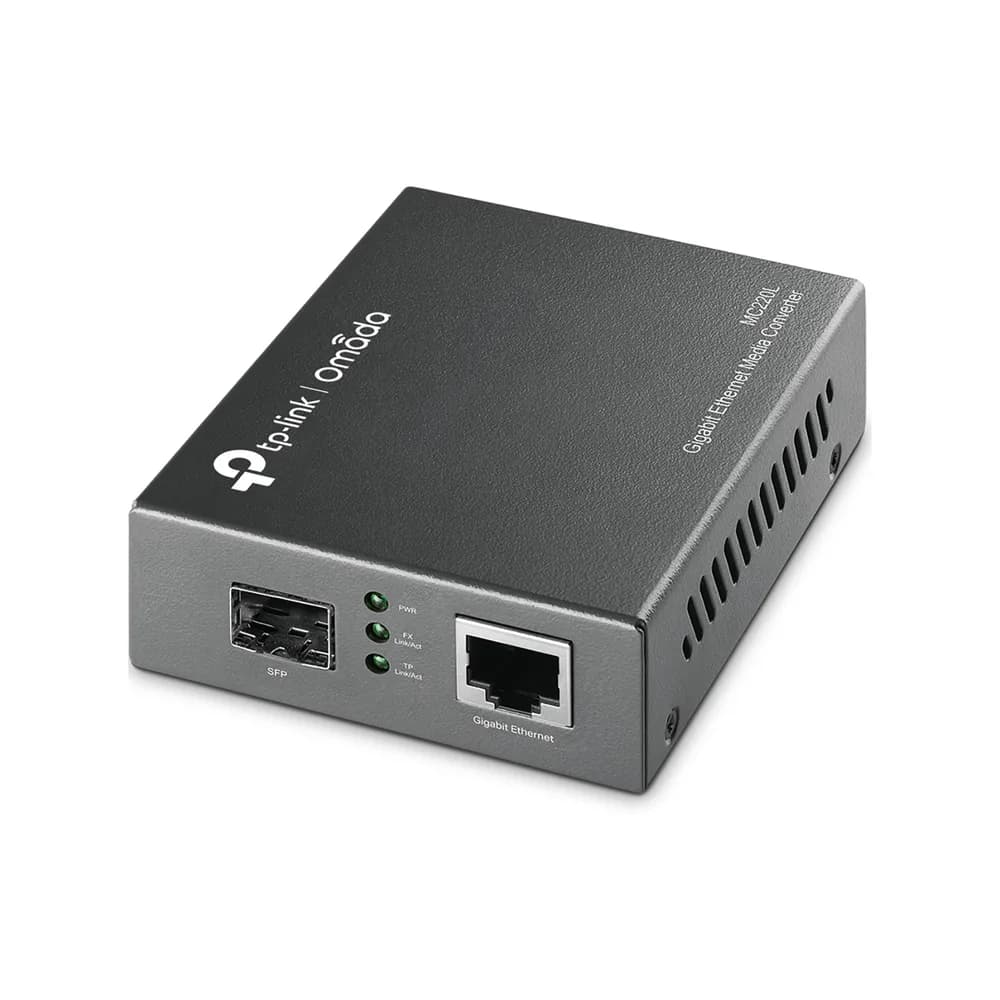
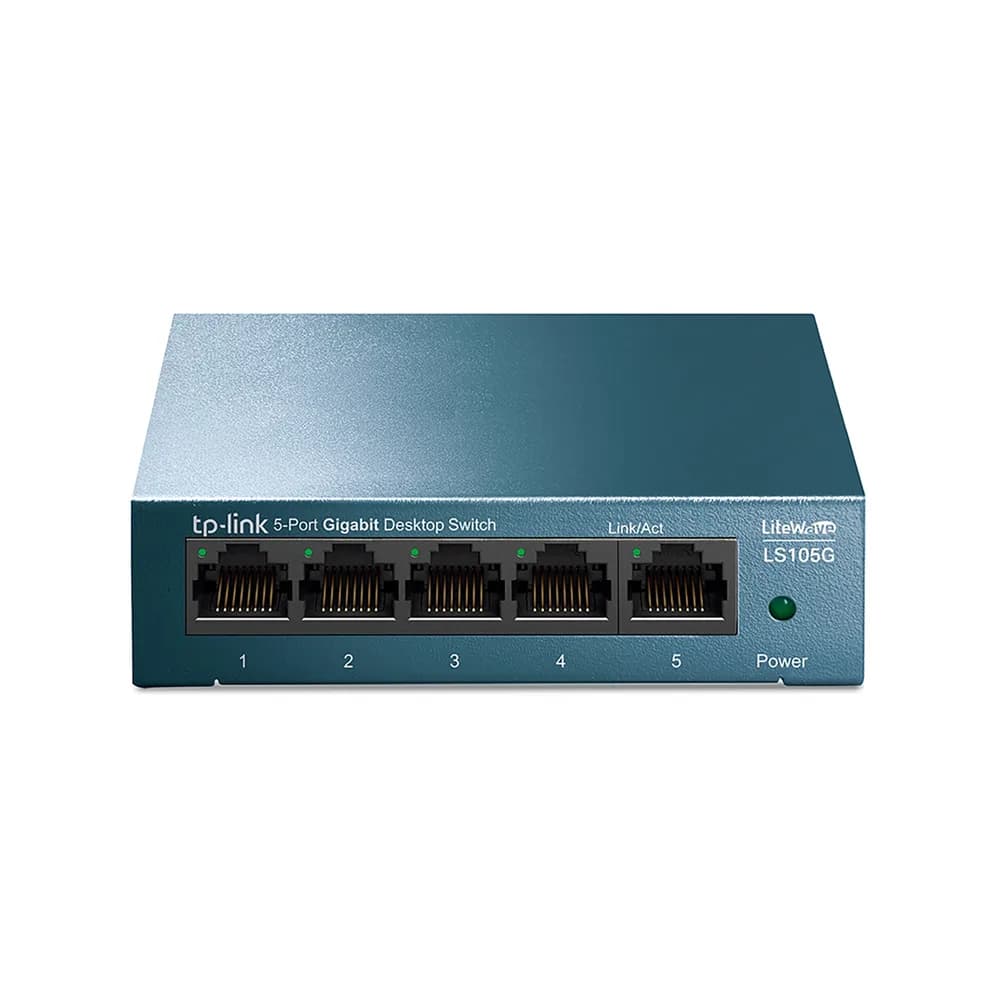
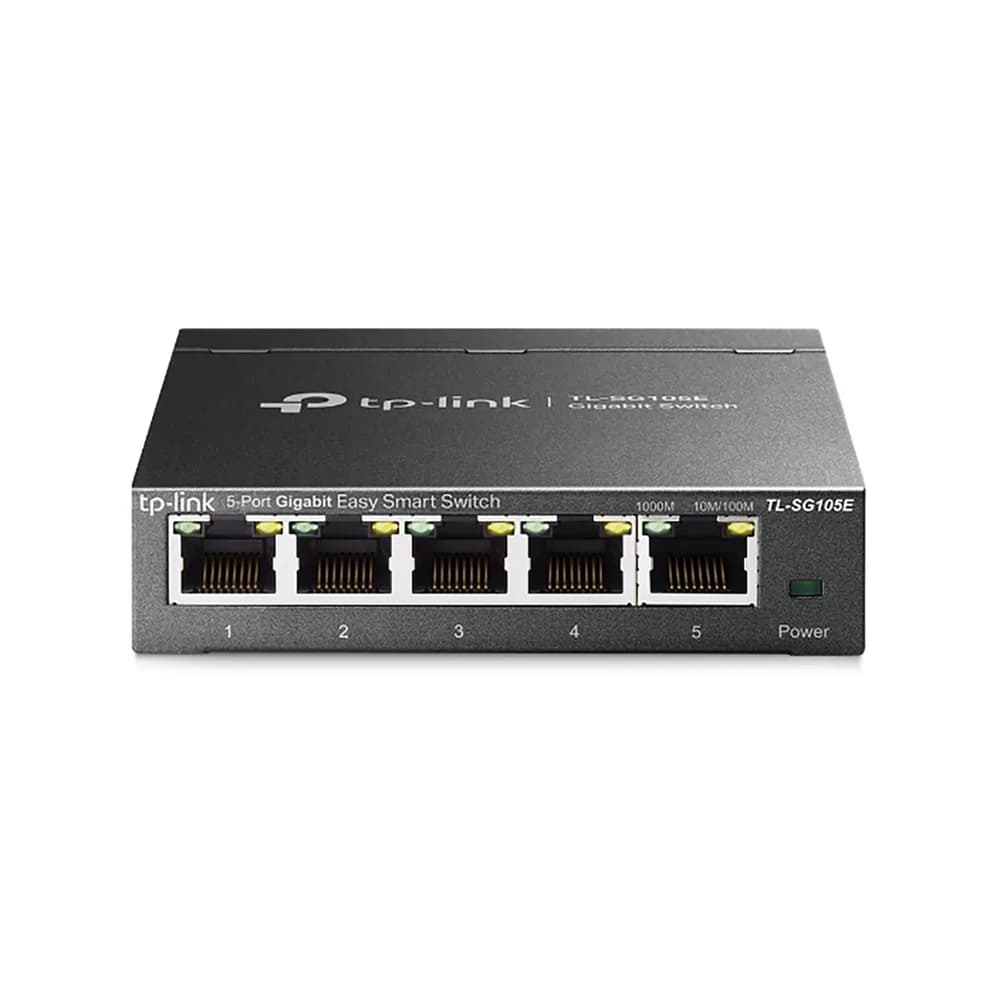
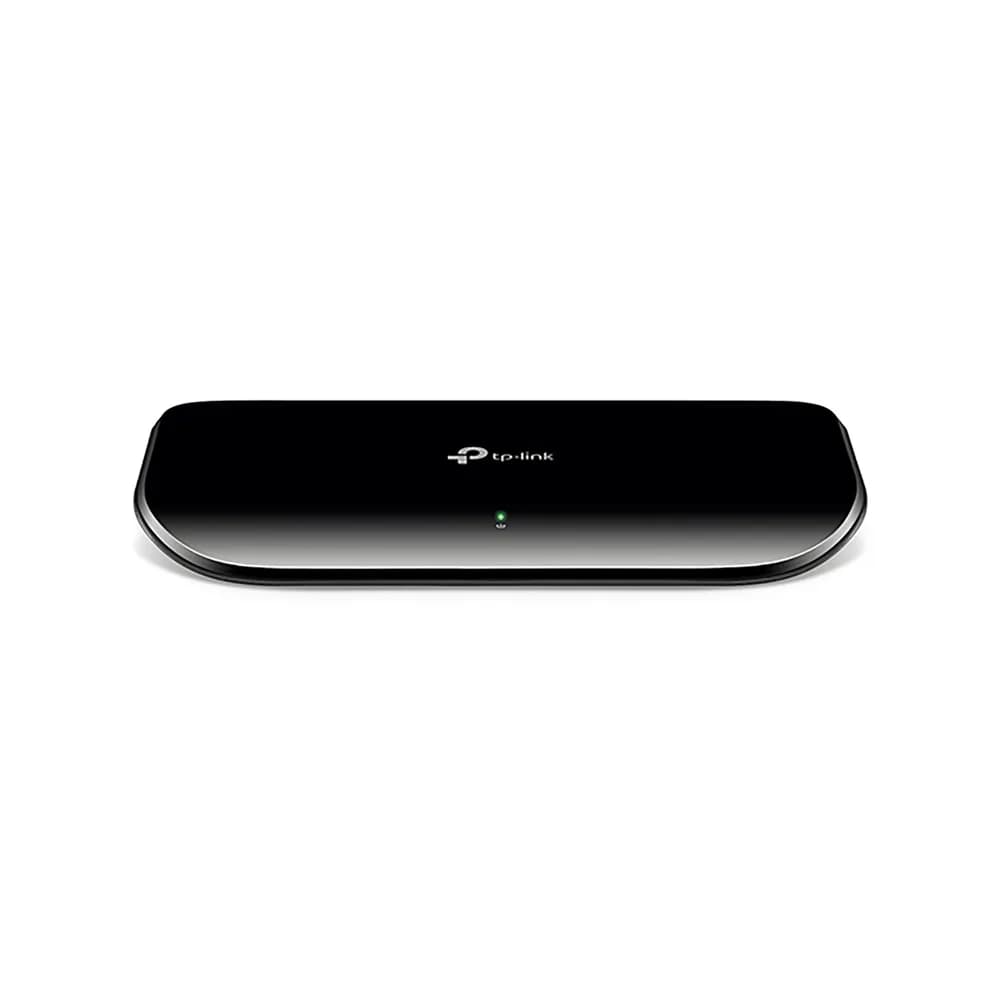
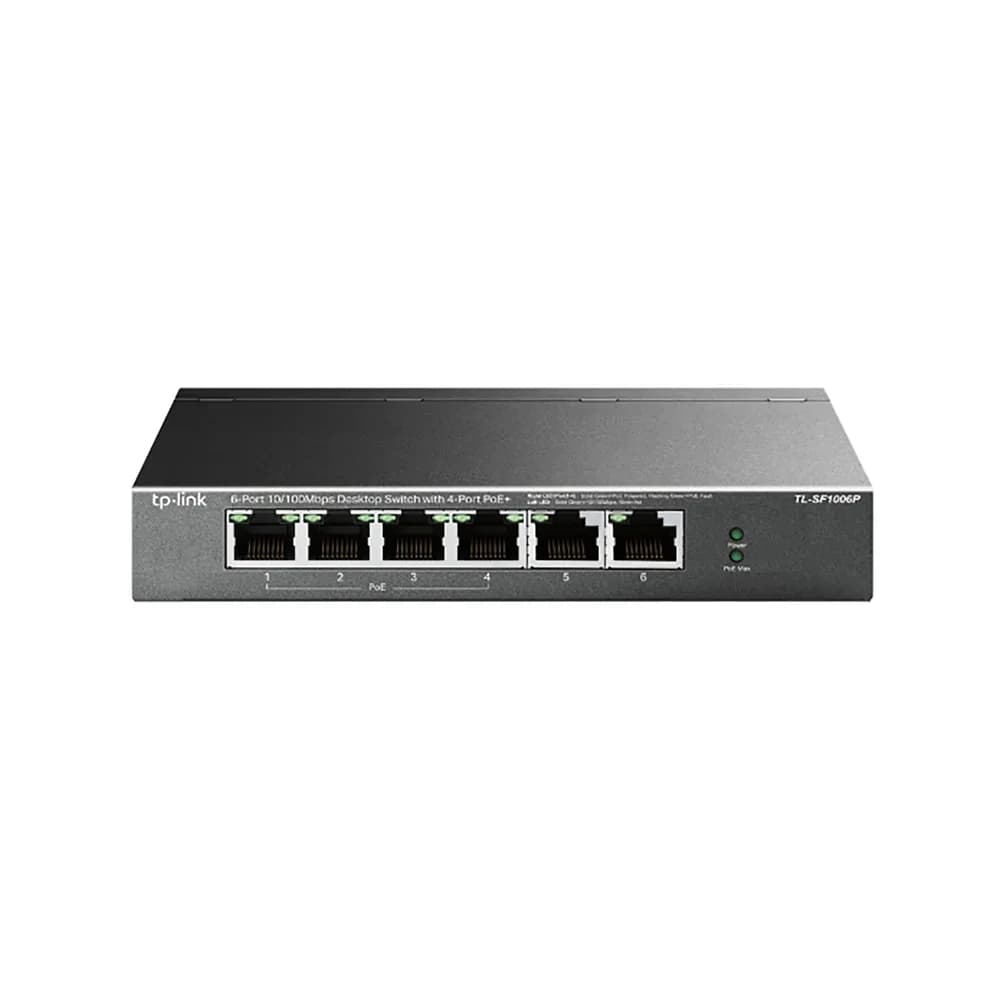
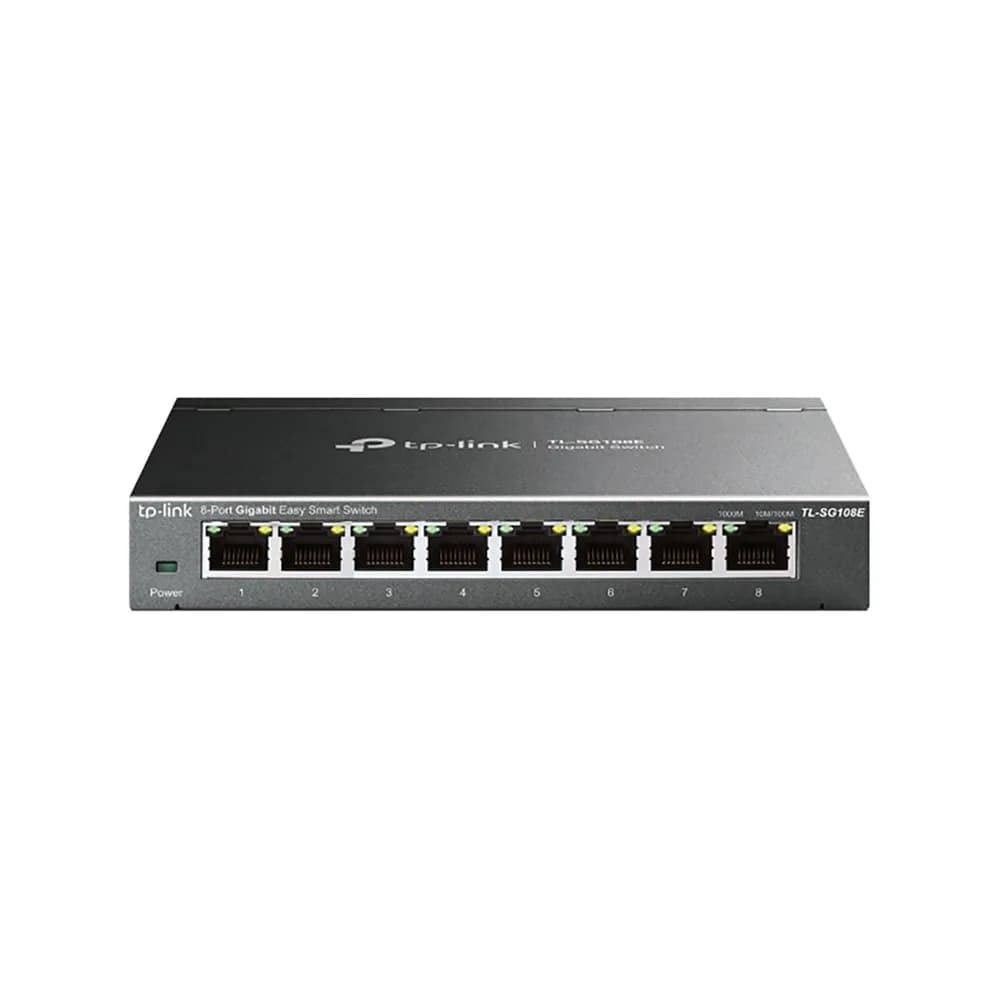
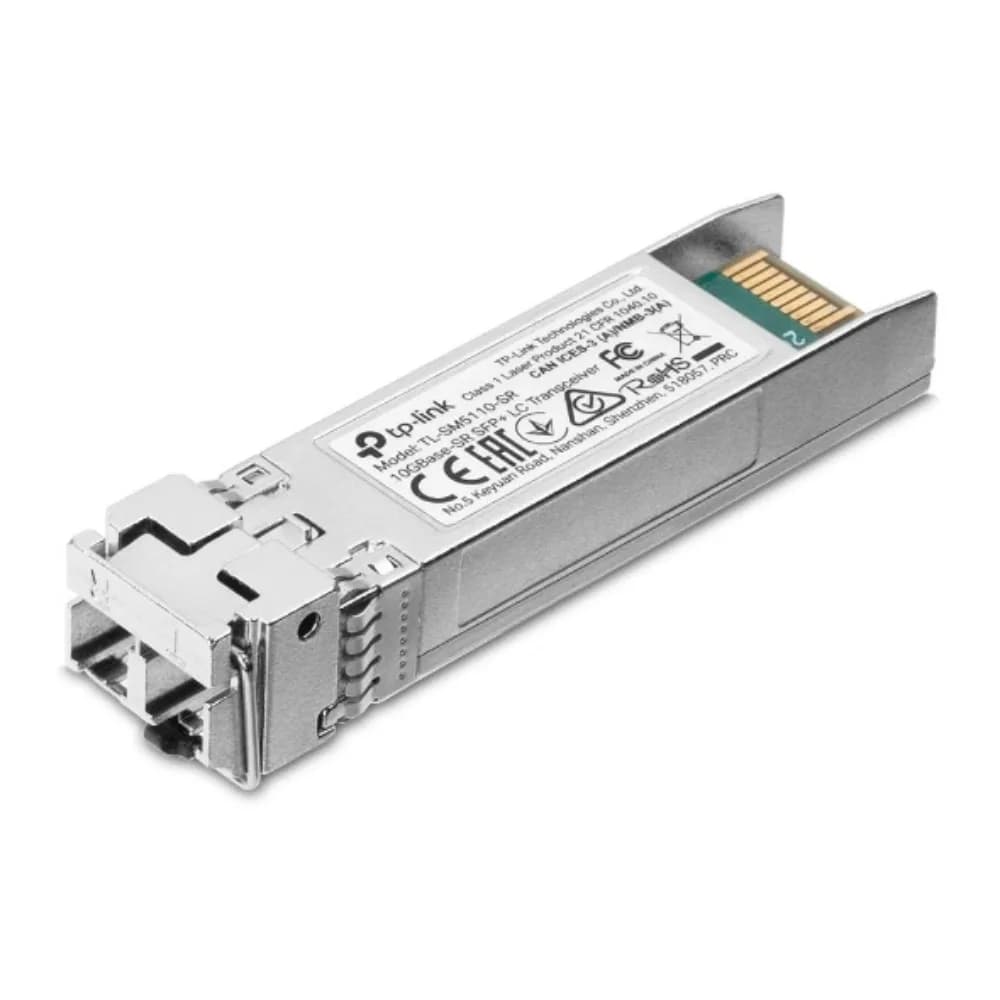
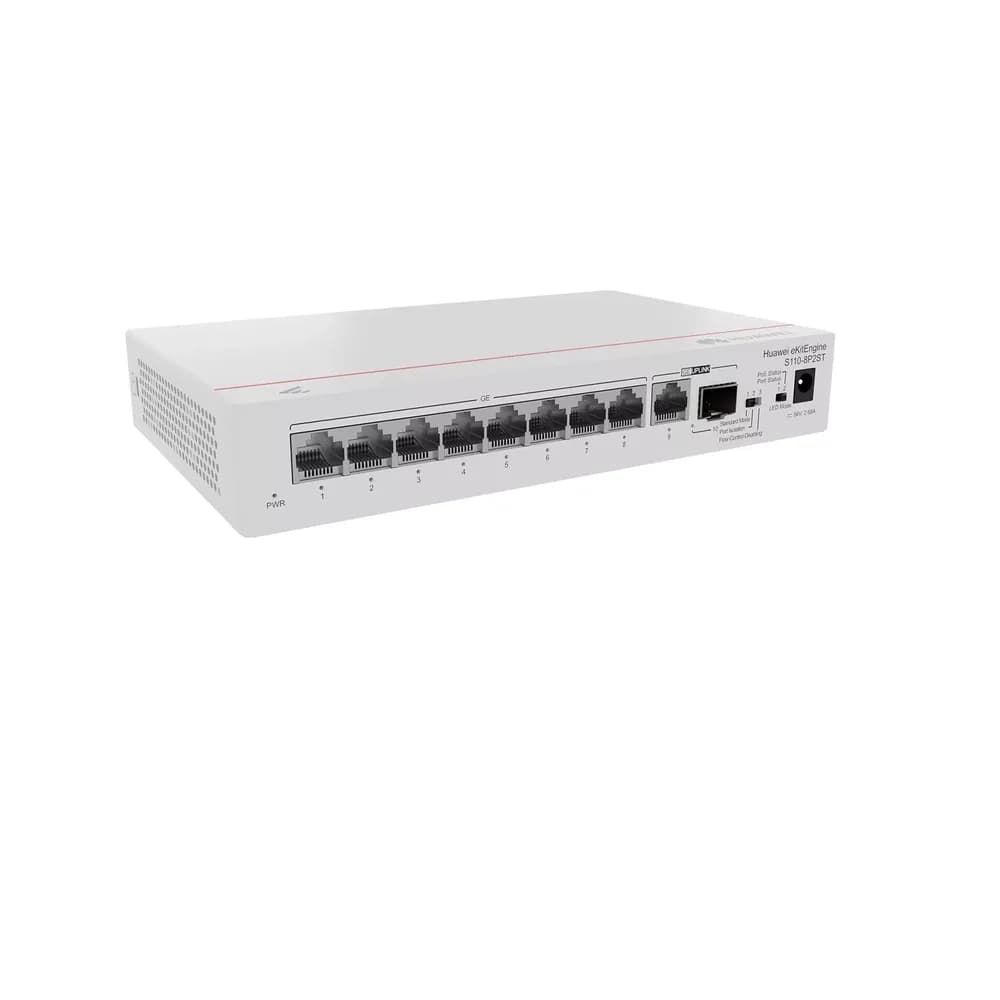
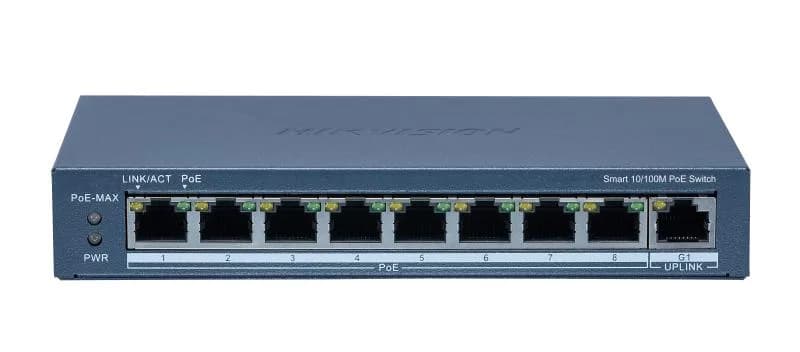
Switches add wired ports. Choose Gigabit (1000Mbps) ports, and PoE (power over Ethernet) if you want to power cameras or access points from the switch. Wired connections are more reliable and faster than Wi-Fi for desktops, printers and CCTV recorders.
Keeping the network running in power cuts
Routers and fibre equipment draw little power, so a small UPS or inverter backup keeps you online through load-shedding.
Frequently asked questions
- Do I need a new router for fibre?
- Most fibre providers supply a router, but a separate router often gives better coverage and more control. Check your provider’s connection type first.
- What is PoE and do I need it?
- Power over Ethernet sends power and data down one network cable. It is useful for IP cameras and wireless access points, where there is no power socket nearby.
- Why is my Wi-Fi slow in some rooms?
- Walls, distance and interference weaken the signal. An access point or mesh node in the weak area usually fixes it.
- Can you help me choose?
- Yes. Contact us with the size of the space and the number of devices and we will recommend suitable equipment.
Related guides, parts and services
- → CCTV and security — cameras and recorders
- → UPS units — keep the network up during load-shedding
- → Inverters — backup power
- → Working through load-shedding — stay online and productive
Not sure what you need? Contact us with your laptop model number and we will help.